Asus Router Encryption Setup For Pop3 Encryption: Right Where You Need It
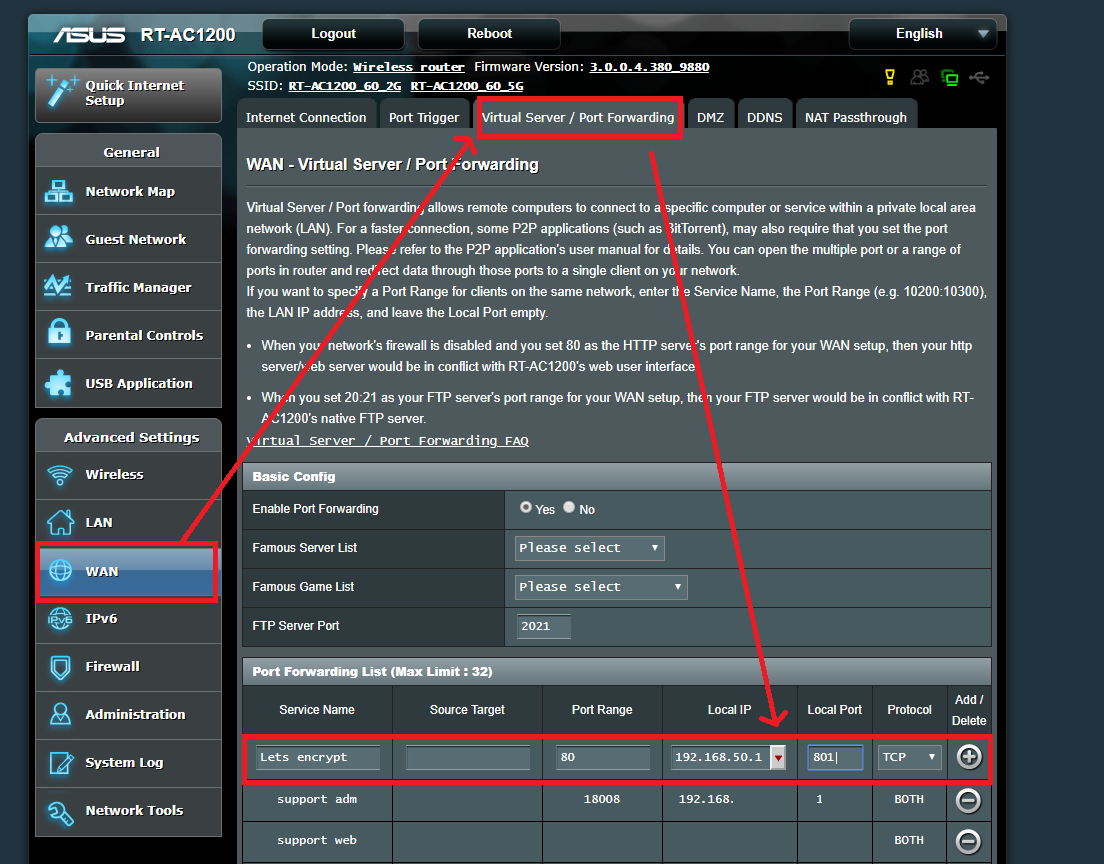
If you arrived here looking for Asus Router Encryption Setup For Pop3 Encryption, you are in the right place, presented through a broad set of image examples you can browse freely.
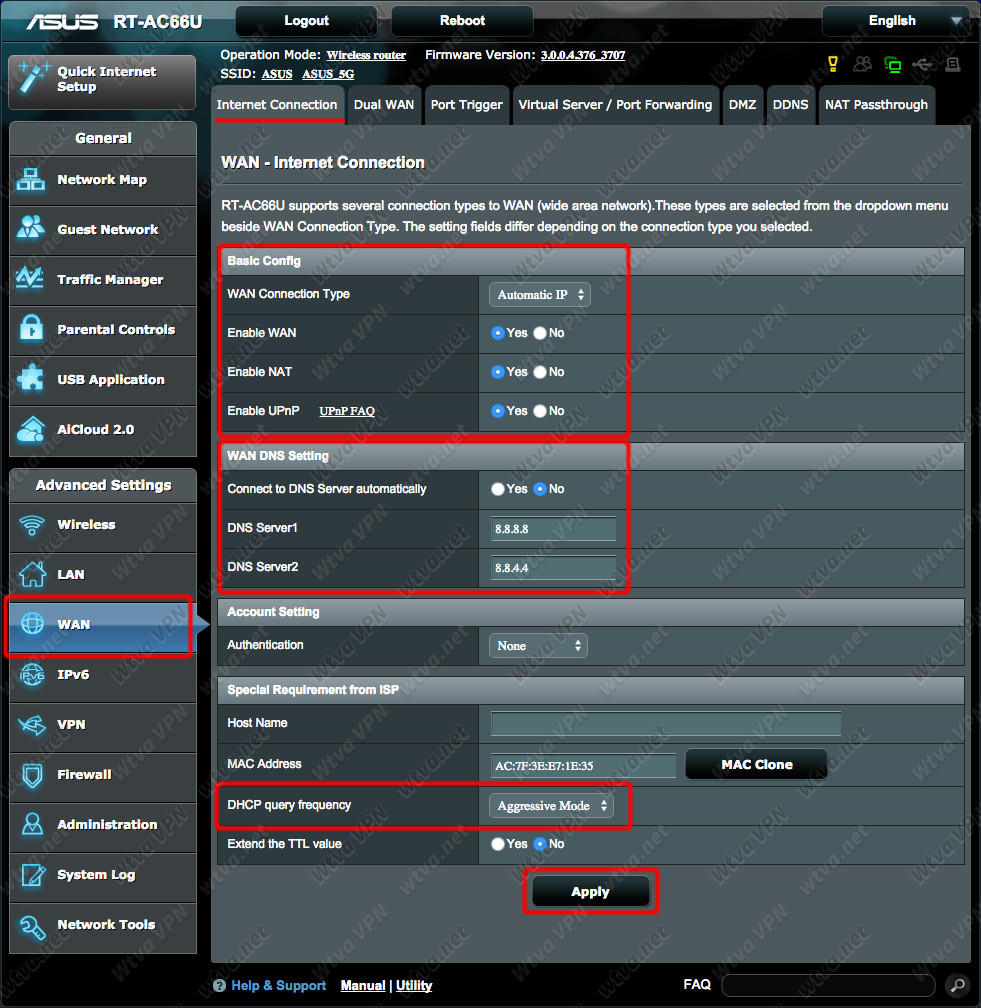
Sometimes words are not enough to describe what you have in mind, because one clear image can answer what paragraphs cannot.
Asus Router Encryption Setup For Pop3 Encryption in Actual Pictures

Every example image highlights a slightly different version of Asus Router Encryption Setup For Pop3 Encryption, and you will quickly see how much variety exists.
Take your time moving through the collection, and familiarity builds faster than you might expect.
Reading Asus Router Encryption Setup For Pop3 Encryption Through Images
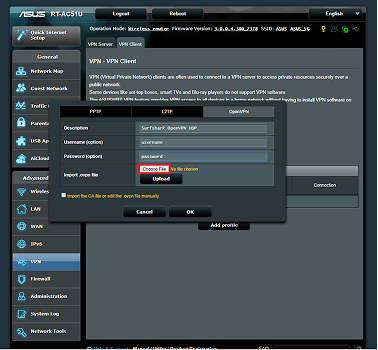
Think of each example as a visual definition, showing details that are hard to put into words.
Watch for the elements that appear again and again, since repetition across images signals what defines it.
All the Different Looks of Asus Router Encryption Setup For Pop3 Encryption
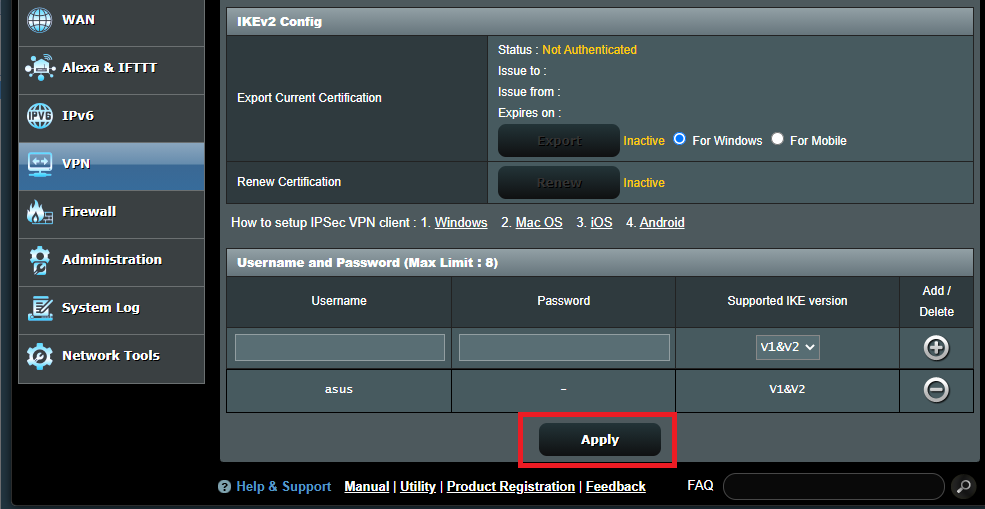
No two examples in the gallery look exactly the same, some are simple and minimal, others are bold and detailed, and seeing them together makes your own preference obvious.
A strong reaction to one example is always useful information, that reaction is a better guide than any checklist.
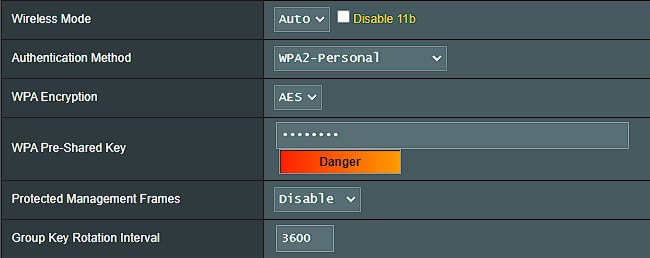
Getting Practical Value From the Images
Every picture here can serve as a working reference, for instance, keeping a shortlist of your favorite pictures.
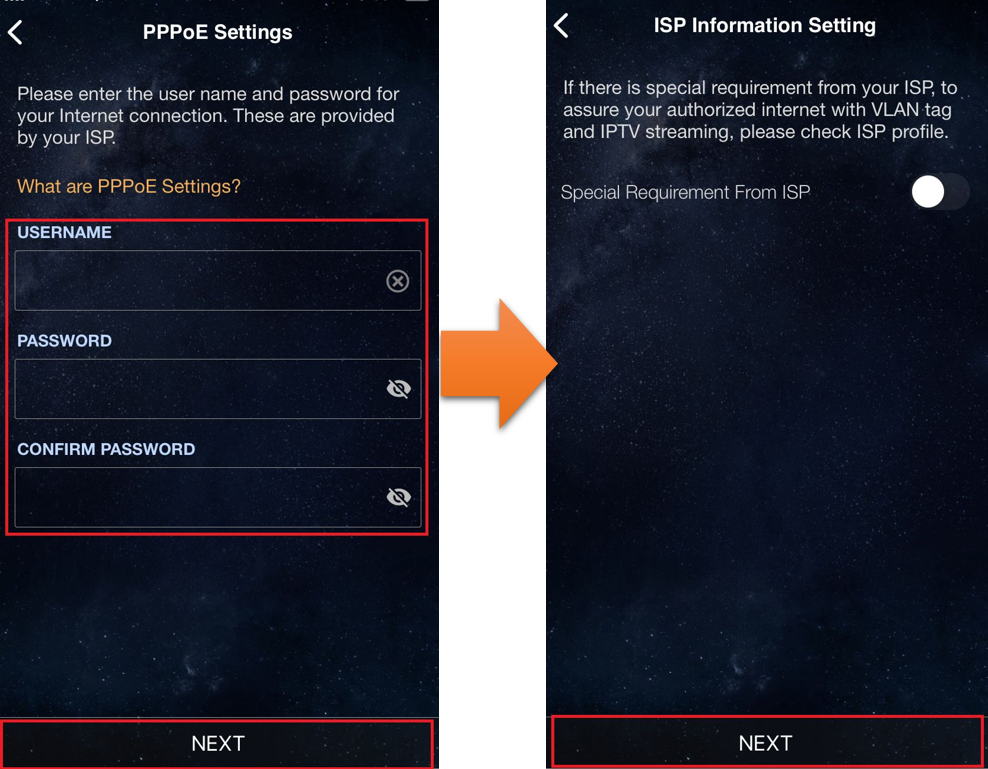
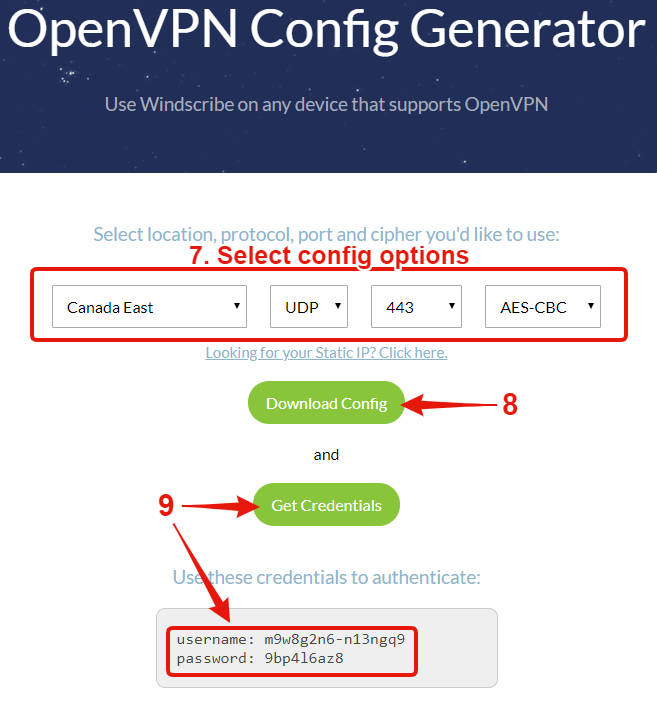
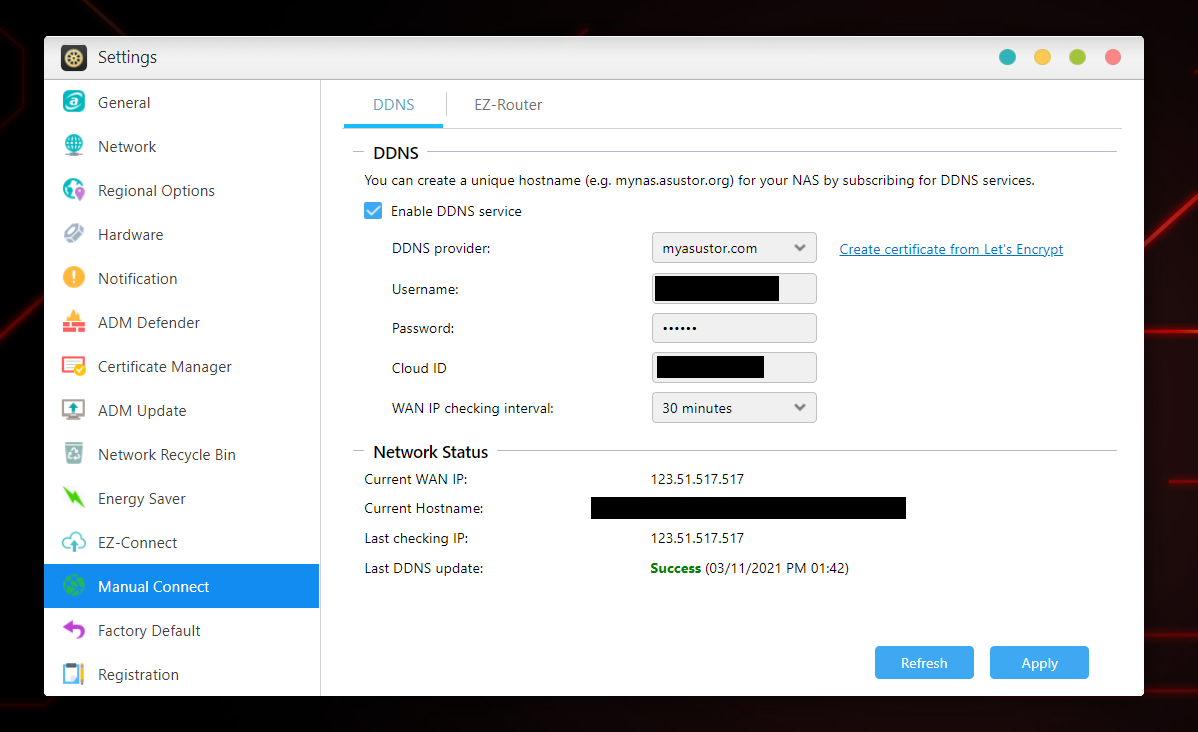


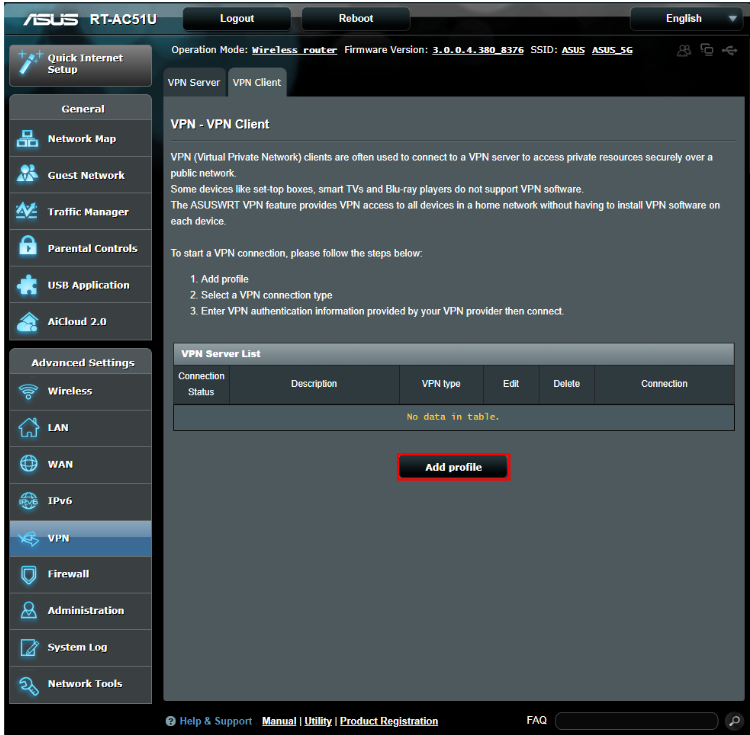

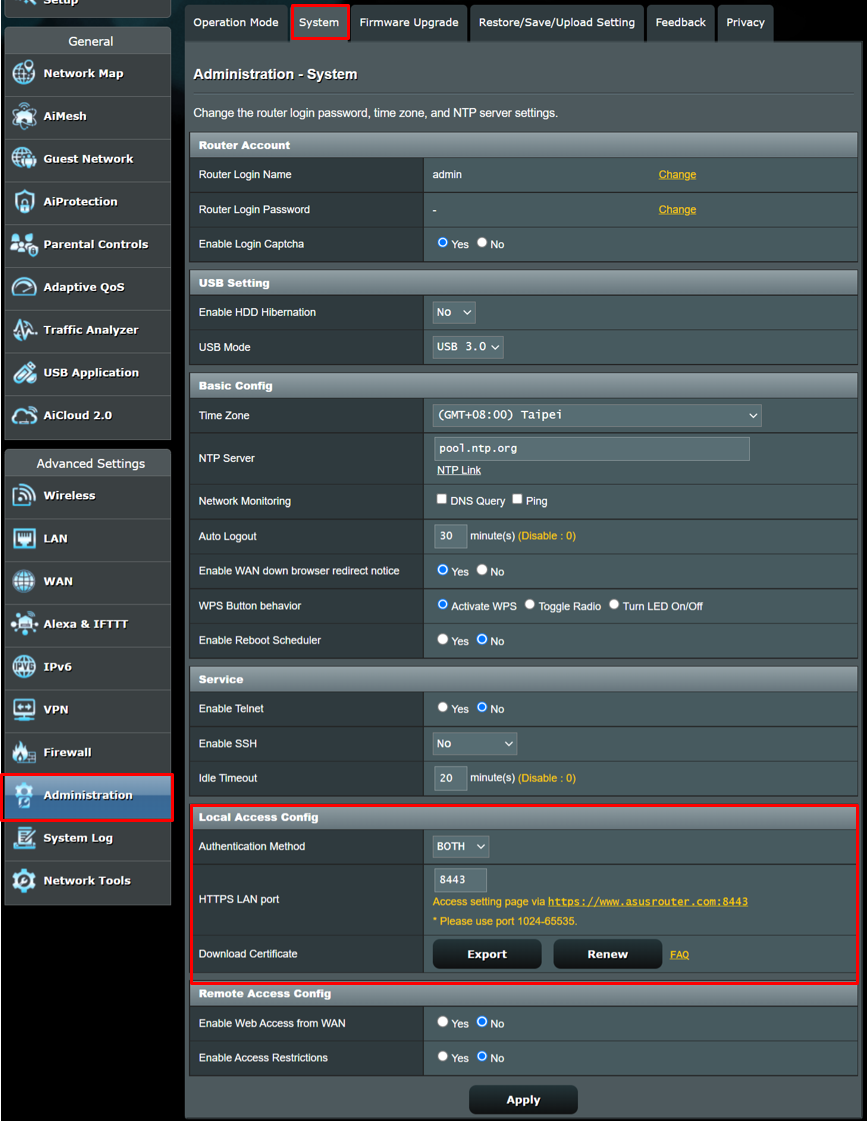
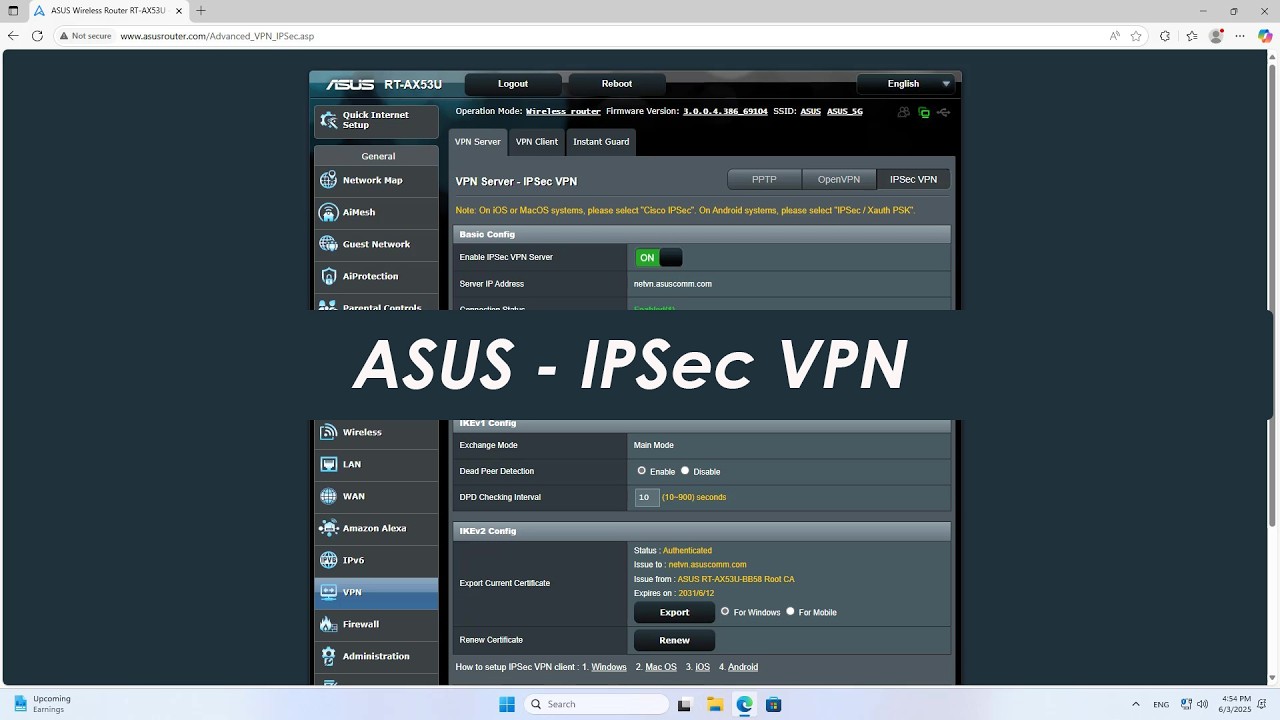
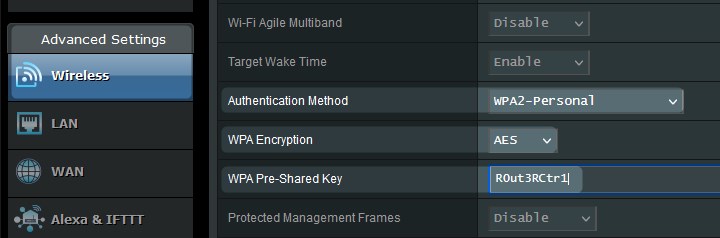
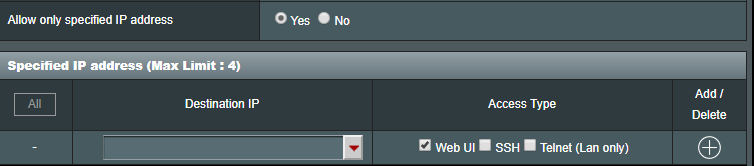

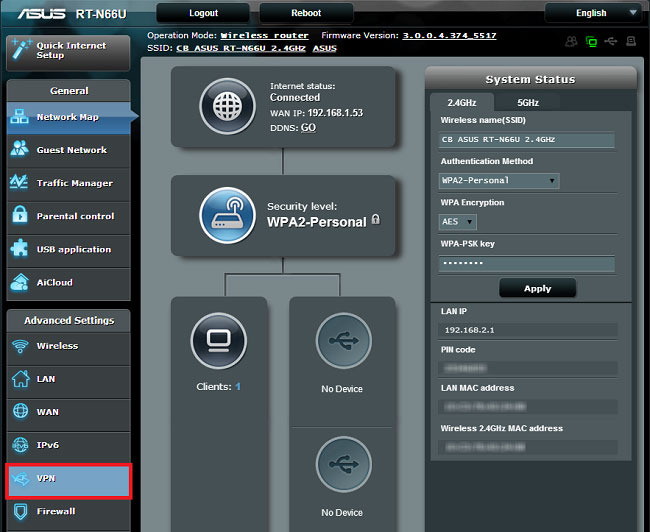
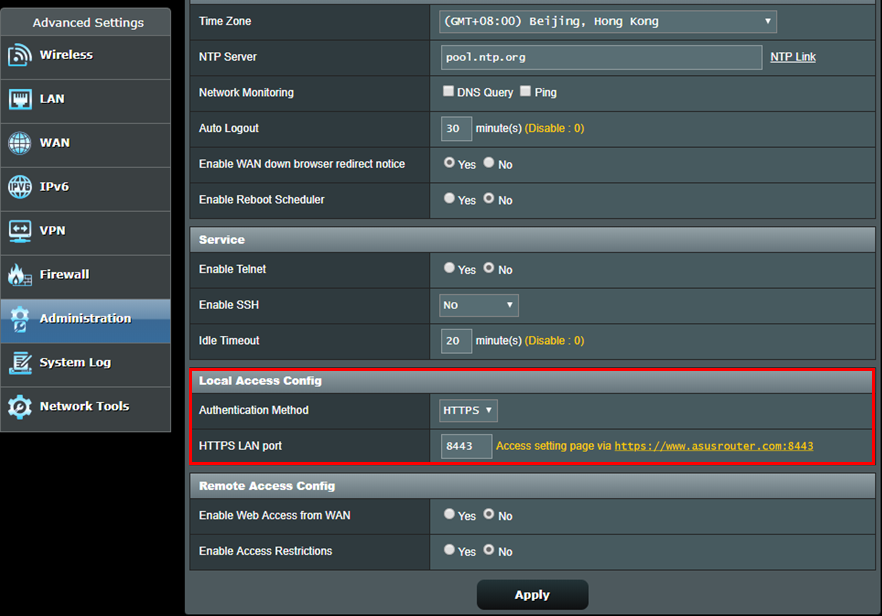


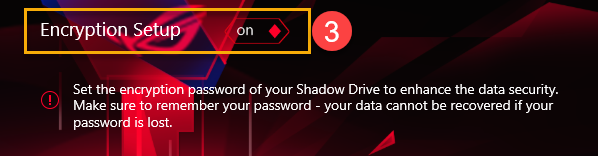
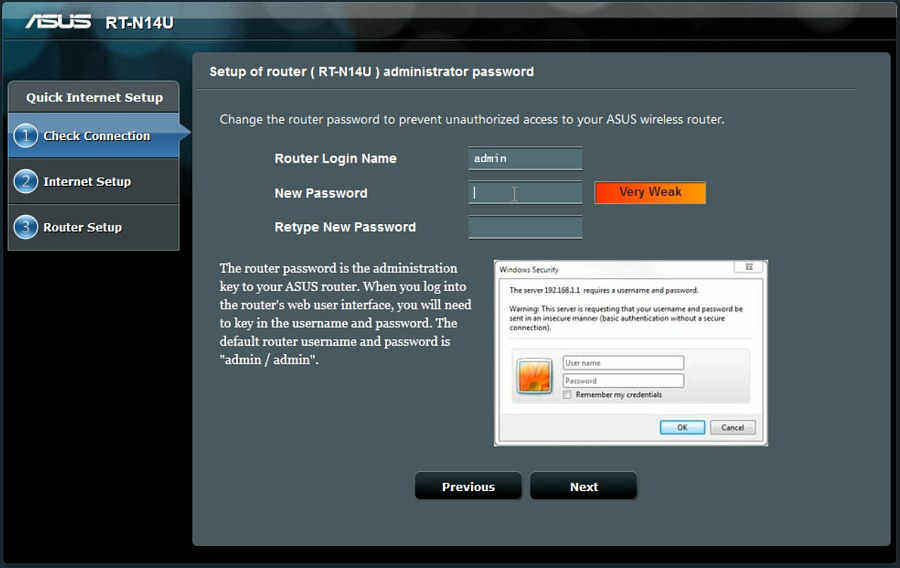

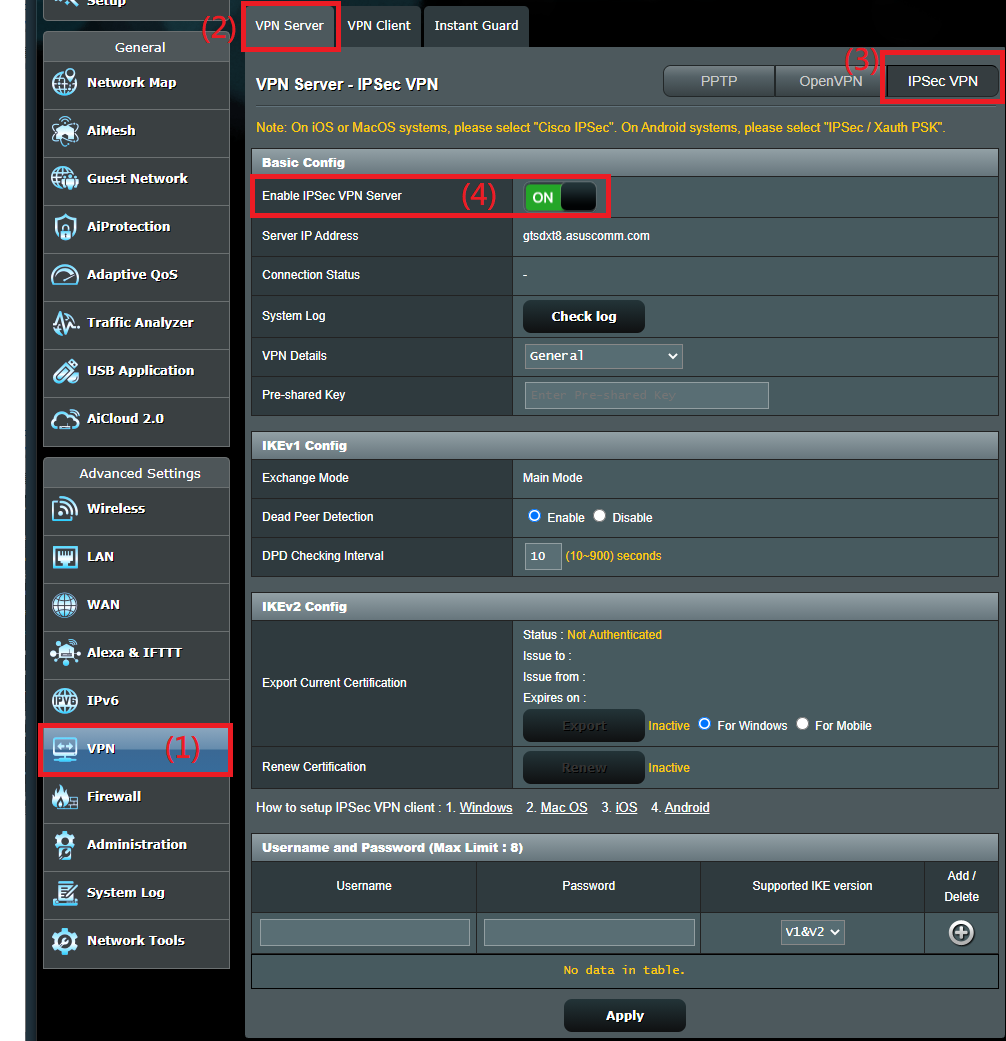
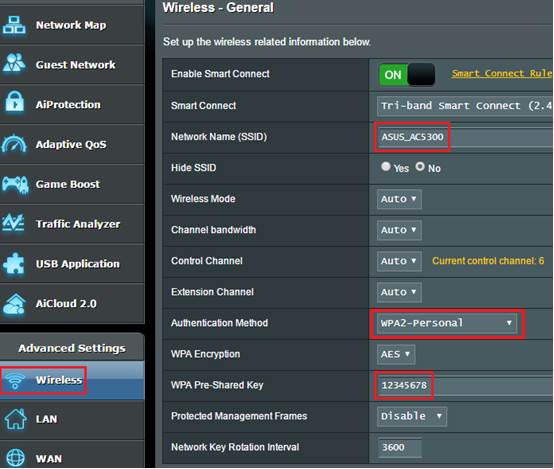

You can also use the images to explain the idea to someone else, so the other person sees exactly what you see.
Closer Looks at the Examples
Every example rewards a second, closer look, noting the choices that give each example its character.
A closer look at one good image beats skimming twenty, and let a few carefully chosen references guide your direction.
Seeing Is Understanding
There is a simple reason image searches are so popular, an image delivers the subject directly with no filter.
That is the strength of having many examples side by side, be it ideas, verification, or simply knowing what to call it.
Come Back to This Gallery Anytime
Whenever Asus Router Encryption Setup For Pop3 Encryption comes up again, these images will be here, as your preferences may shift the second time you look.
Over time, you will notice details casual viewers miss, so scroll back up and give the collection another look.