Looking for Capture Mac Screen With Annotation Tool? Here It Is

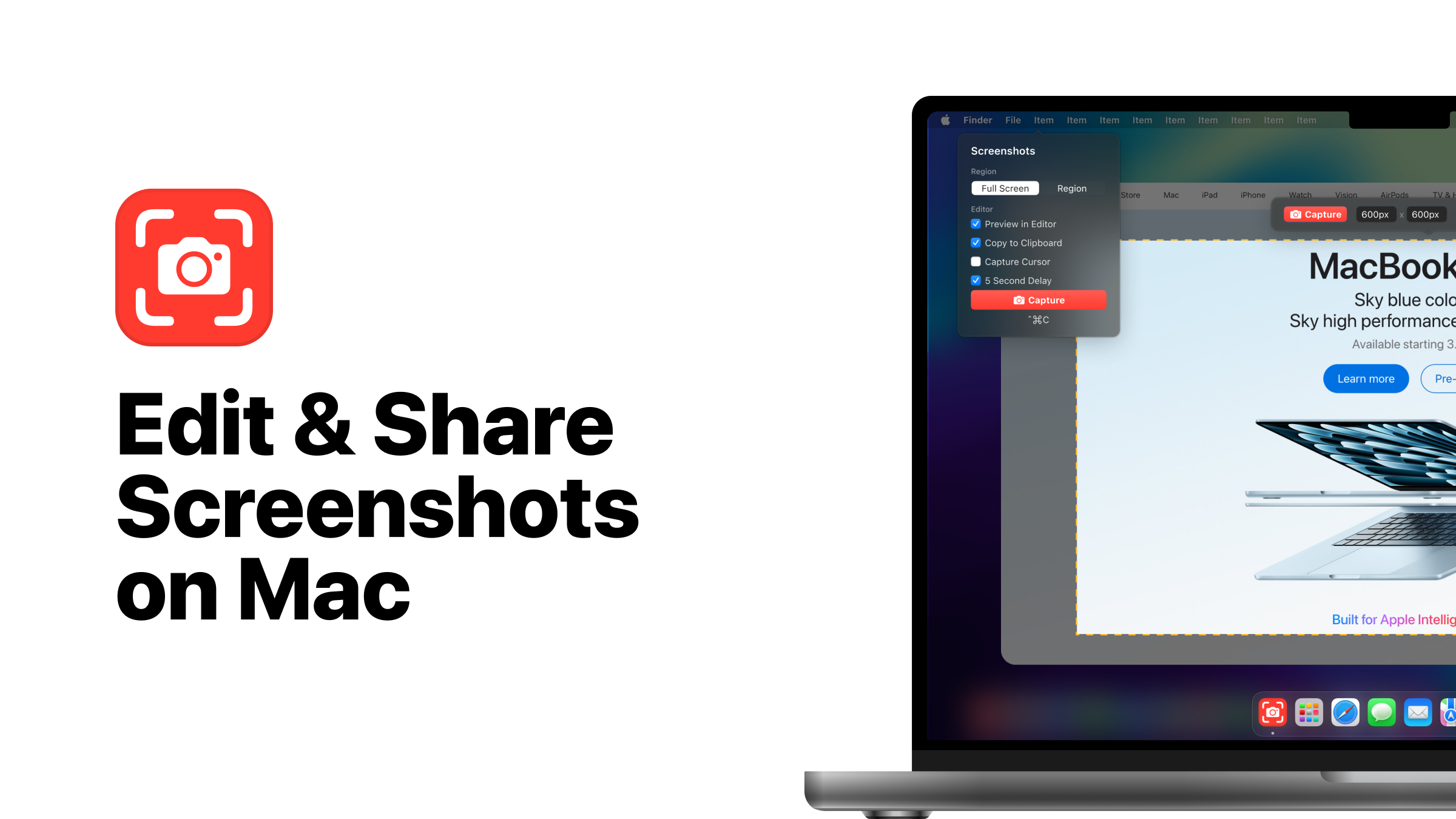
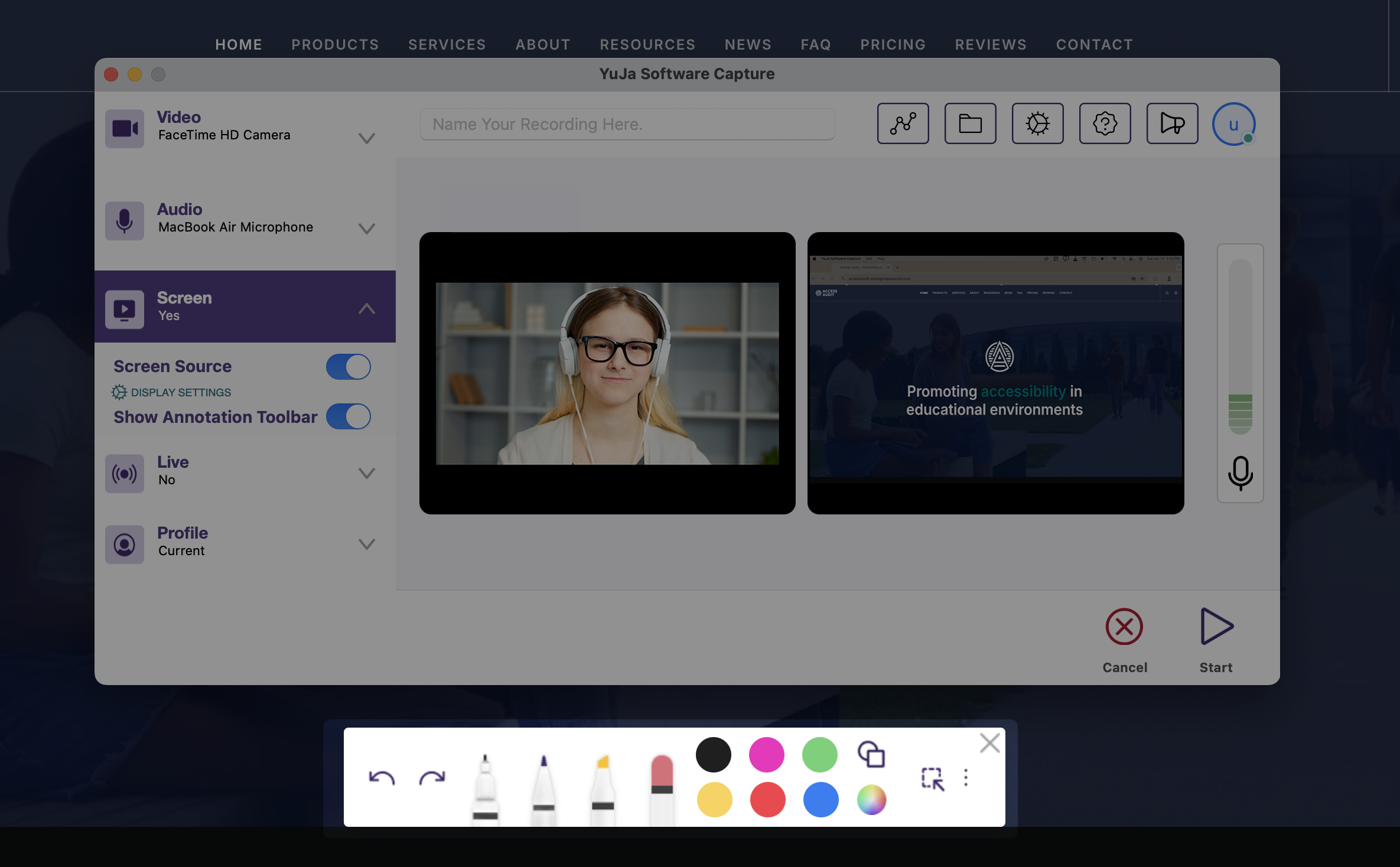
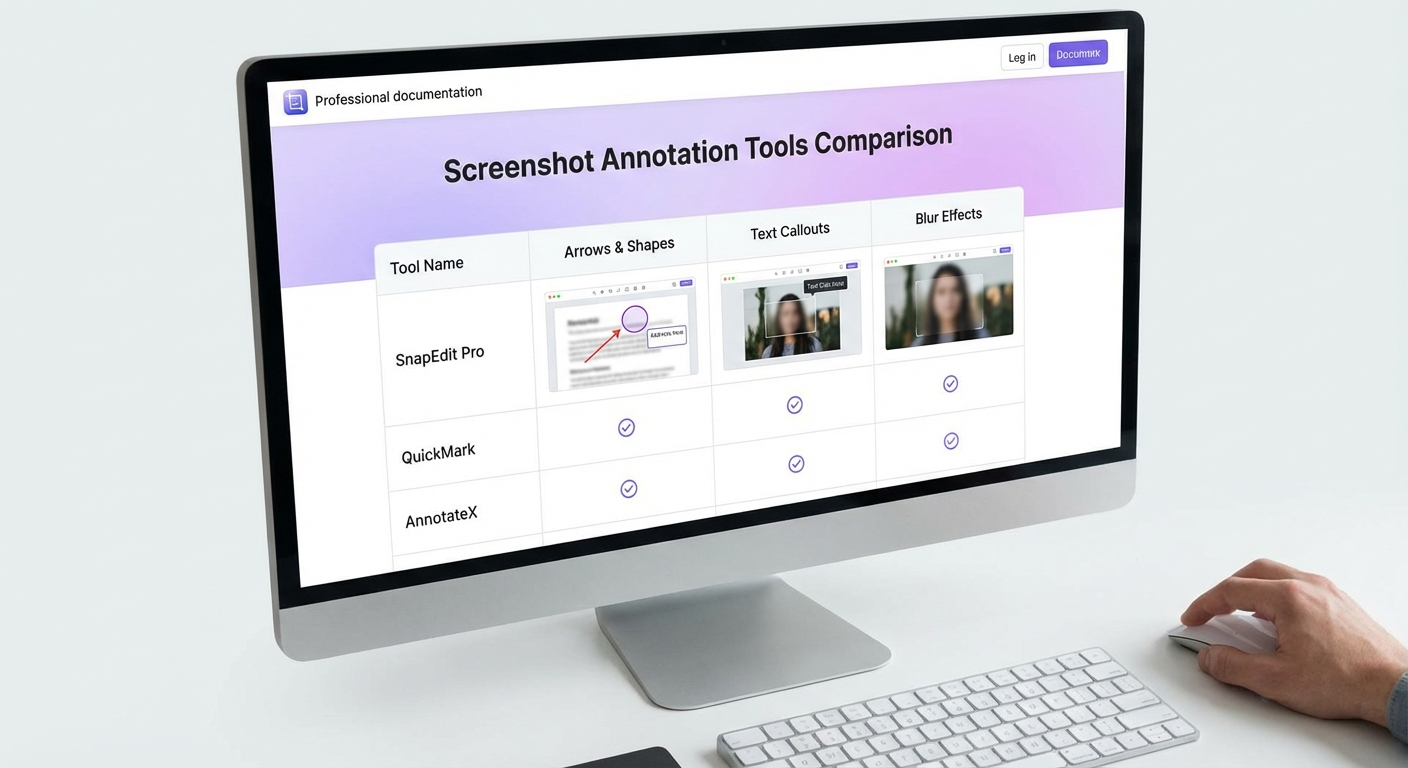
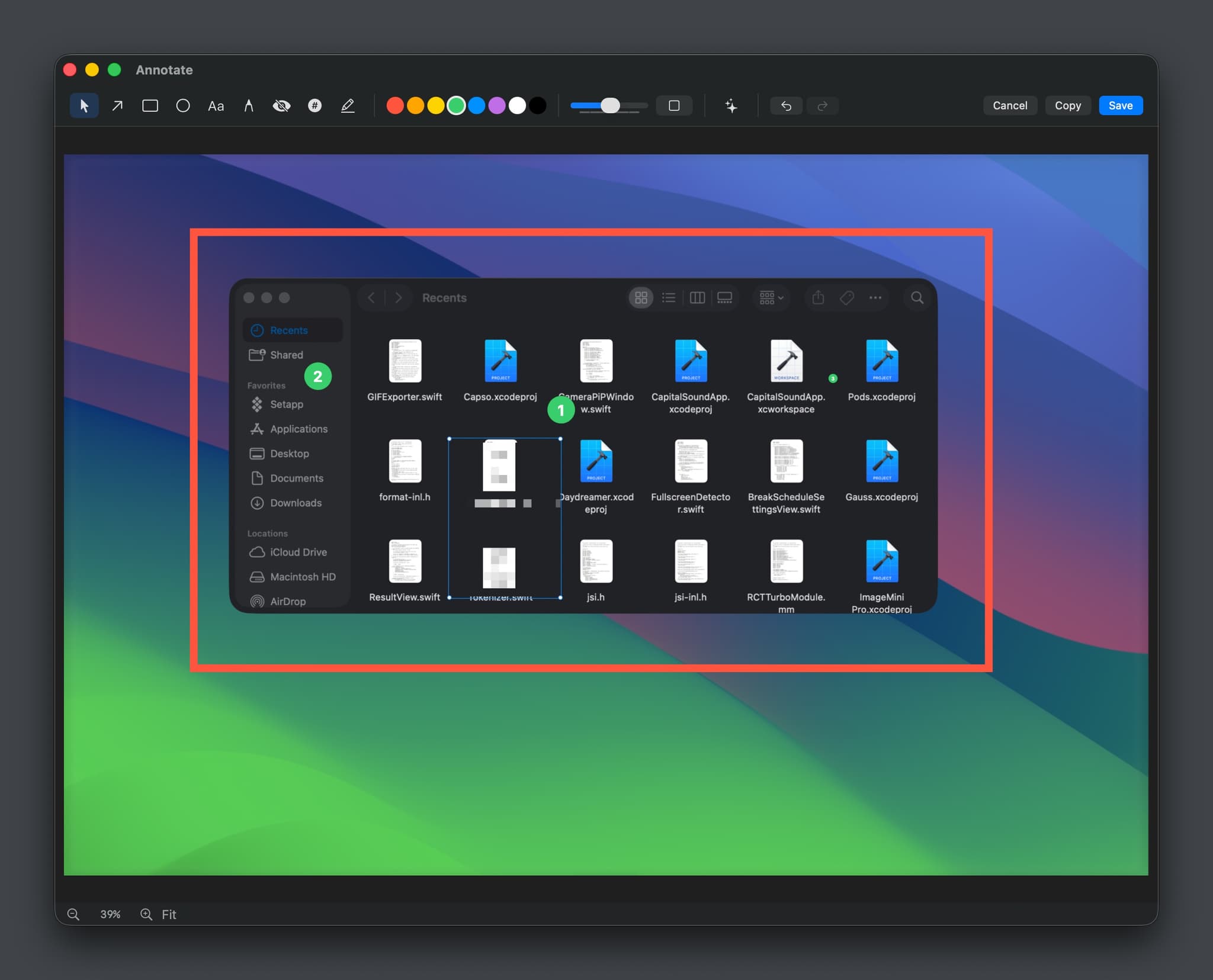
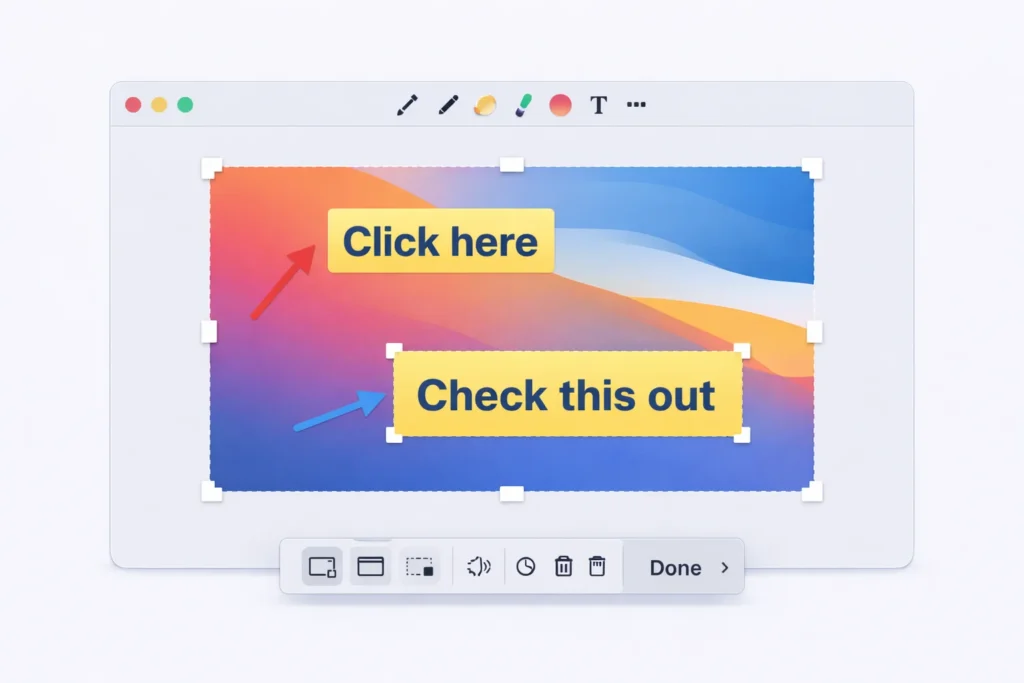
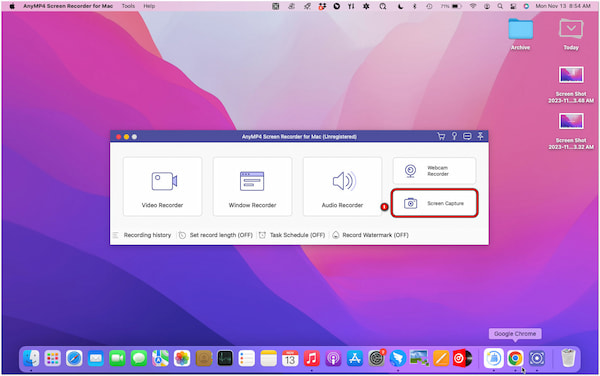
You came here for Capture Mac Screen With Annotation Tool, and everything below is exactly that, supported by a wide range of real example pictures for reference.
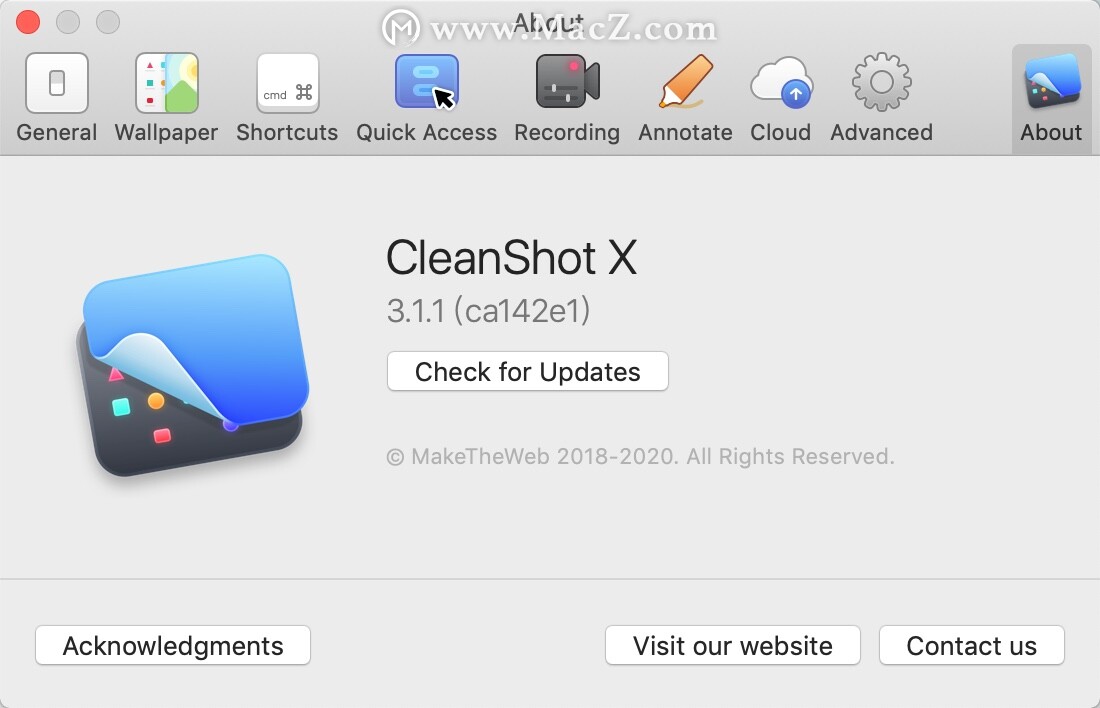
A description can only go so far before a picture does the job better, so looking at real examples explains far more than any description can.
Example Images of Capture Mac Screen With Annotation Tool
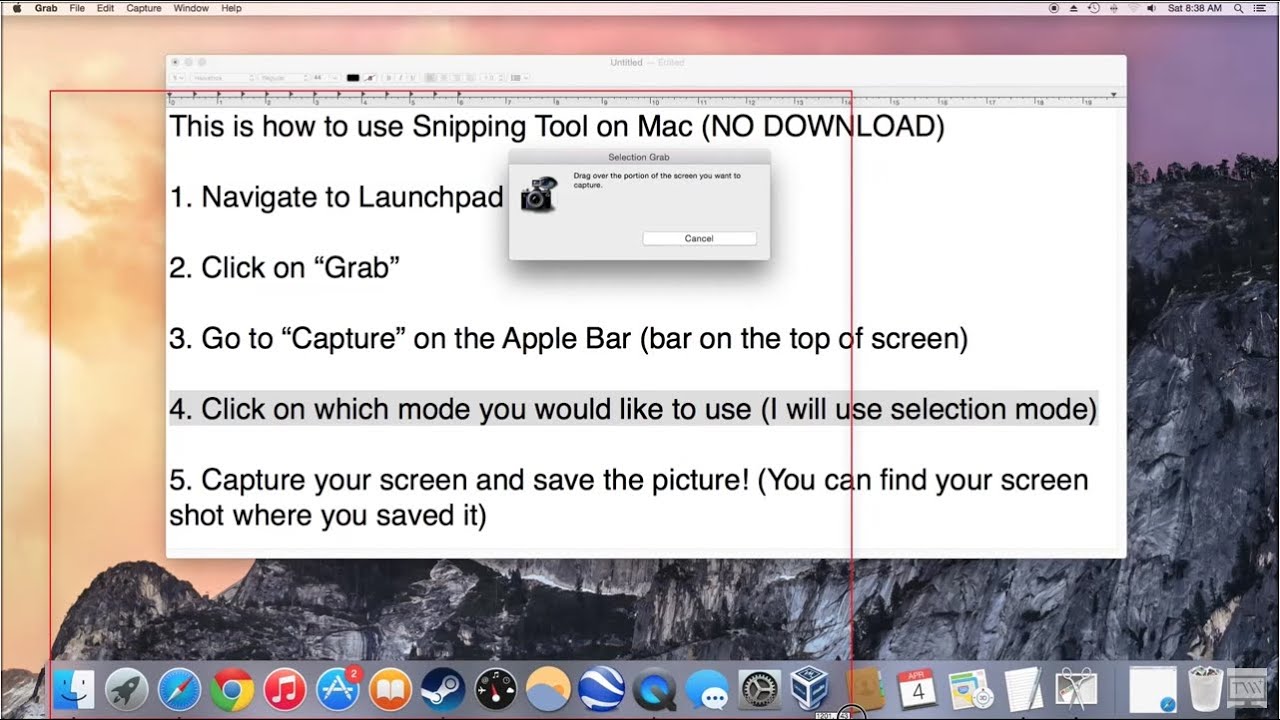
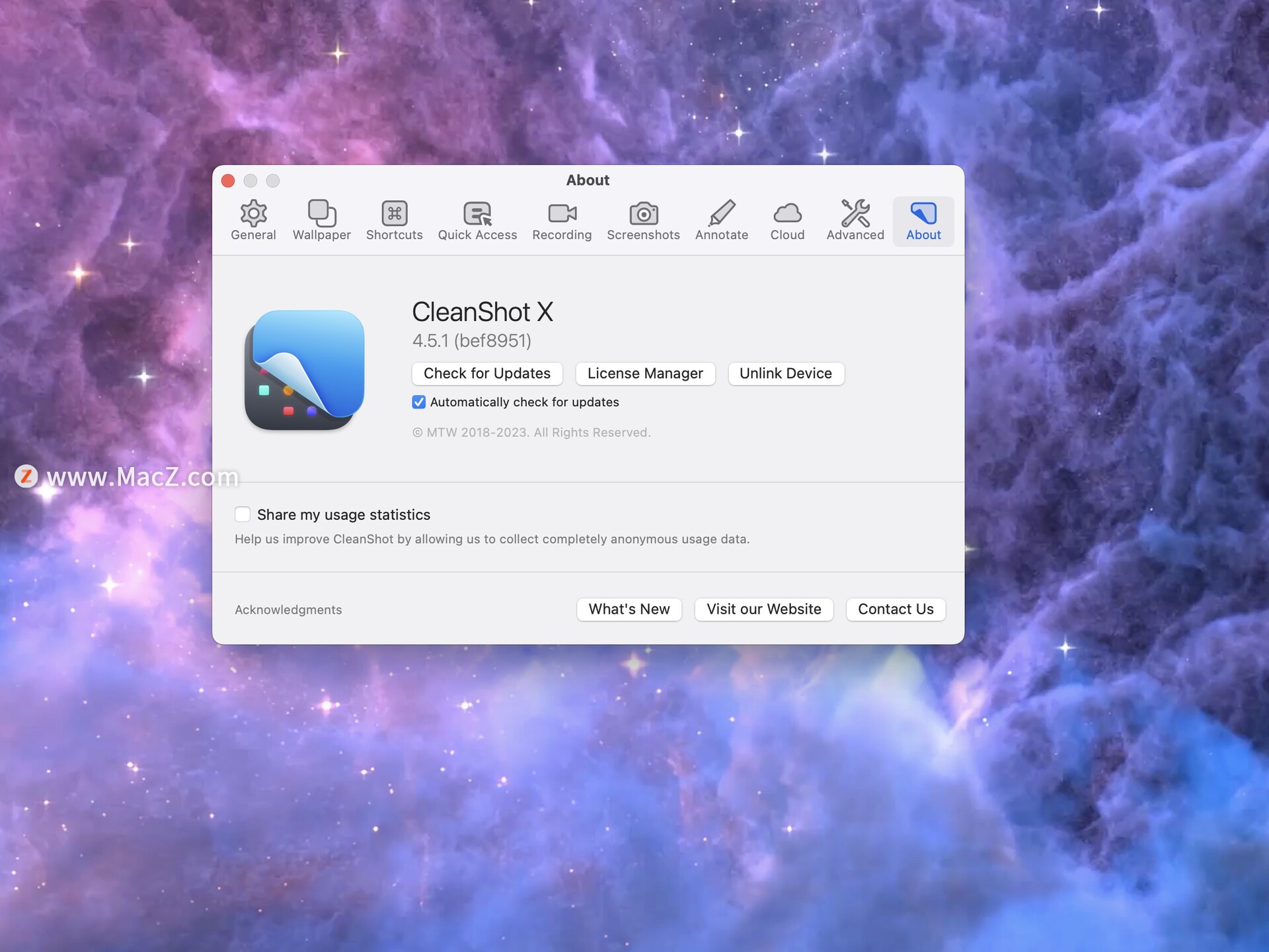
The images below show Capture Mac Screen With Annotation Tool in many different forms and settings, which makes it easy to spot the differences between variations.
There is no need to rush past the pictures, and repeated details across images reveal what truly matters.
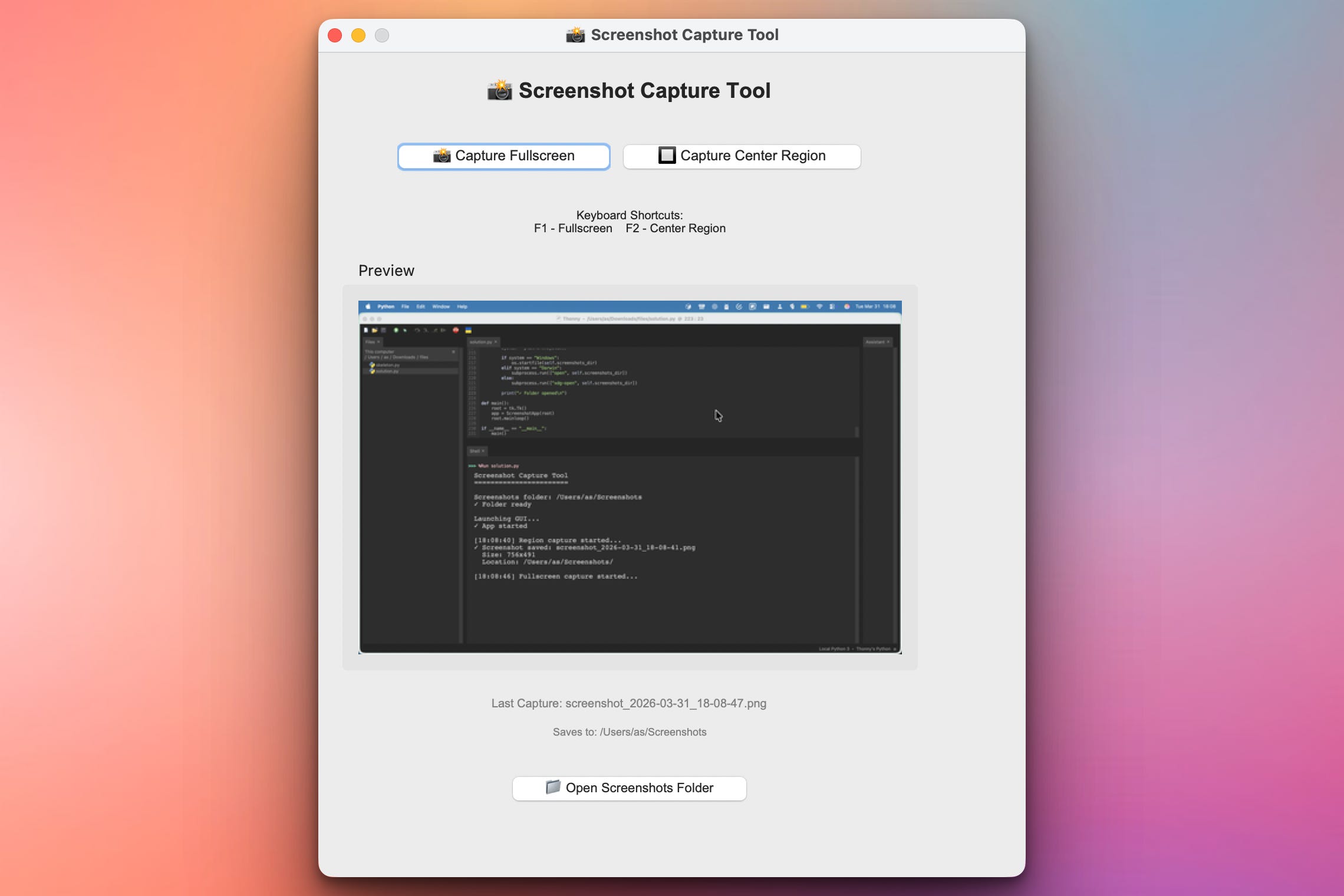
Reading Capture Mac Screen With Annotation Tool Through Images
Every photo tells you something a description would miss, showing details that are hard to put into words.
Compare a few examples and observe what repeats, since repetition across images signals what defines it.
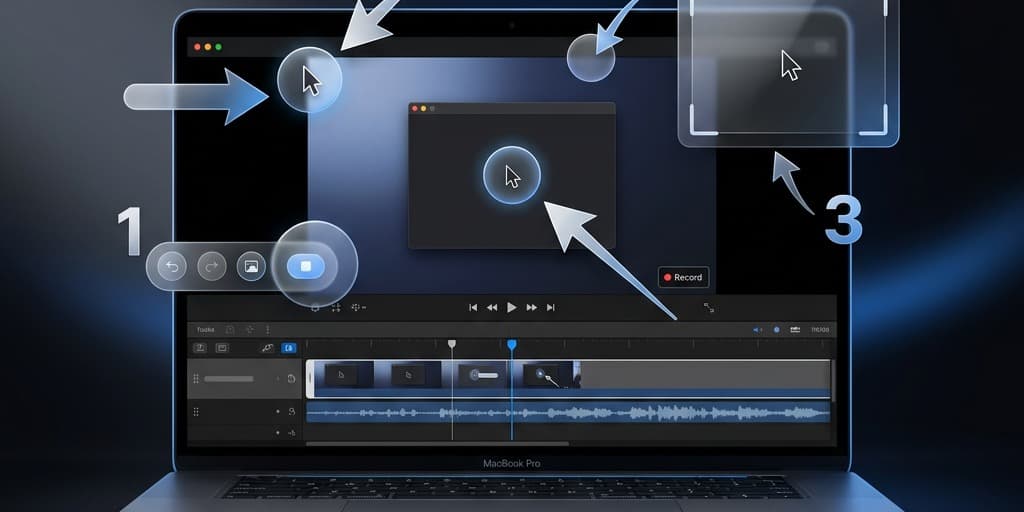
From One Style to Another
There is a surprising range of styles and interpretations here, some are simple and minimal, others are bold and detailed, so studying the range helps you identify which style suits you best.
Notice which image makes you stop scrolling, since your natural preference reveals itself faster than you think.
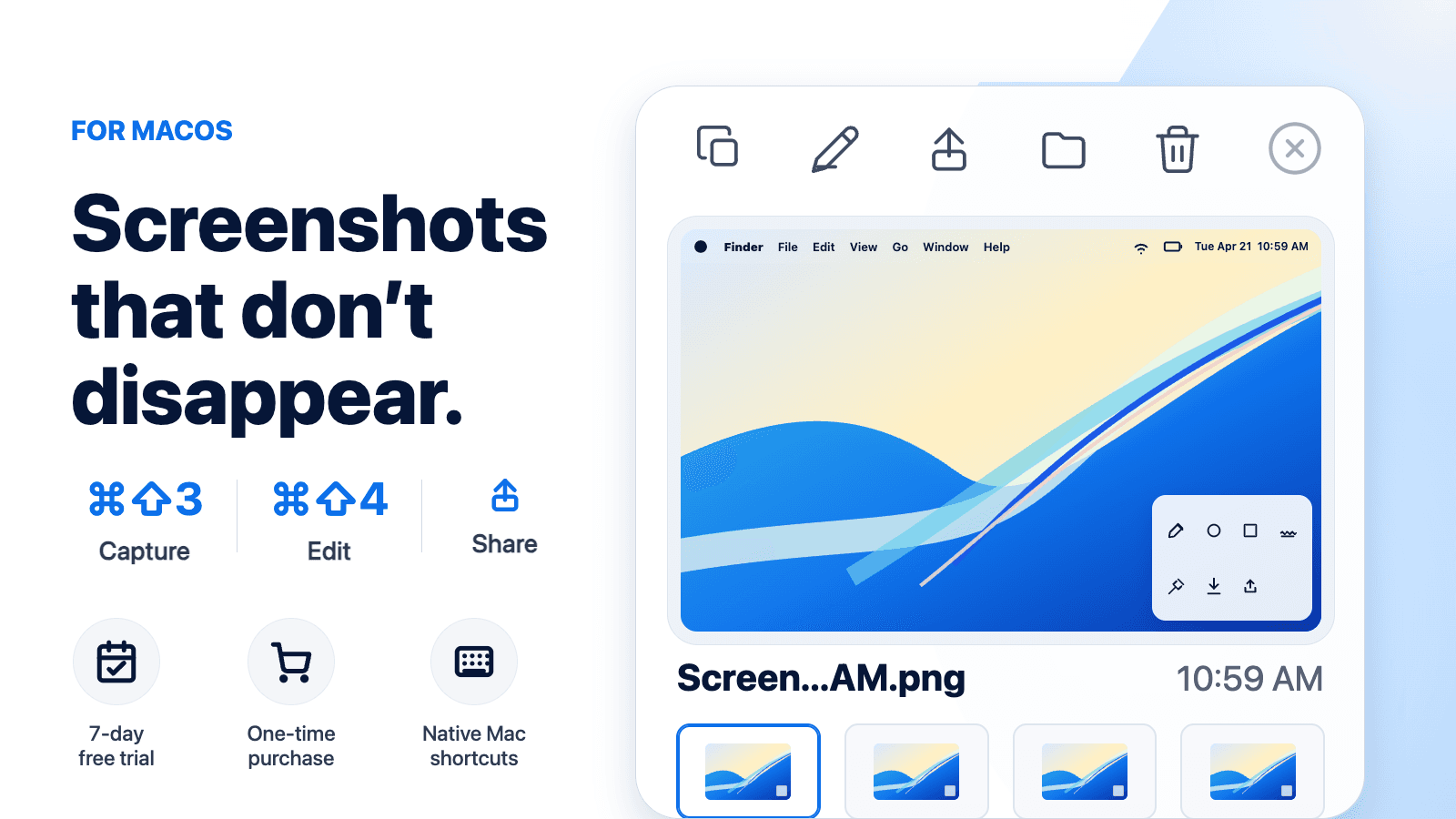
Getting Practical Value From the Images
The collection works best when you do something with it, for instance, keeping a shortlist of your favorite pictures.
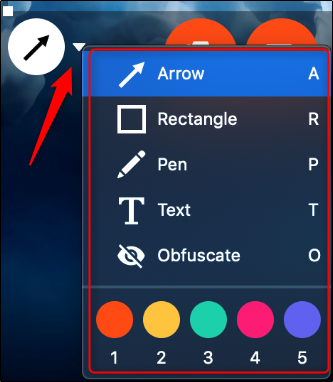
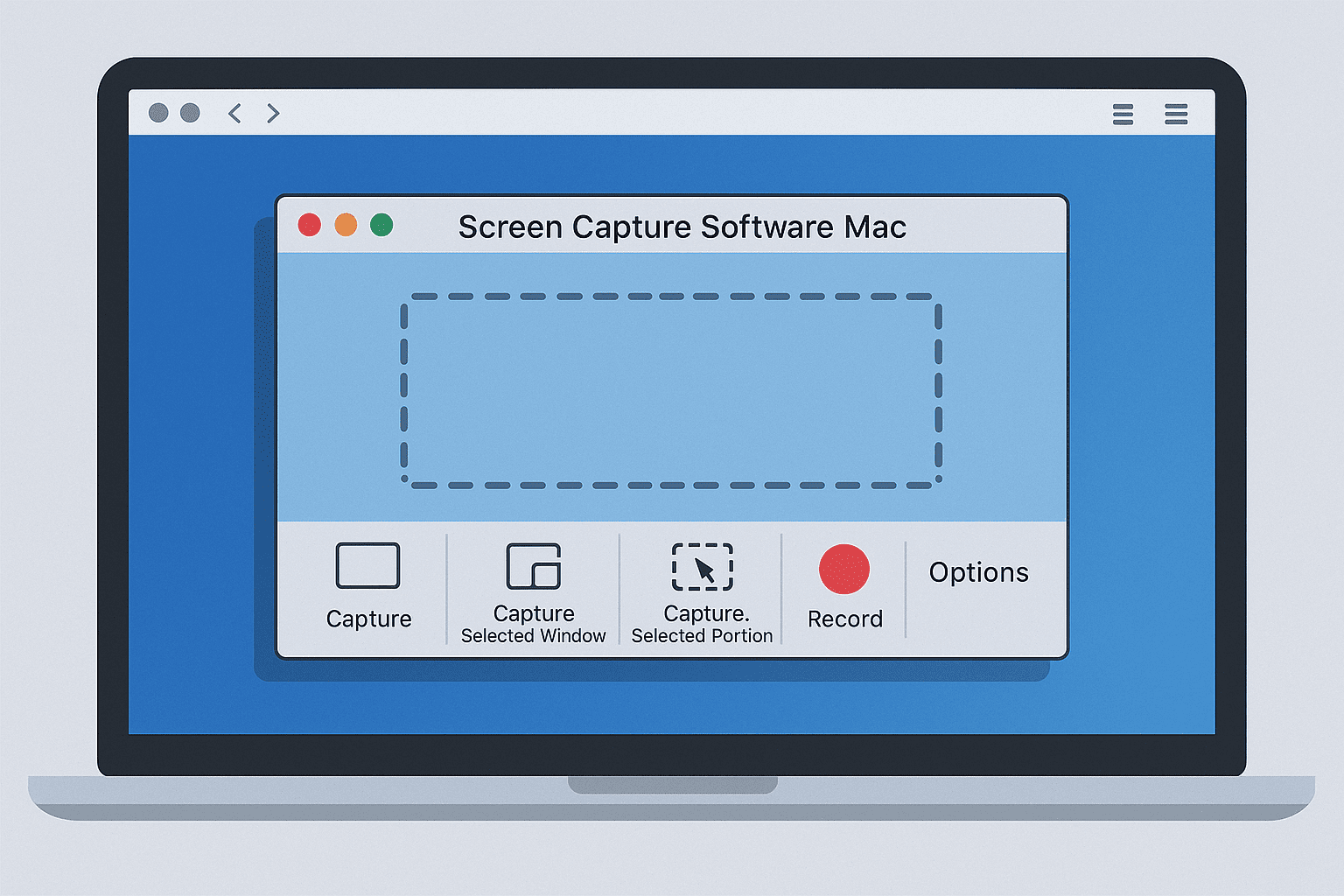


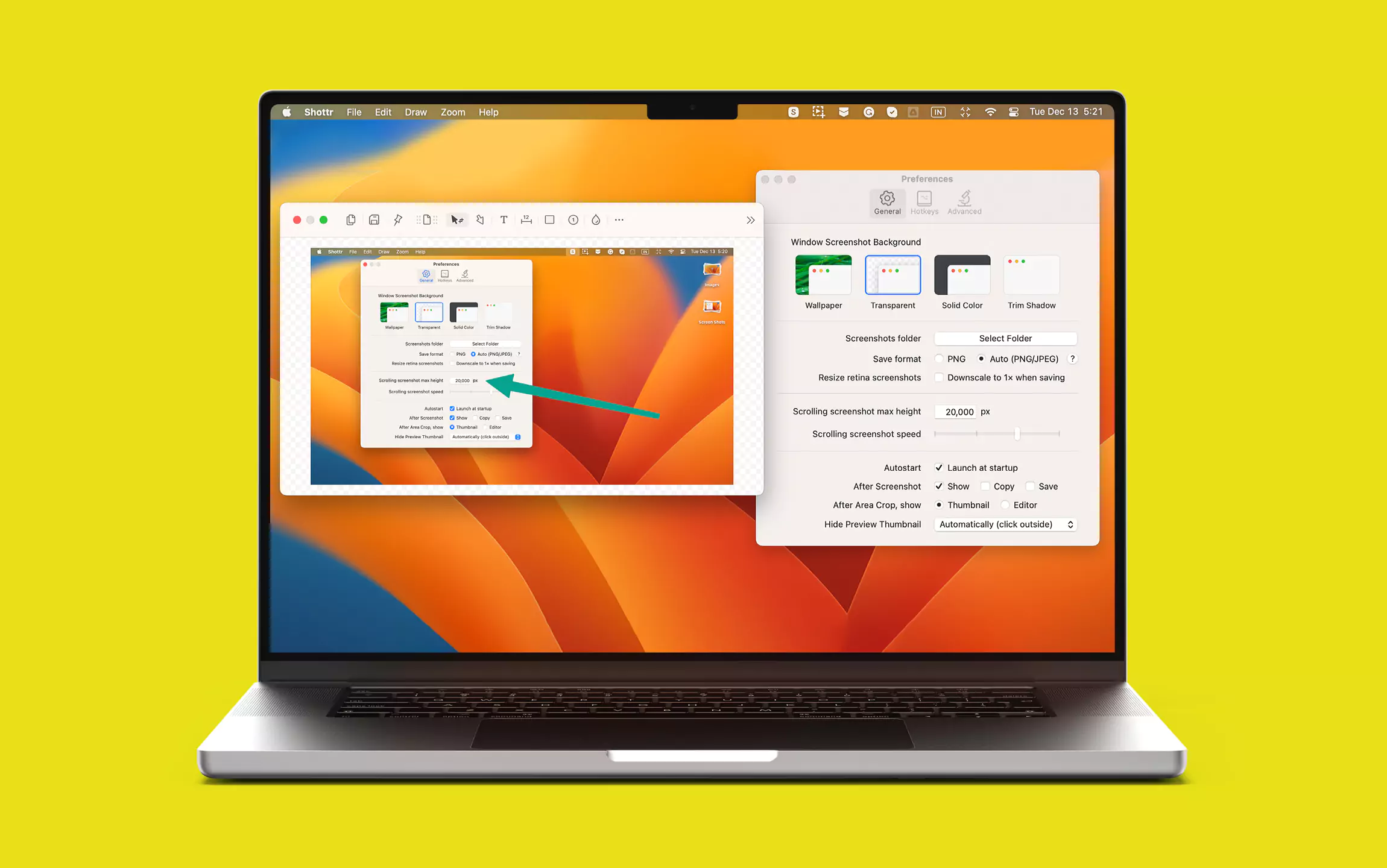







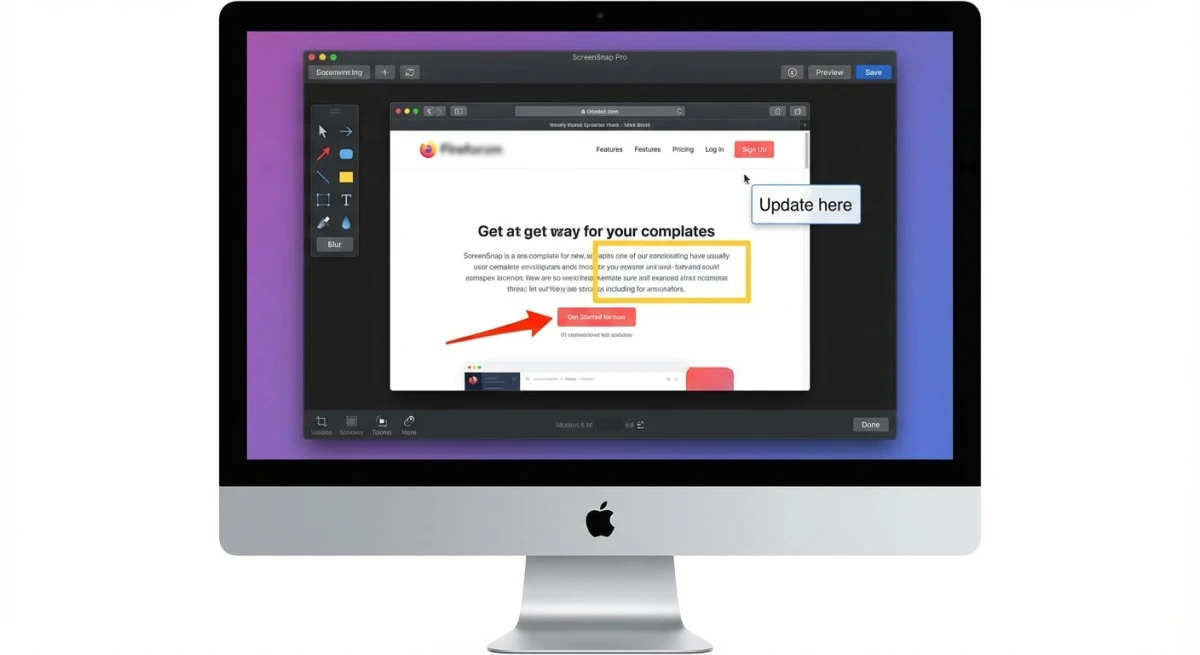


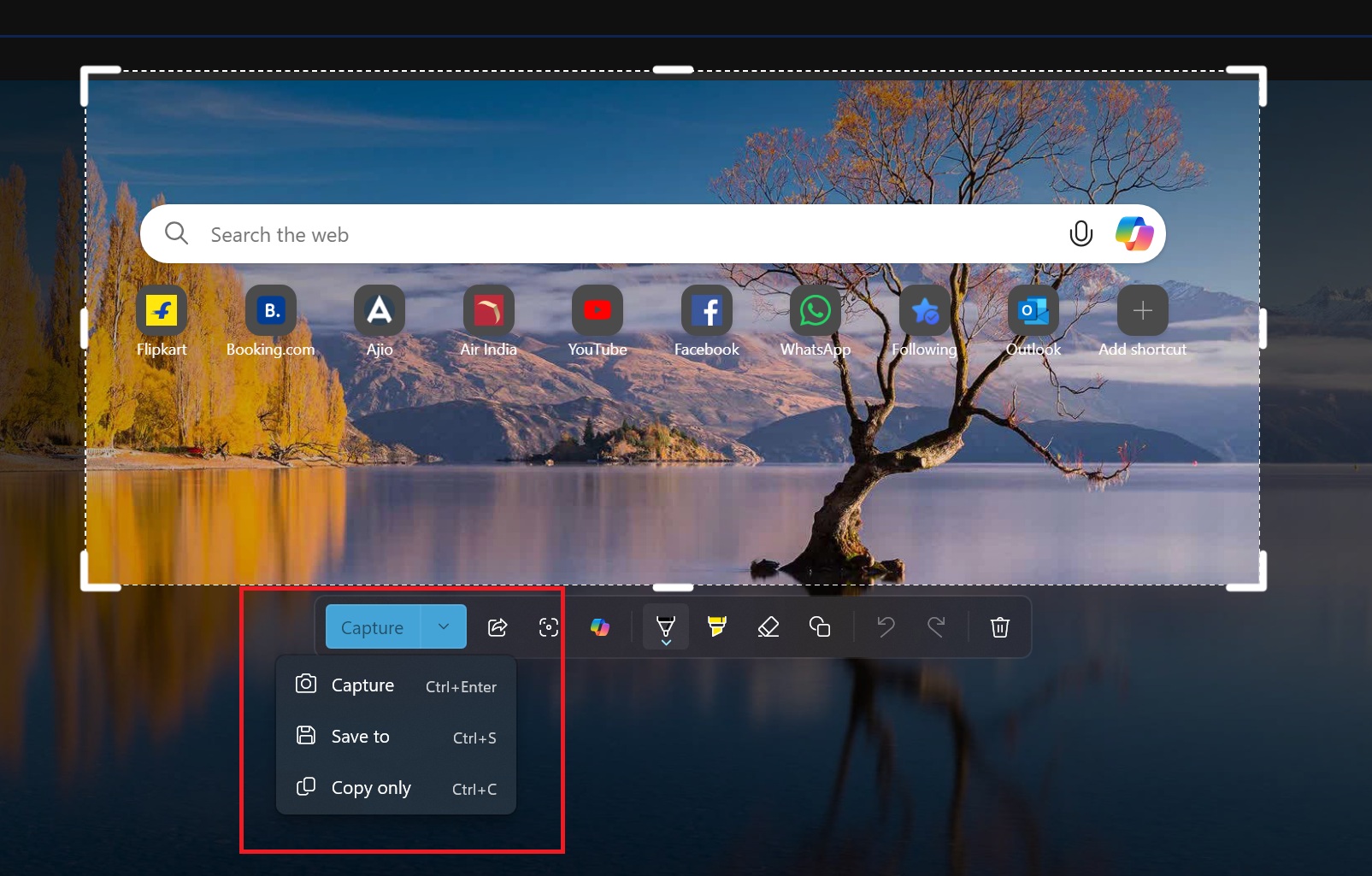
Sometimes the fastest way to communicate is to share the picture itself, and alignment happens in seconds instead of paragraphs.
What to Notice in Each Picture
Every example rewards a second, closer look, noting the choices that give each example its character.
Depth beats speed when it comes to visual learning, and let a few carefully chosen references guide your direction.
Why Visual References Work So Well
Visual search exists because the human brain processes pictures instantly, an image delivers the subject directly with no filter.
This is precisely why galleries like this one are valuable, whether you need inspiration, confirmation, or a clearer definition of what you want.
Keep Exploring the Collection
Whenever Capture Mac Screen With Annotation Tool comes up again, these images will be here, as your preferences may shift the second time you look.
Repeated exposure quietly builds real visual understanding, so treat every revisit as a chance to see something you skipped.