Feature Story

D Link Router Firmware Update Very Slow with Tiffany Weber blog

Found It: D Link Router Firmware Update Very Slow in One Place

Firmware Update Won\'t Go Away - NREQAE

Since you are searching for D Link Router Firmware Update Very Slow, this page was made for you, supported by a wide range of real example pictures for reference.

How to Update a D-Link Router

Text can only take your search so far, so looking at real examples explains far more than any description can.

A Visual Collection of D Link Router Firmware Update Very Slow

David Dlink on Tumblr

Each picture captures D Link Router Firmware Update Very Slow from a different angle or context, so you can compare them side by side as you scroll.

Take your time moving through the collection, and familiarity builds faster than you might expect.
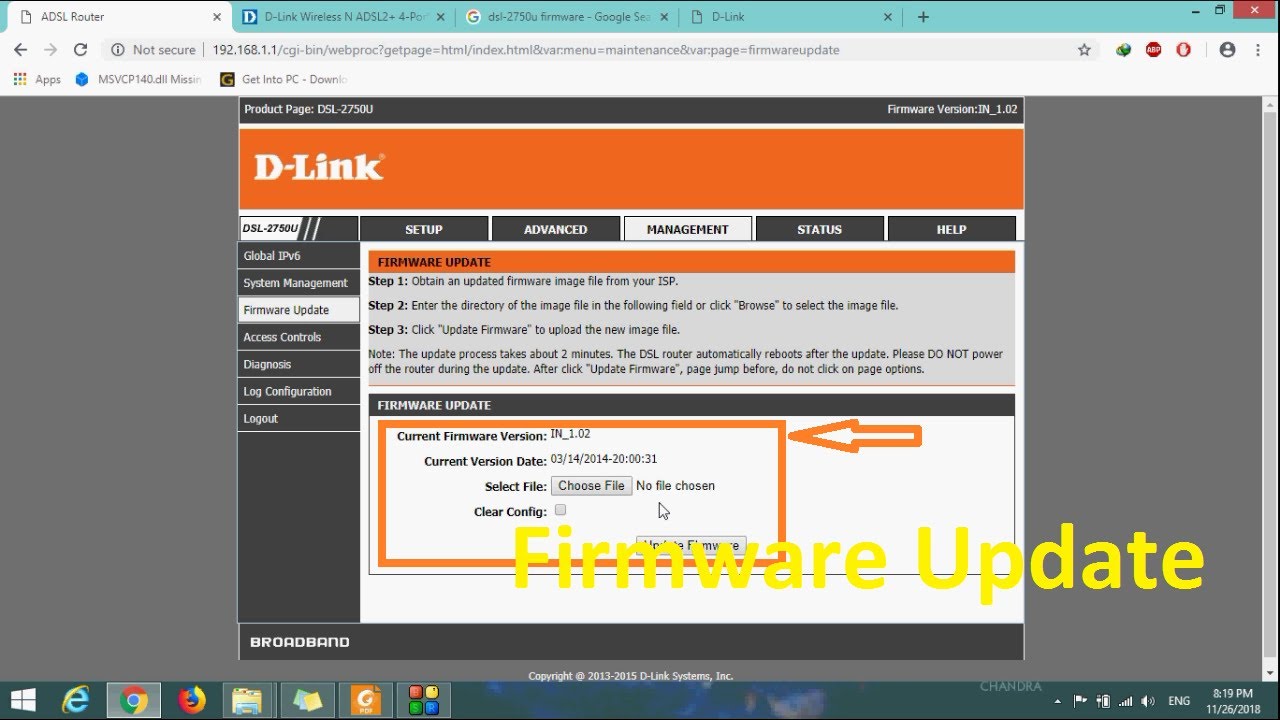
Solved | Firmware Update Fail | Updating Routers Firmware| DLink 2750U ...

How the Gallery Helps You Understand

A single picture can communicate shape, scale, style, and context at once, showing details that are hard to put into words.

Compare a few examples and observe what repeats, and those repeated features are what make it recognizable.

How To Update UniFi D-Link DIR-615 Router Firmware - UniFi Specialist by TM

Different Variations, Different Styles

The differences between examples are part of what makes browsing useful, certain images favor a clean look while others go for something richer, so studying the range helps you identify which style suits you best.

A strong reaction to one example is always useful information, and it often matches what you will want in the end.
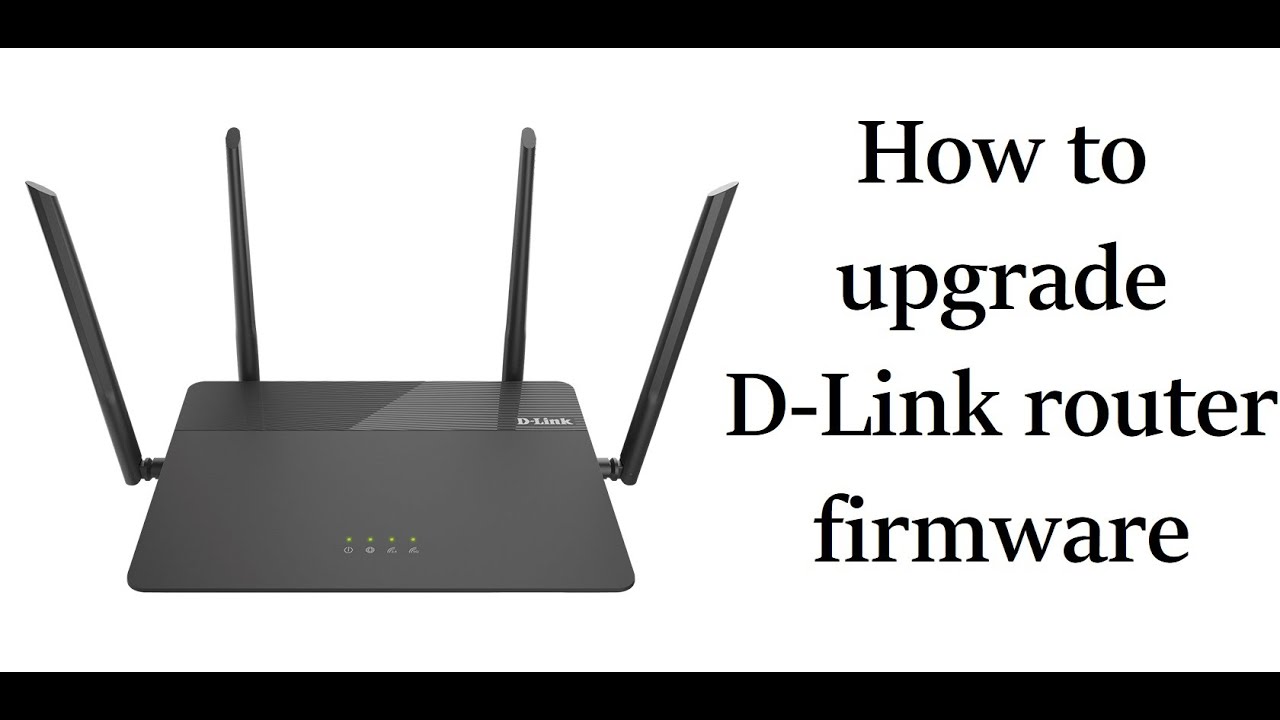
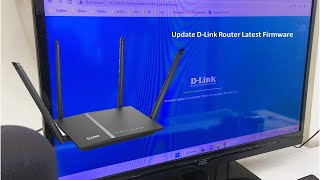
How to update D-Link DIR-878 Router Firmware in a minute - YouTube

Making the Most of the Gallery

These images are meant to be used, not just viewed, such as saving the examples closest to what you need.

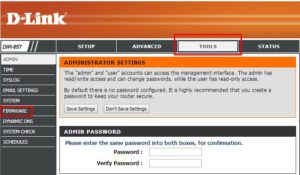
D-Link Technical Support
How to Update D-Link Router Firmware - PCauthorities.com
How To Update Latest Firmware For D Link Wifi Router Mj Tube Mp3 Music ...
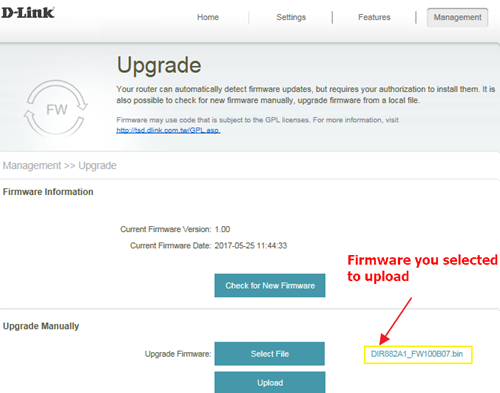
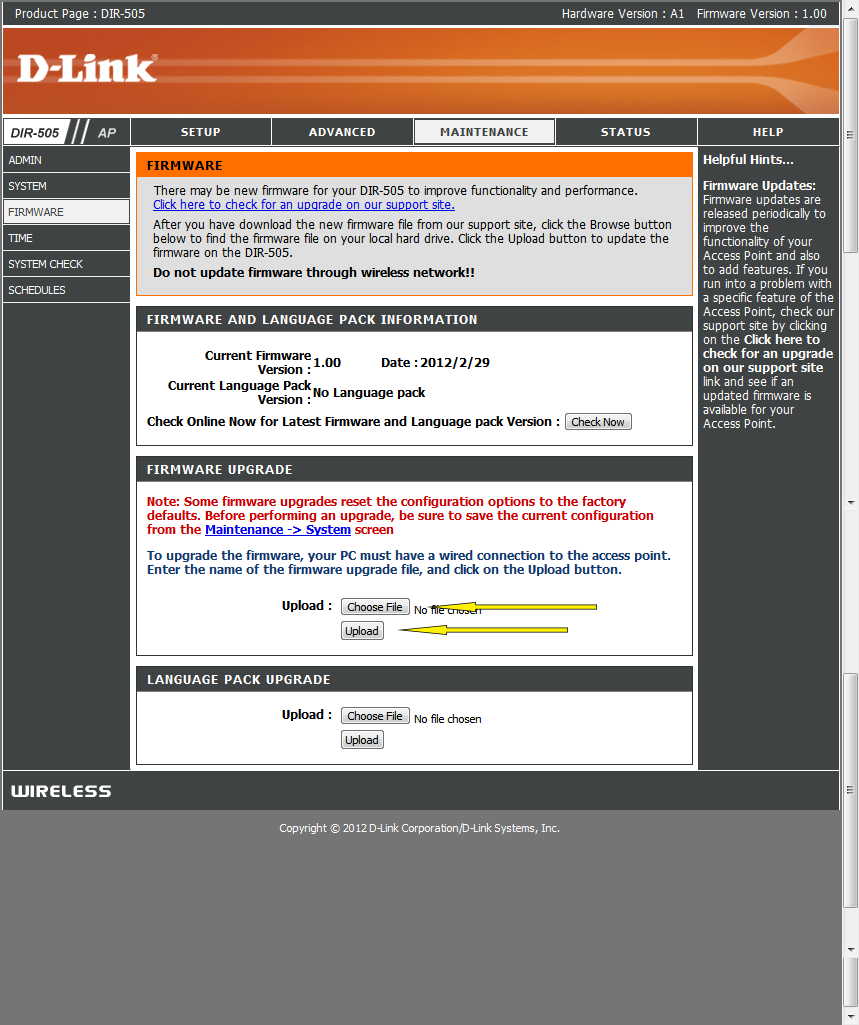
How do I upgrade the firmware on my router? | D-Link
D-Link Firmware Update | D-Link 2750U Firmware Update – QKFR
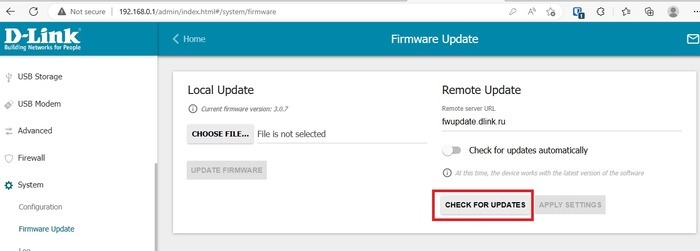
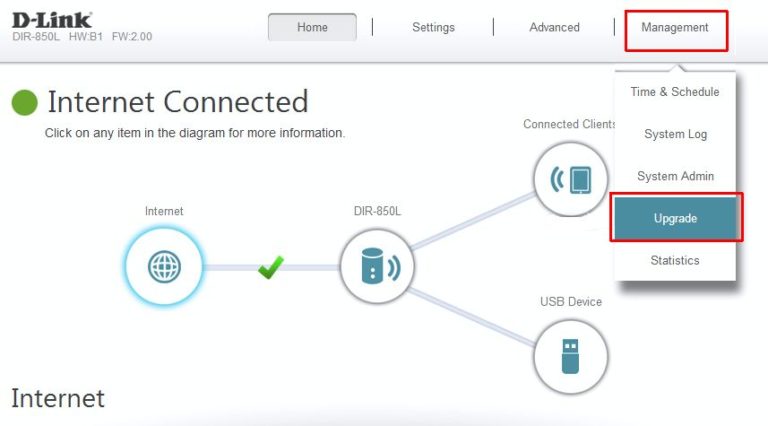
How to upgrade the firmware for my router? | D-Link
How to upgrade firmware on your D-Link router - YouTube
Firmware Update Won\'t Go Away - NREQAE
How To Update UniFi D-Link DIR-615 Router Firmware - UniFi Specialist by TM
Windows Ethernet Connection Not Working? Try These Fixes - Make Tech Easier
Problems KEY: How to upgrade or downgrade Firmware into D link Wifi
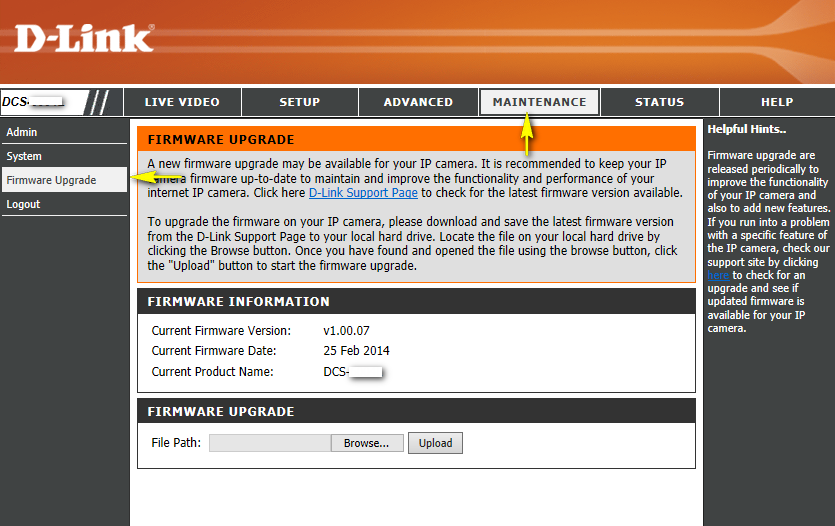
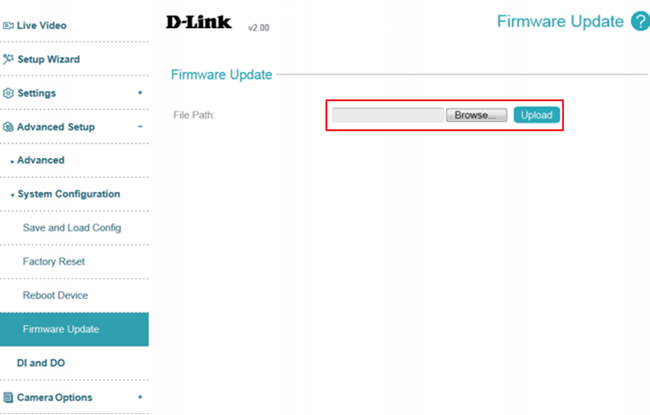
How to update the firmware ? | D-Link
How to Update a D-Link Router
How do I upgrade the firmware on my router? | D-Link UK
How To Update D'Link Firmware - Support.com
How to Update D-Link Router Firmware - PCauthorities.com
D-link-Router-Firmware-Update - YouTube
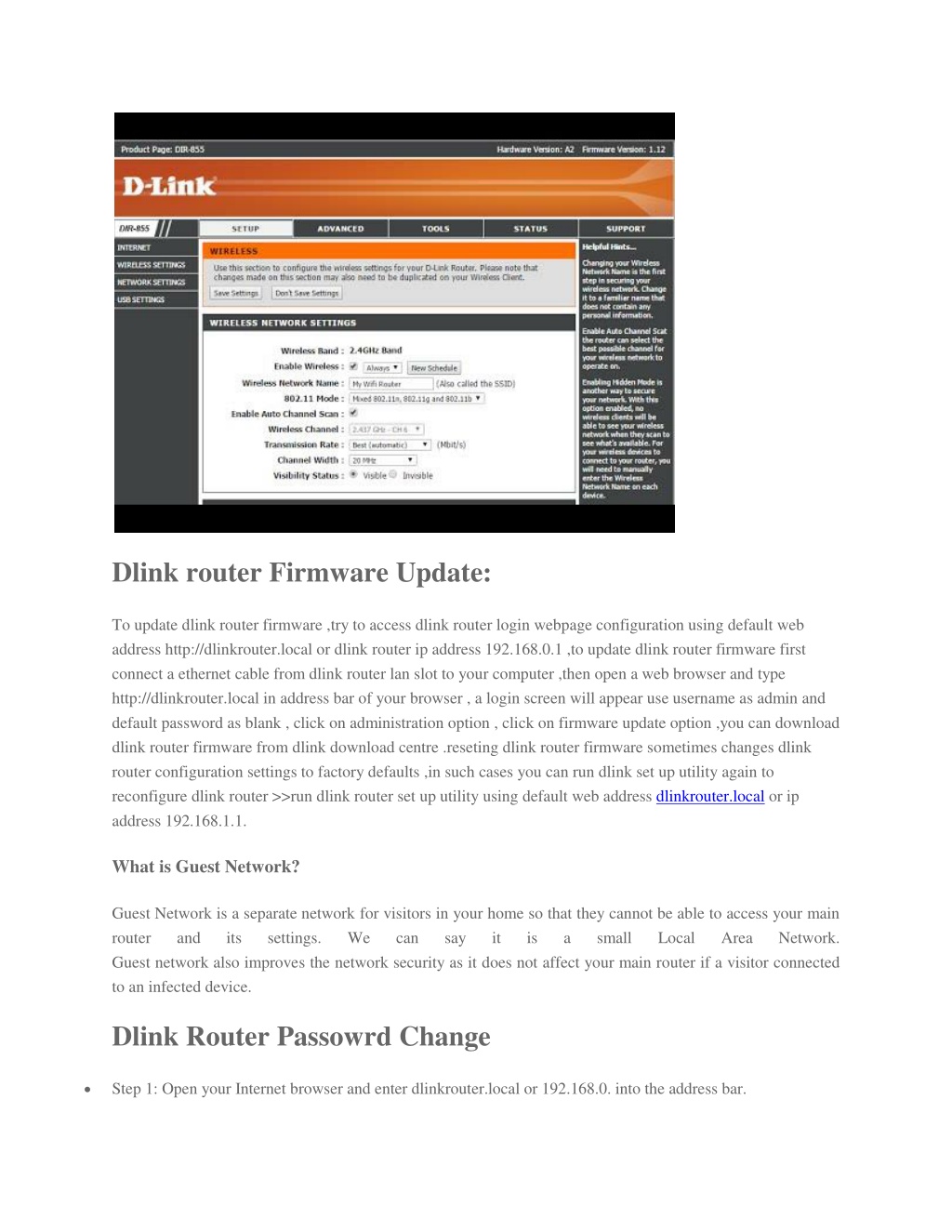
PPT - dlinkroutelocalus PowerPoint Presentation, free download - ID ...
How To Update UniFi D-Link DIR-615 Router Firmware - UniFi Specialist by TM
Problems KEY: How to upgrade or downgrade Firmware into D link Wifi
Software Update Download Link at Rita Pablo blog
D-Link Firmware Update | D-Link 2750U Firmware Update – QKFR
How To Flash Dd-Wrt Firmware To D-Link Dir 615 E4 Router – KMCV
How do I upgrade the firmware on my router? | D-Link
D-Link | Legacy Products
How to Update Router Firmware: Use These Simple Methods
How to upgrade the firmware | For Consumer | D-Link Support
How do I upgrade the firmware on my router? | For Consumer | D-Link Support

Visual references make it much easier to describe what you want, so the other person sees exactly what you see.

The Small Details That Matter

The second viewing always reveals more than the first, such as positioning, scale, material feel, and overall balance.

The pictures you look at longest often teach the most, because a small set of well-understood images is worth a large pile of quick glances.

Seeing Is Understanding

There is a simple reason image searches are so popular, a visual cuts straight past every possible misunderstanding.

That is why a varied collection like this is so effective, so whatever brought you here, the images can carry you the rest of the way.

Come Back to This Gallery Anytime

Whenever D Link Router Firmware Update Very Slow comes up again, these images will be here, because needs change and new examples make old ones more useful.

Over time, you will notice details casual viewers miss, and each pass through the images adds to what you already know.