Feature Story

Ghz Wifi Connectivity For Echo Dot with Tiffany Weber blog

Looking for Ghz Wifi Connectivity For Echo Dot? Here It Is

How To Change Wifi On Echo Dot – PIMF

You came here for Ghz Wifi Connectivity For Echo Dot, and everything below is exactly that, with a growing collection of example images collected as visual reference.

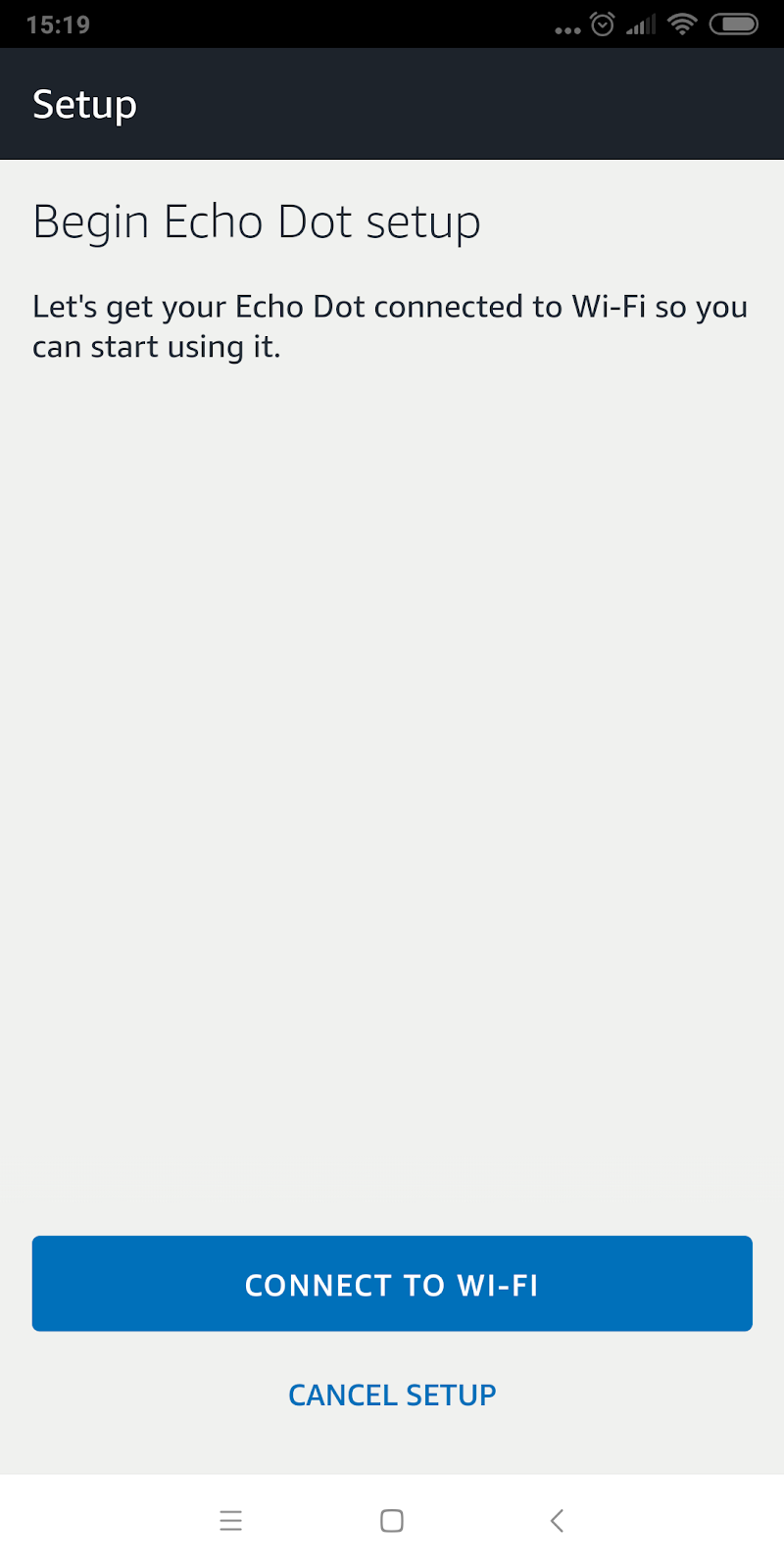
How to Connect an Echo Dot to Wi-Fi

Text can only take your search so far, which is why browsing through the images is often the fastest way to understand it.

Example Images of Ghz Wifi Connectivity For Echo Dot

6 Steps To Change The Wi-Fi On on My Echo Dot - Smart Homeist

Every example image highlights a slightly different version of Ghz Wifi Connectivity For Echo Dot, which makes it easy to spot the differences between variations.

Scroll slowly and let each image register, because the more images you see, the clearer the overall idea becomes.

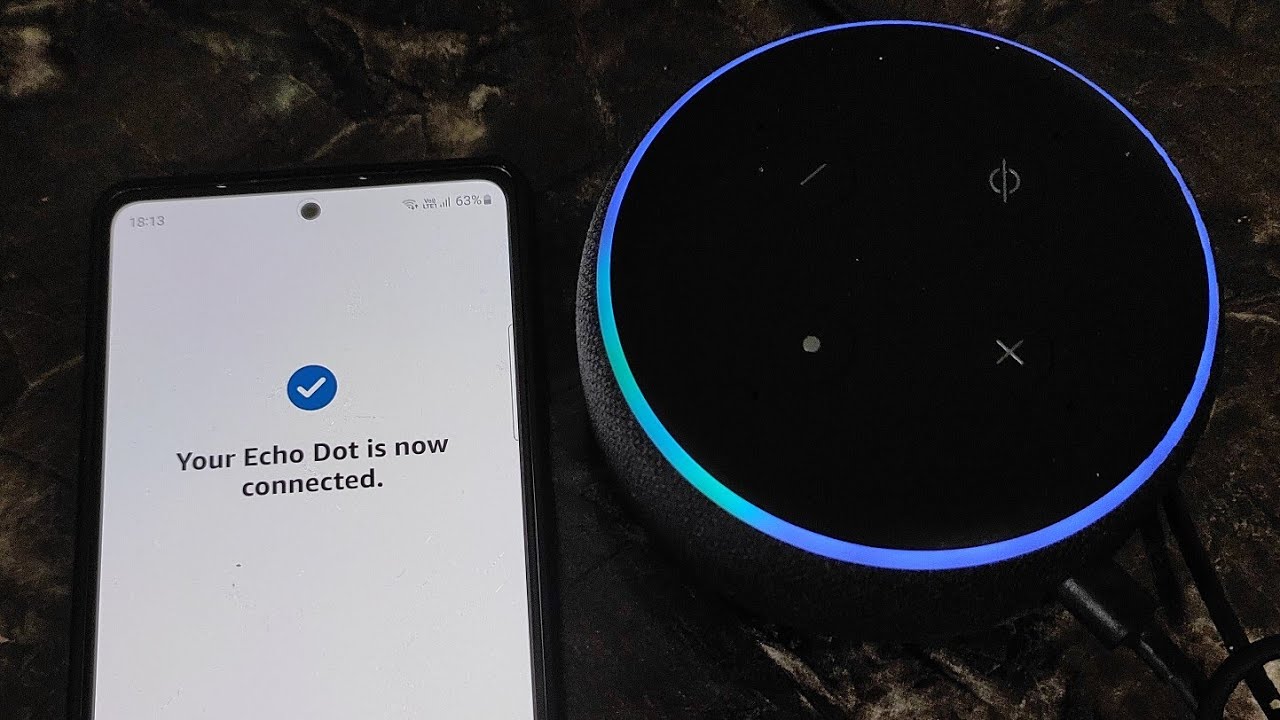
how to connect alexa echo dot device with wifi? - YouTube

What the Images Can Show You

A single picture can communicate shape, scale, style, and context at once, making it much easier to judge what fits your needs.

Compare a few examples and observe what repeats, because consistent details are usually the essential ones.
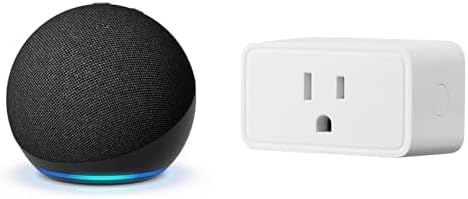
Amazon Echo Dot (newest model) Charcoal + Amazon Basics Smart Plug ...

Many Forms and Variations

No two examples in the gallery look exactly the same, each one leans toward a slightly different taste, which helps you quickly narrow down what you actually want.

A strong reaction to one example is always useful information, that reaction is a better guide than any checklist.

How to Connect an Echo Dot to Wi-Fi? - RouterCtrl

Getting Practical Value From the Images

The collection works best when you do something with it, such as saving the examples closest to what you need.

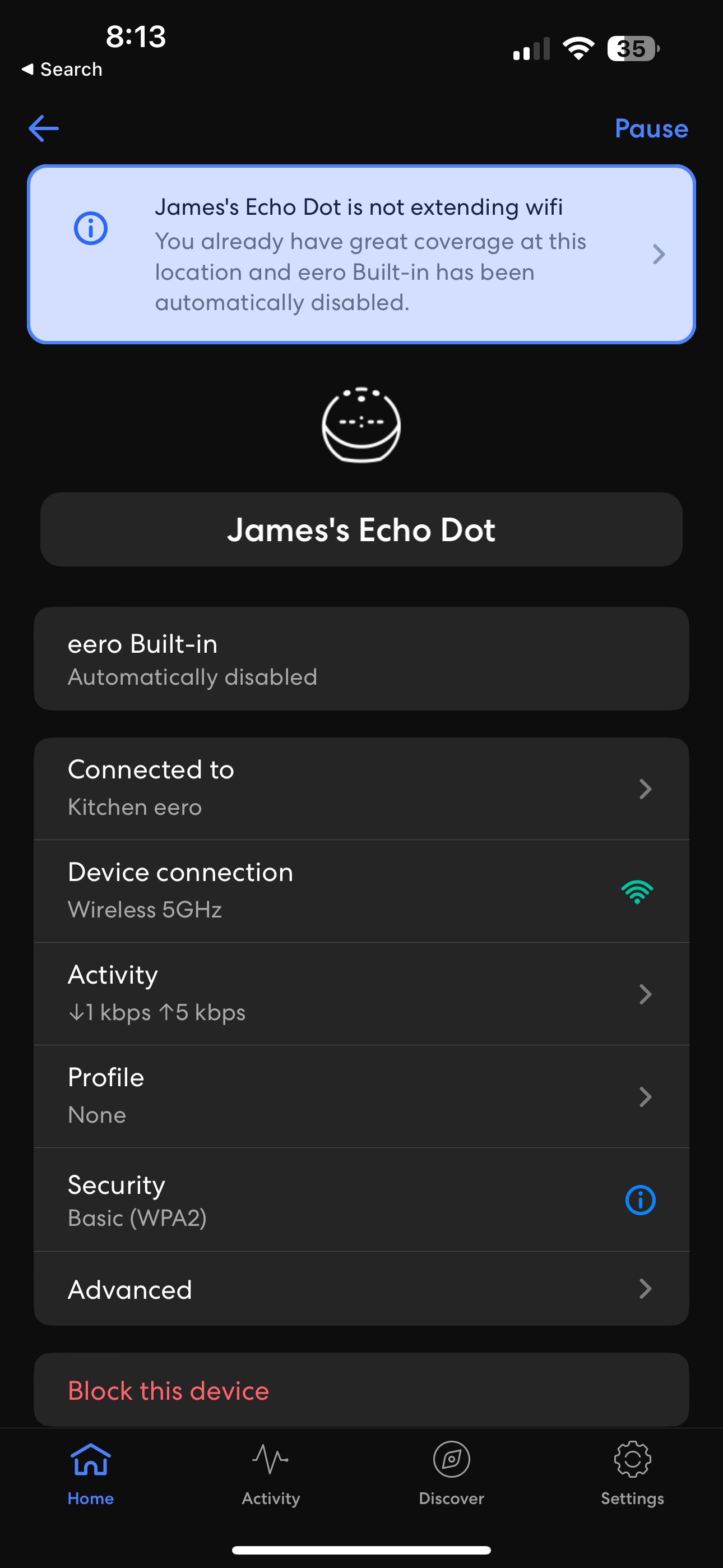
All new echo dot 5th gen charcoal with eero mesh wifi router – Artofit
How to connect Echo Dot with Wi-Fi hotspot of android phone? - Cool IT Help
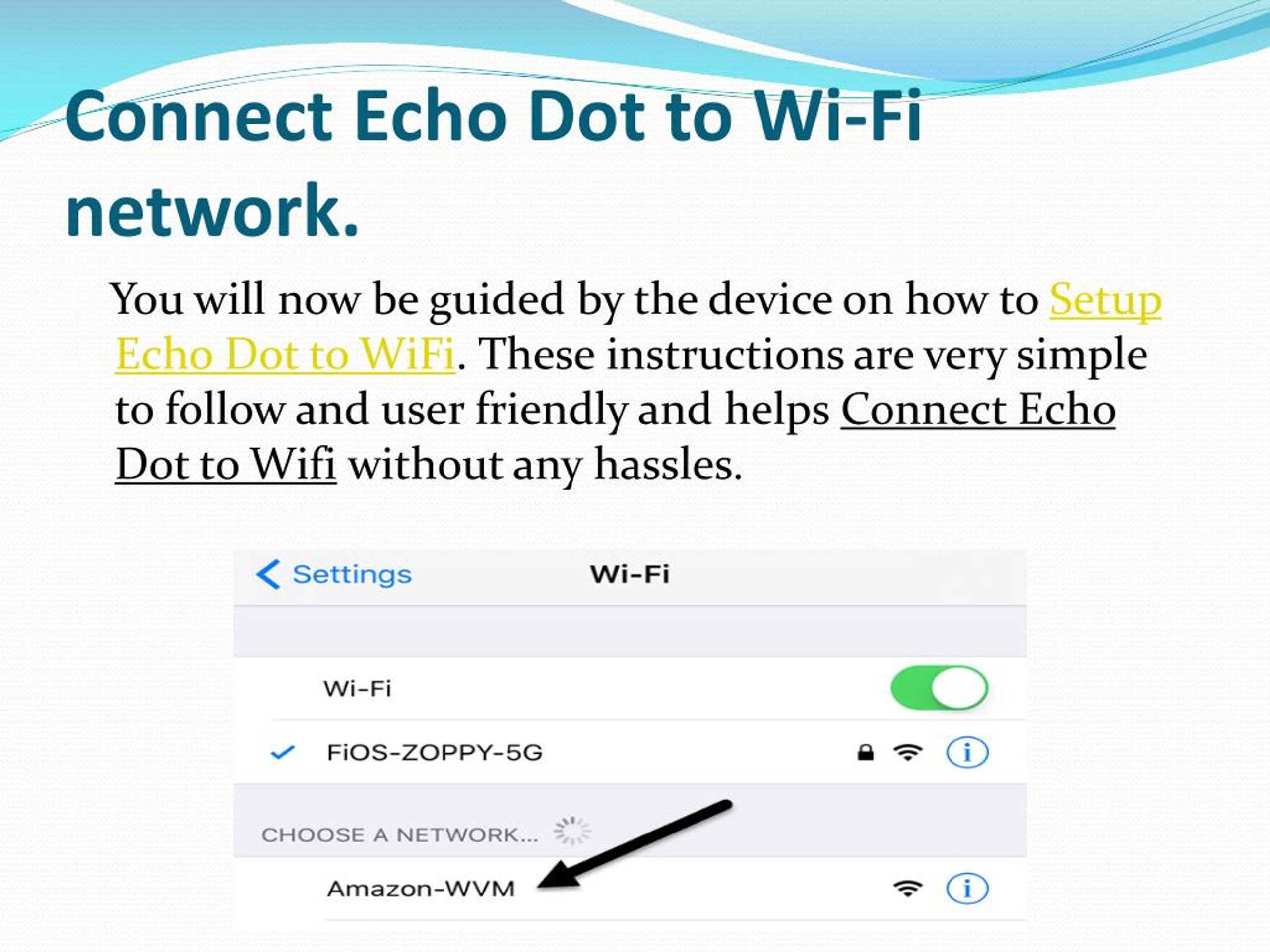
PPT - How To Connect Echo Dot To Wifi PowerPoint Presentation, free ...
How to Connect Echo dot to WiFi - YouTube
Amazon Echo Dot Wifi 5ghz Best Sale | fabricadascasas.com
How To Connect Echo Dot To Home Lights at Edward Holmes blog
How To Change Echo Dot Wifi - Dot to Dot Name Tracing Website
Amazon Echo Dot Wifi 5ghz Best Sale | fabricadascasas.com
How to connect your Echo Dot to Wi-Fi | Asurion
Häufige Probleme beim Verbinden von Echo Dot mit 5-GHz-Netzwerken.
How To Connect Echo Dot To WiFi: Quick & Easy Fixes
How to Connect an Echo Dot to Wi-Fi
Why Your Echo Dot (5th Gen) Loses WiFi and How to Fix It | Technobezz
How to connect Echo Dot with Wi-Fi hotspot of android phone? - Cool IT Help
Why Is My Echo Dot Not Connecting to WiFi? Complete Fix Guide - SmartAiHome
Haz tu casa inteligente en minutos con este pack Echo Dot + enchufe ...
How To Connect Echo Dot To WiFi & Change Another WiFi - YouTube
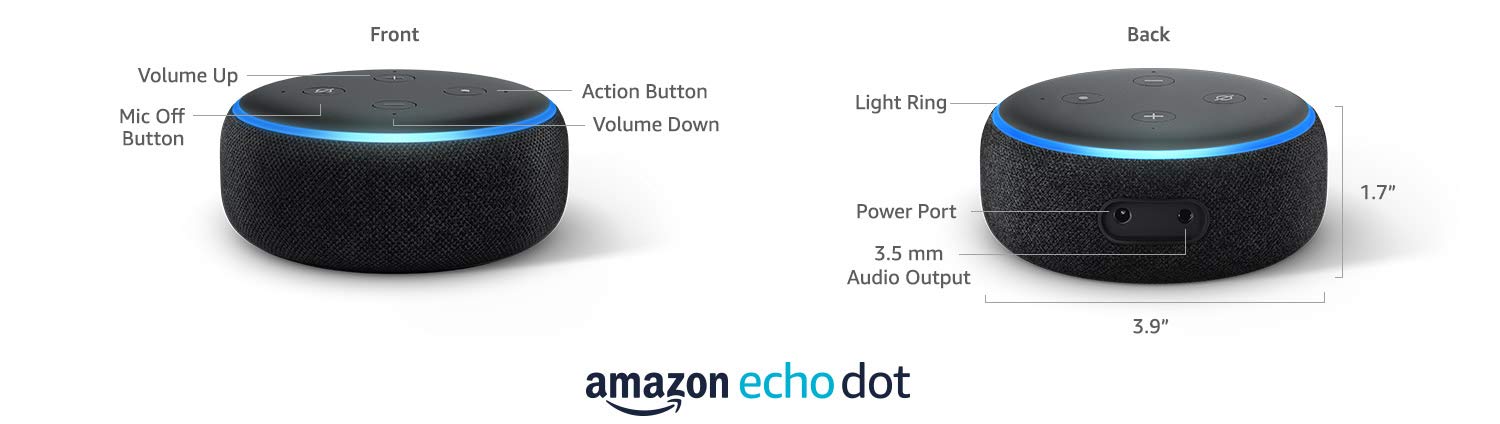
What Do the Echo Dot Buttons Do? | CitizenSide
Amazon Echo Dot Wifi 5ghz Best Sale | fabricadascasas.com
How to Connect an Echo Dot to Wi-Fi
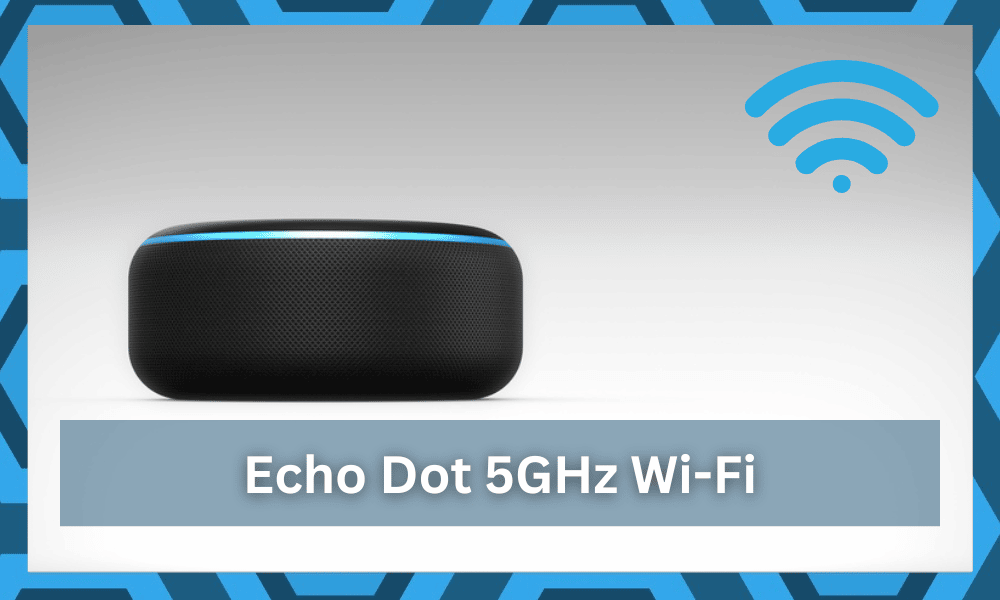
6 Ways To Fix Echo Dot 5GHZ Wi-Fi Problem - DIY Smart Home Hub
How to Put an Echo Dot in Setup Mode
PPT - How To Connect Echo Dot to Wifi PDF PowerPoint Presentation, free ...
Echo Dot 3 Wifi 5Ghz _ Comment connecter Alexa au Wi-Fi : guide ...
How to Connect an Echo Dot to Wi-Fi
Echo Dot Wifi 5Ghz | Riconnettere echo a 5Ghz – RNZZUH
How Can 5GHz Wi-Fi Smart Plugs Transform Your Smart Home Setup ...
How to Connect Echo Dot 3rd Generation to WiFi? | Smart Home Devices ...

Visual references make it much easier to describe what you want, so the other person sees exactly what you see.

Closer Looks at the Examples

Slow down and examine fewer images more carefully, looking at how each part relates to the whole.

The pictures you look at longest often teach the most, because a small set of well-understood images is worth a large pile of quick glances.

Pictures Explain Faster Than Words

Our preference for images is not a trend, it is how understanding works, a real example eliminates the gap between description and reality.

That is the strength of having many examples side by side, and whatever your reason was, the gallery has a use for it.

Browse More Images Whenever You Need

Keep this gallery close for whenever the question resurfaces, as your preferences may shift the second time you look.

Over time, you will notice details casual viewers miss, and let the gallery keep doing what it does best.