Feature Story

How To Screenshot On Mac And Copy To Clipboard with Tiffany Weber blog

Found It: How To Screenshot On Mac And Copy To Clipboard in One Place
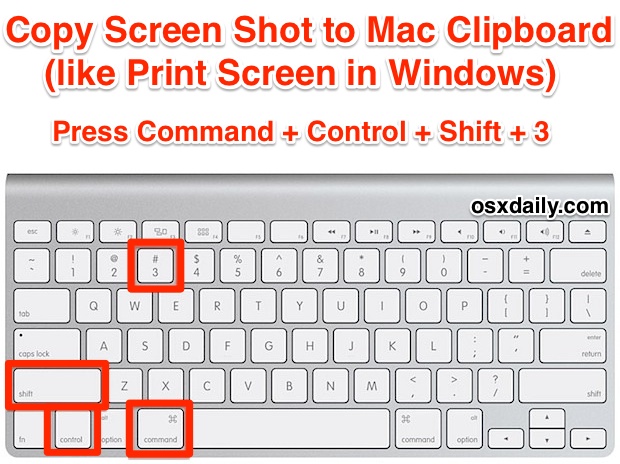
How to Print Screen on a Mac - OS X Daily

How To Screenshot On Mac And Copy To Clipboard is what brought you here, and this page delivers it, with a growing collection of example images collected as visual reference.
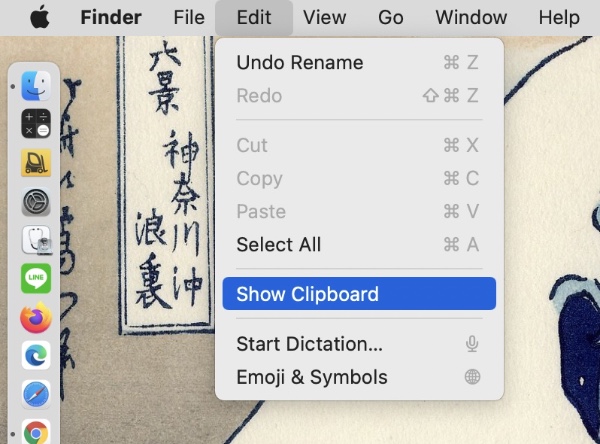
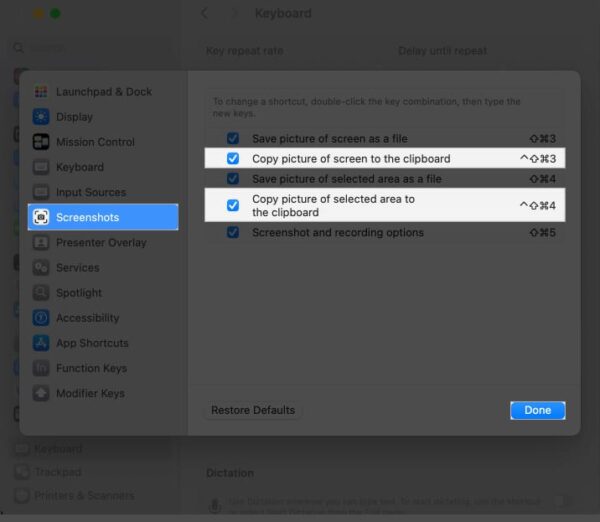
How to save a Mac screenshot to the clipboard and use it for pasting ...

Reading about something is one thing; seeing it is another, and that is exactly why visual references work so well here.

Example Images of How To Screenshot On Mac And Copy To Clipboard
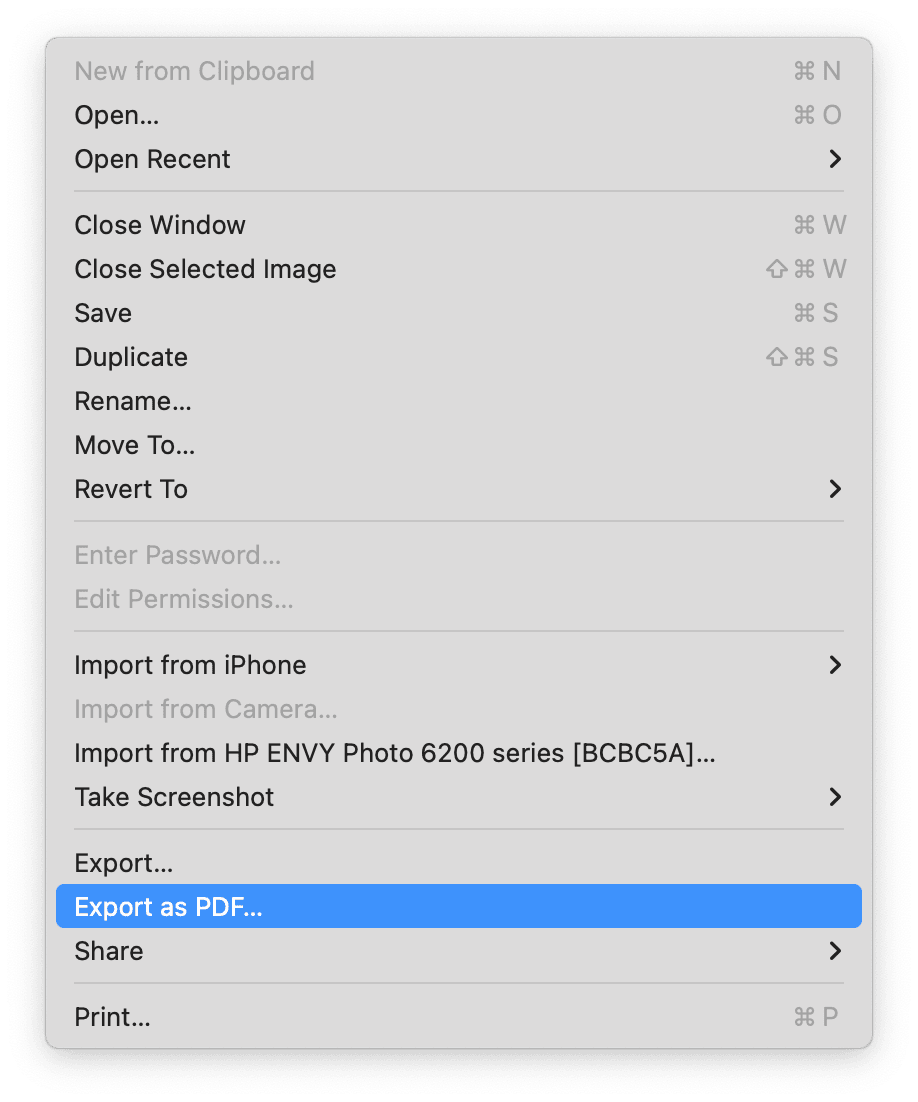
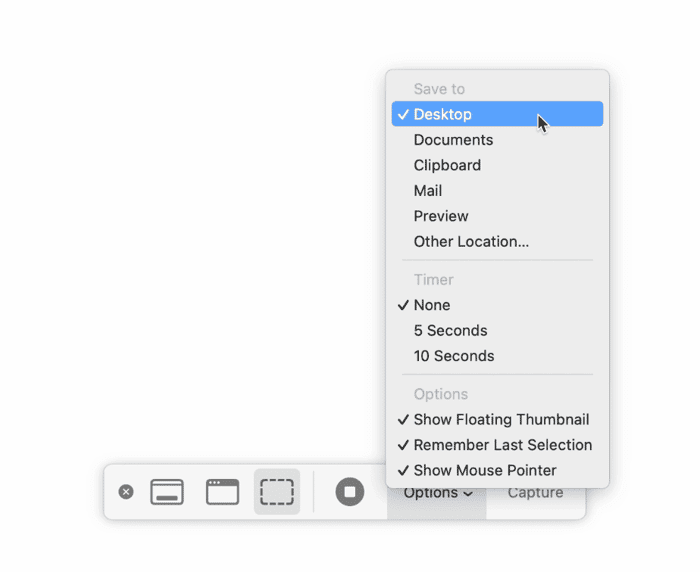
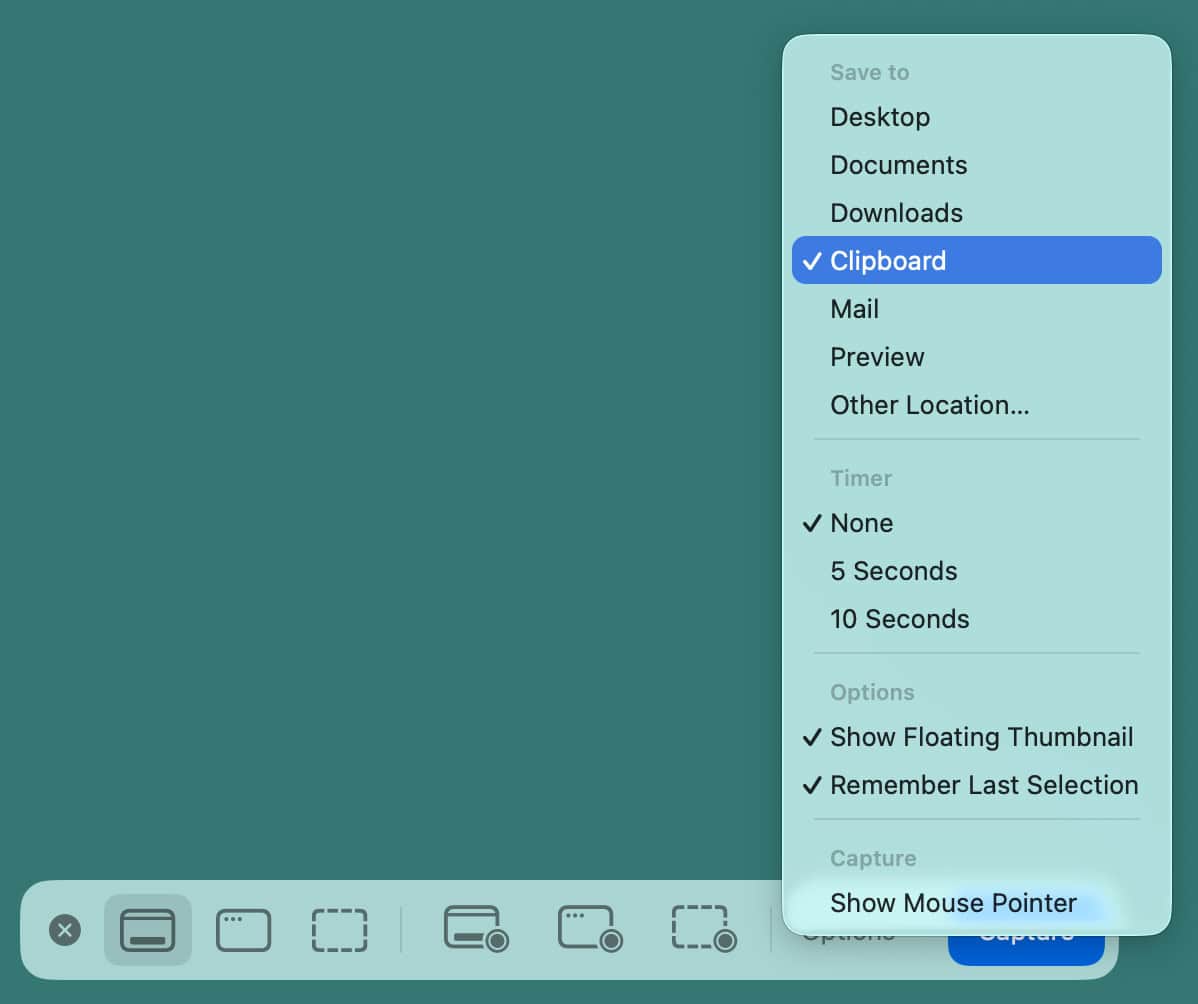
How to copy screenshot to clipboard: Mac user guide

This collection gathers all kinds of How To Screenshot On Mac And Copy To Clipboard in one scrollable view, so you can compare them side by side as you scroll.

Take your time moving through the collection, because the more images you see, the clearer the overall idea becomes.
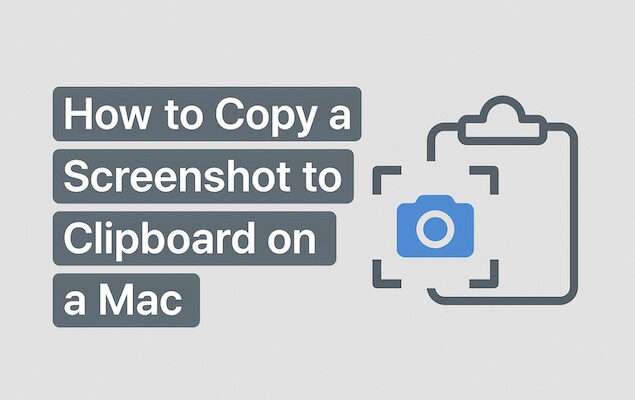
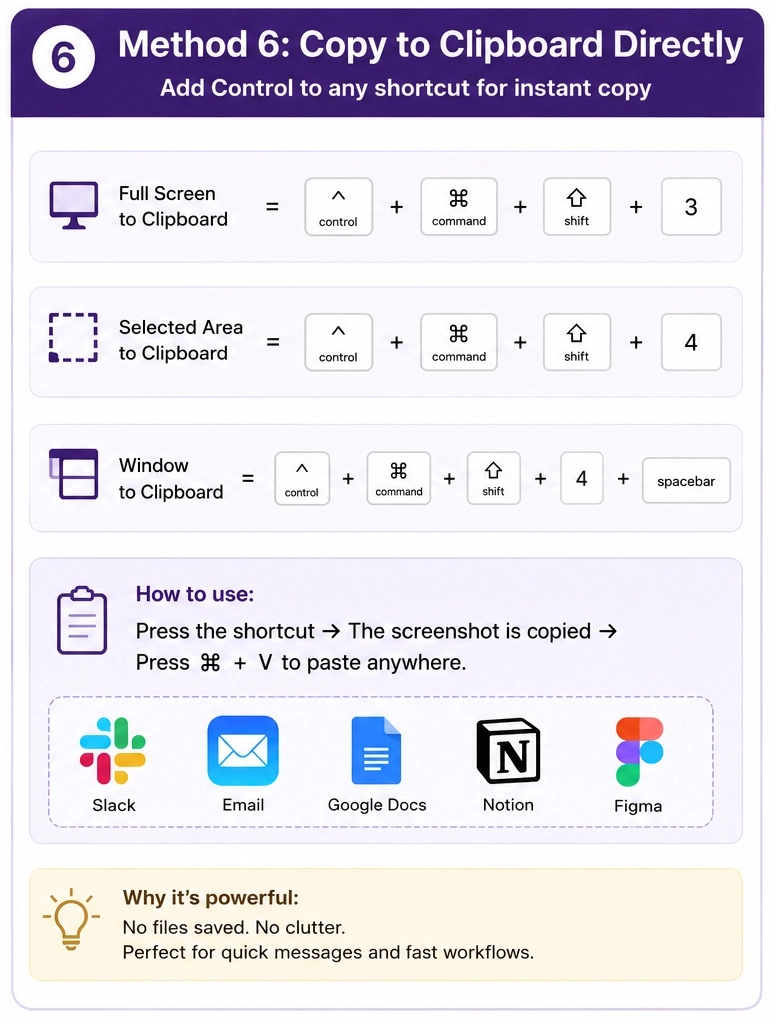
How to Copy a Screenshot to Clipboard on a Mac (All Methods & Versions ...

What These Pictures Explain

Every photo tells you something a description would miss, capturing exactly the kind of details people usually ask about.

Look at how the same subject changes from image to image, because consistent details are usually the essential ones.

How To Copy Mac Screenshots to the Clipboard [Tutorial]

From One Style to Another

The differences between examples are part of what makes browsing useful, some are simple and minimal, others are bold and detailed, which helps you quickly narrow down what you actually want.

Notice which image makes you stop scrolling, since your natural preference reveals itself faster than you think.
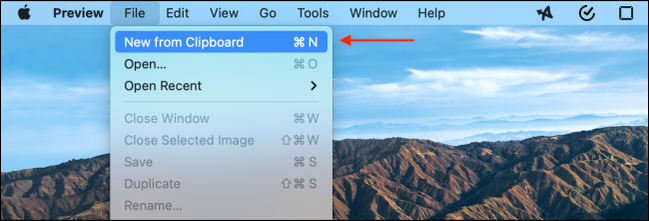
How to Quickly Copy Mac Screenshots to Clipboard

How to Use These Examples for Reference

Every picture here can serve as a working reference, like marking the images that match your idea.

How To Copy Mac Screenshots to the Clipboard [Tutorial]
How to take screenshot to clipboard mac - djlasopa
How To Copy Mac Screenshots to the Clipboard [Tutorial]
How to copy screenshot to clipboard: Mac user guide
How To Copy Mac Screenshots to the Clipboard [Tutorial]
How to copy Mac screenshot to clipboard – iGeeksBlog
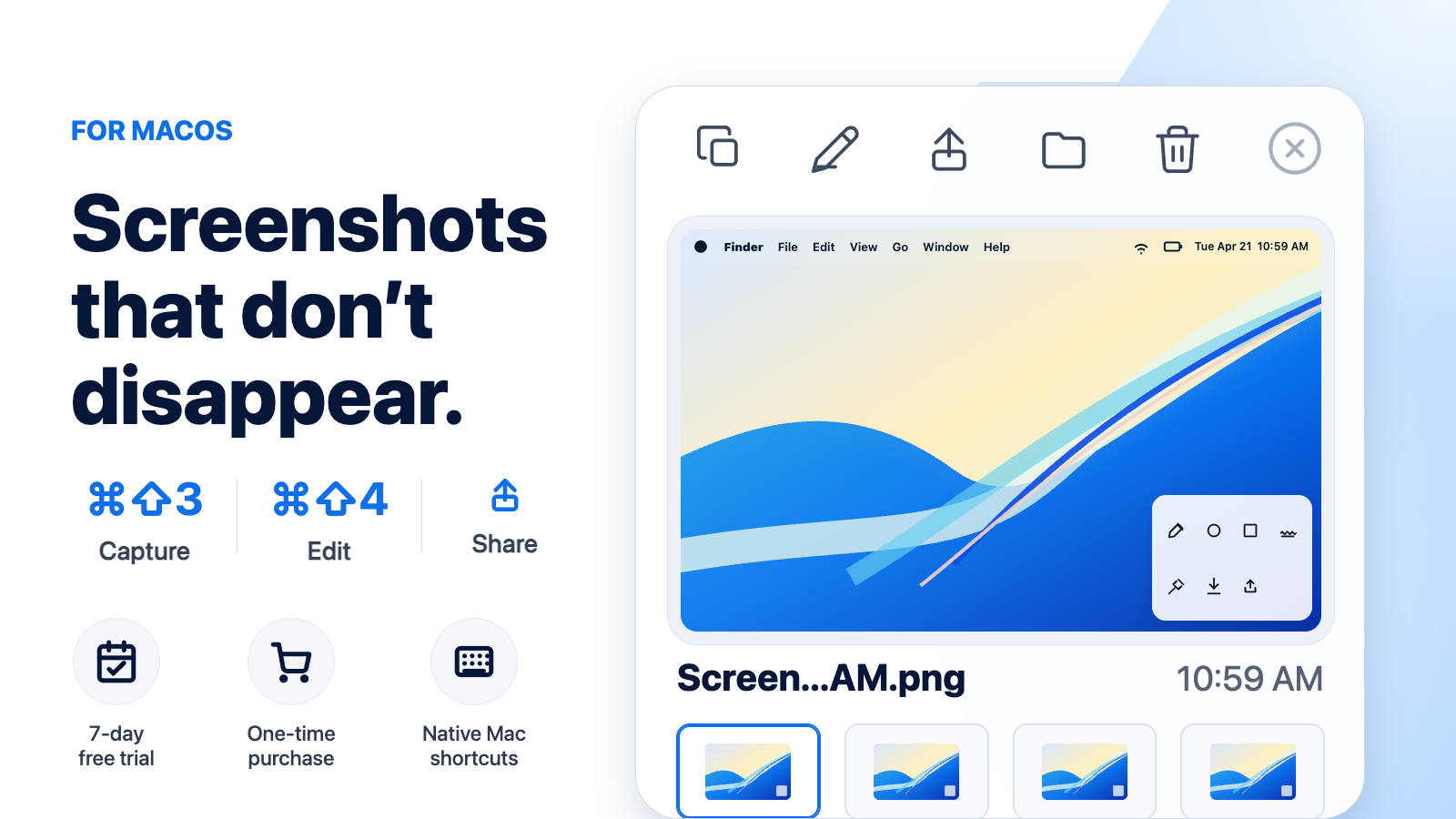
How to Copy a Screenshot to Clipboard on Mac | CommandShot
How To Copy Mac Screenshots to the Clipboard [Tutorial]
How to copy screenshot to clipboard: Mac user guide
How to Take a Screenshot on Mac: 7 Powerful (Hidden) Shortcuts
How To Copy Mac Screenshots to the Clipboard [Tutorial]
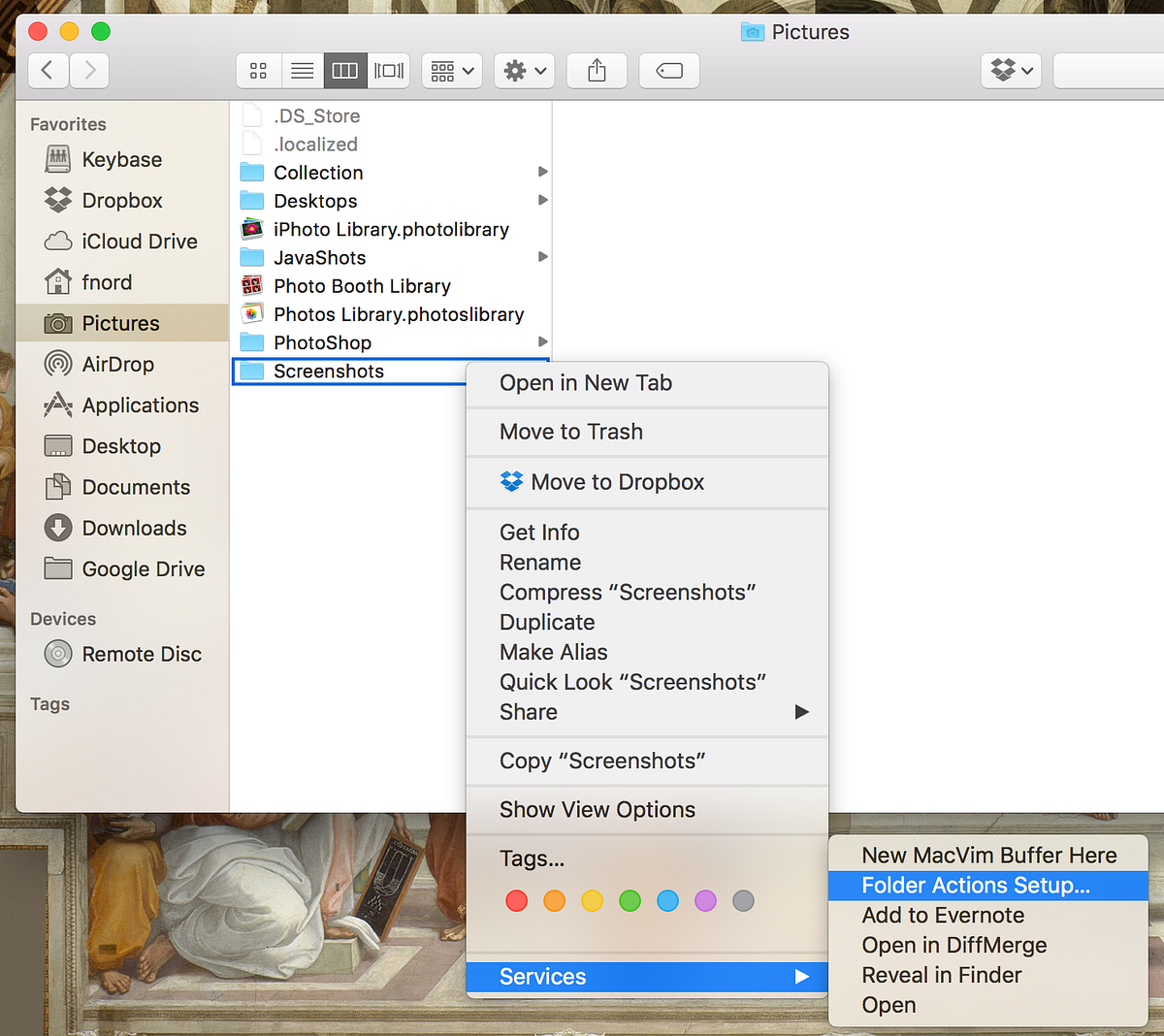
How to automatically copy screenshots to your clipboard (macOS) | by ...
Clipboard In Computer Shortcut
How To Copy Mac Screenshots to the Clipboard [Tutorial]
Take Screenshots In Clipboard On Mac, Here's How [macOS Tip] | Redmond Pie
How To Copy Mac Screenshots to the Clipboard [Tutorial]
How to Take Screenshot on Mac and Copy to Clipboard
How to Take a Mac Screenshot to the Clipboard for Pasting - La De Du
How To Copy Mac Screenshots to the Clipboard [Tutorial]
How to copy Mac screenshot to clipboard – iGeeksBlog
How to Copy a Screenshot to Clipboard on Mac (+ Shortcuts & TIps ...
How to Quickly Copy Mac Screenshots to Clipboard
[SOLVED] How to copy Screenshots into the clipboard automatically | Mac ...
[SOLVED] How to copy Screenshots into the clipboard automatically | Mac ...
How to copy Mac screenshot to clipboard - iGeeksBlog

Sometimes the fastest way to communicate is to share the picture itself, and alignment happens in seconds instead of paragraphs.

Details Worth Zooming In On

Slow down and examine fewer images more carefully, noting the choices that give each example its character.

Depth beats speed when it comes to visual learning, and let a few carefully chosen references guide your direction.

The Power of Example Images

There is a simple reason image searches are so popular, an image delivers the subject directly with no filter.

A broad image set answers questions before they are asked, whether you need inspiration, confirmation, or a clearer definition of what you want.

Browse More Images Whenever You Need

Bookmark this collection of How To Screenshot On Mac And Copy To Clipboard examples, as your preferences may shift the second time you look.

Repeated exposure quietly builds real visual understanding, so treat every revisit as a chance to see something you skipped.