Feature Story

Soft Follow Texture Copy In Max with Tiffany Weber blog

Found It: Soft Follow Texture Copy In Max in One Place

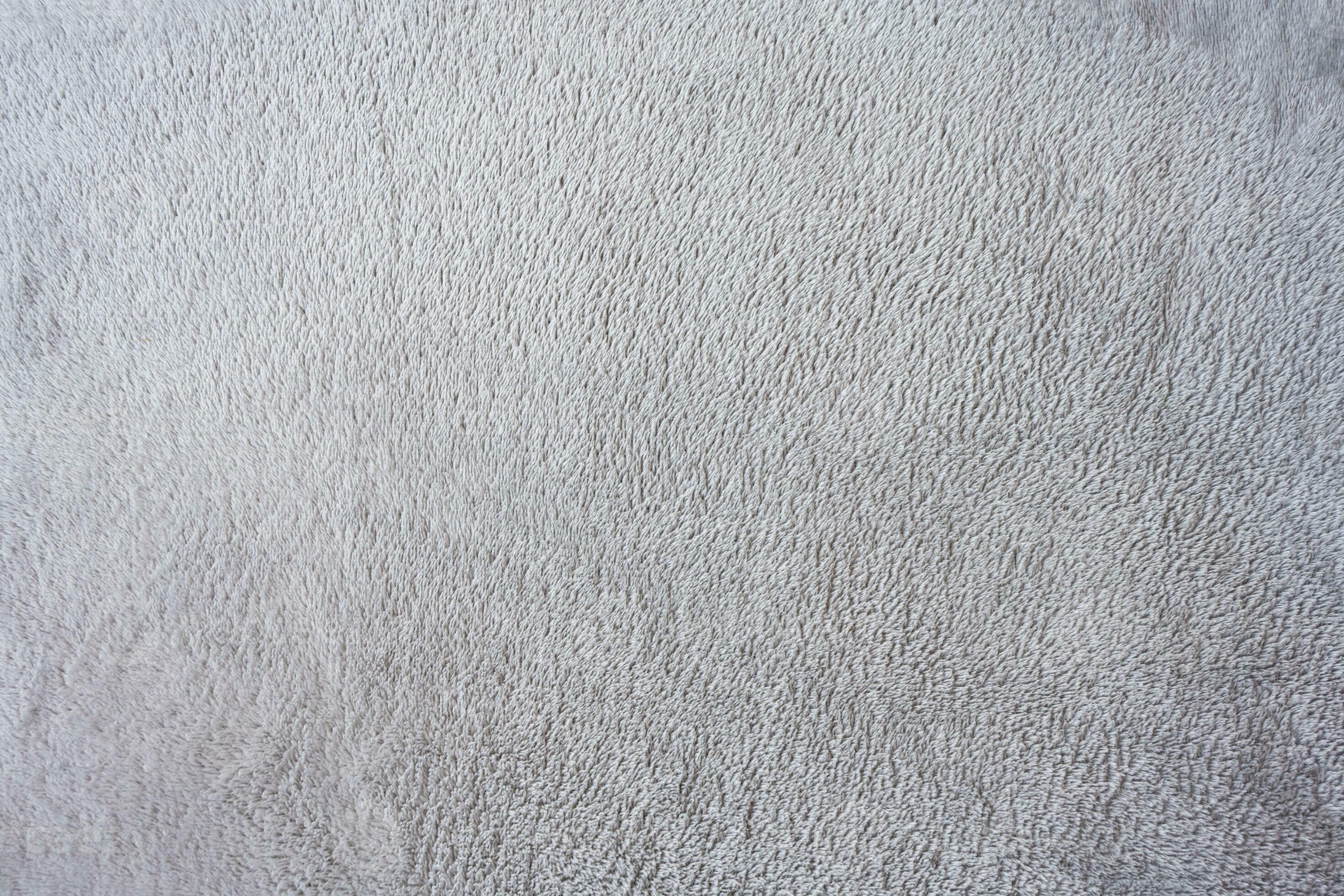
Premium Photo | Soft texture background

Since you are searching for Soft Follow Texture Copy In Max, this page was made for you, presented through a broad set of image examples you can browse freely.
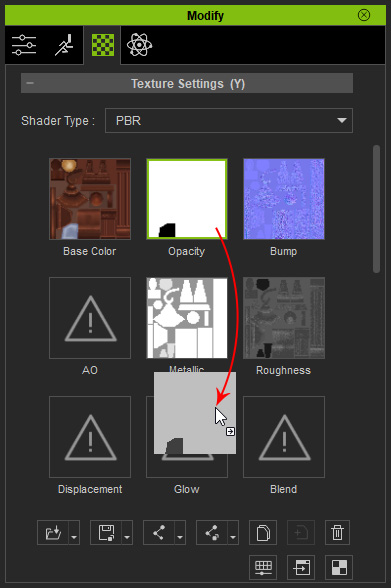
User Guide – Texture Library

Sometimes words are not enough to describe what you have in mind, because one clear image can answer what paragraphs cannot.

Soft Follow Texture Copy In Max in Actual Pictures
User Guide – Texture Library

Every example image highlights a slightly different version of Soft Follow Texture Copy In Max, which makes it easy to spot the differences between variations.

Let the gallery speak for itself as you move downward, and repeated details across images reveal what truly matters.

Soft texture | Premium AI-generated image

What the Images Can Show You

Think of each example as a visual definition, capturing exactly the kind of details people usually ask about.

Look at how the same subject changes from image to image, since repetition across images signals what defines it.

Max Payne Modeling and Skinning In 3d Studio MAX tutorial - ModDB

All the Different Looks of Soft Follow Texture Copy In Max

Variety is the whole point of a reference collection, a few lean traditional while others feel modern, and seeing them together makes your own preference obvious.

Whenever a particular picture stands out, stop and study it, because that instinct usually points toward what you are really looking for.

MAX - 2022.02.18 - Illumination Textures Missing From Standalone ...

Getting Practical Value From the Images

These images are meant to be used, not just viewed, like marking the images that match your idea.

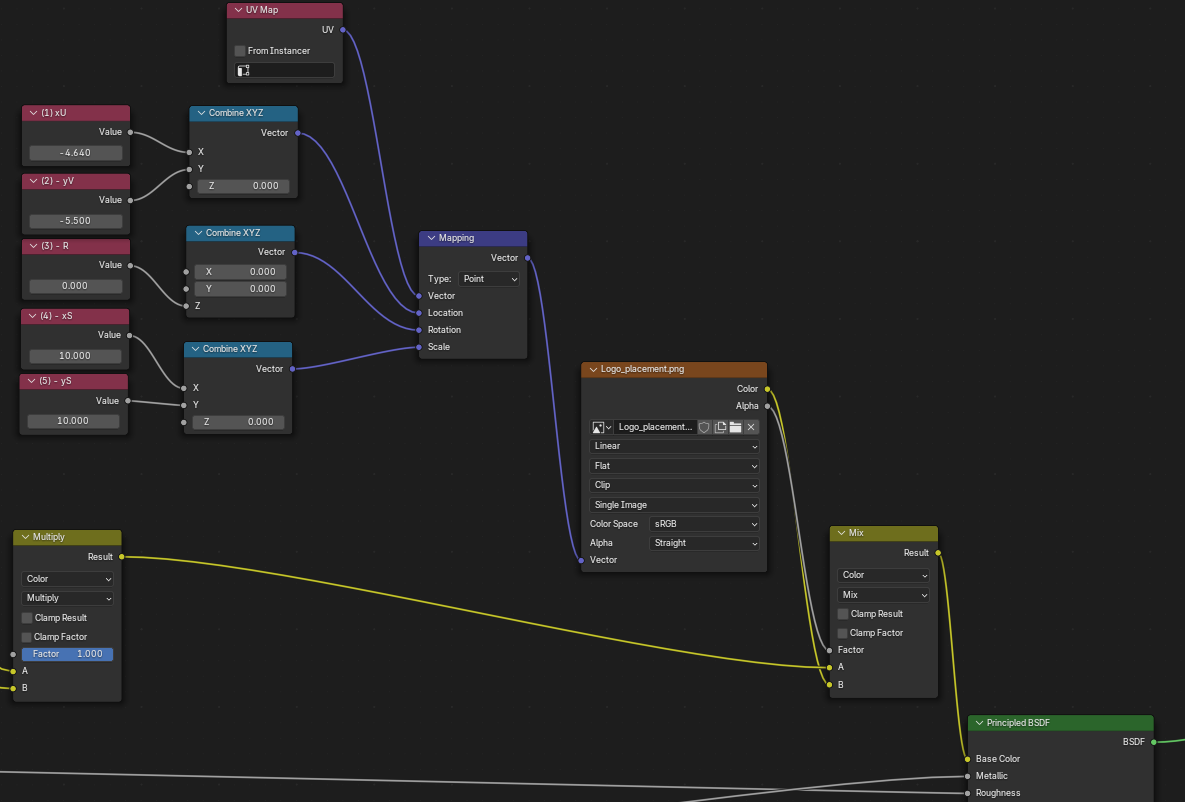
Free Video: Texture Feedback Processing in Max Using Custom Shaders ...
Max Tutorial - Texture Processing = Ned Rush : r/MaxMSP
3ds Max modeling for beginners - Editable Poly Soft Selection tab - YouTube
Premium AI Image | soft texture
Max Payne Modeling and Skinning In 3d Studio MAX tutorial - ModDB
Neutral light gray concrete surface with soft mottled texture and ...
drag textures on the model - Soft8Soft
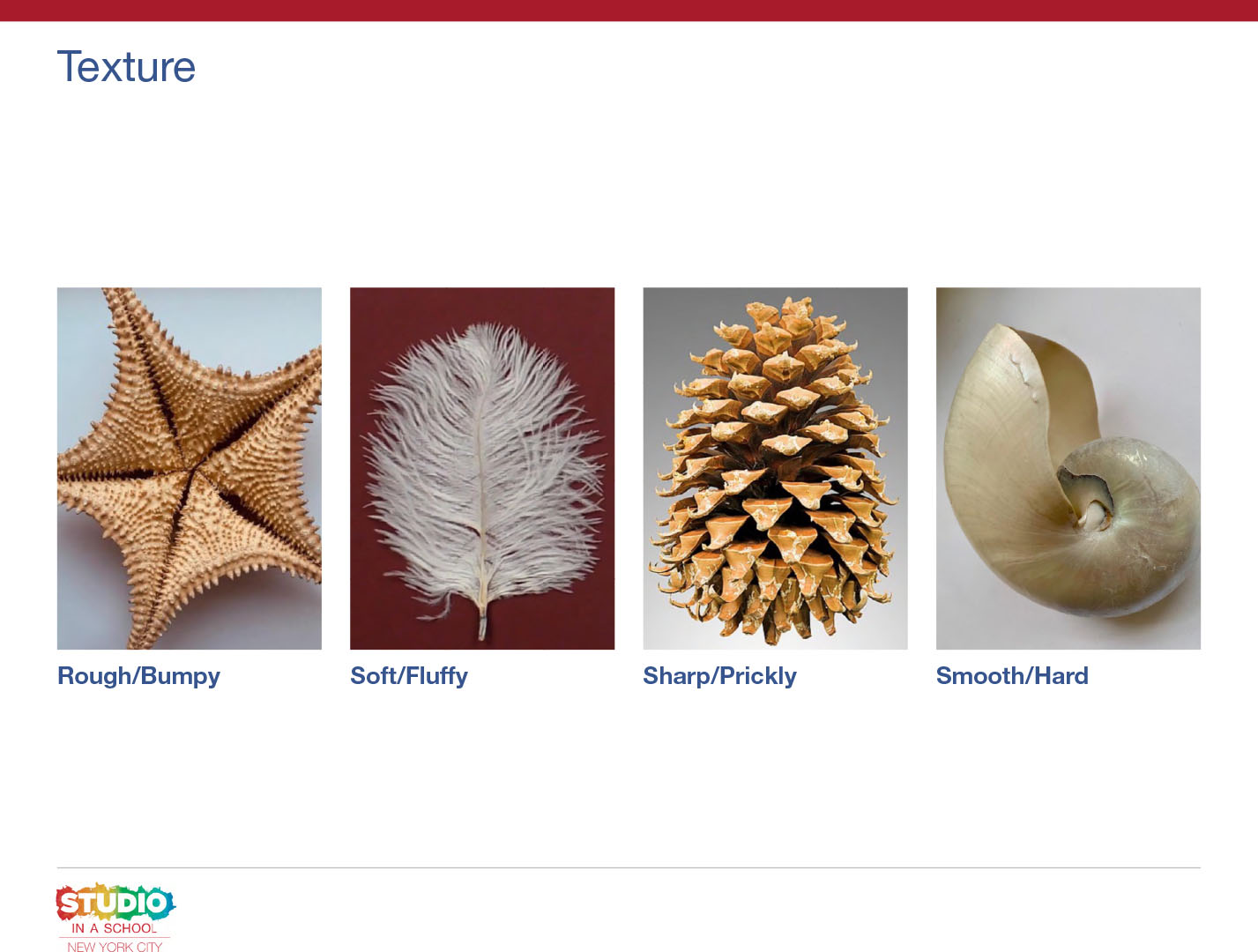
Soft Texture Examples
Premium AI Image | soft texture
3ds Max Assets Reuse: Copy & Paste Within/Across Scenes| XRender News ...
Soft Foam Texture with Copy Space for Design and Background Stock ...
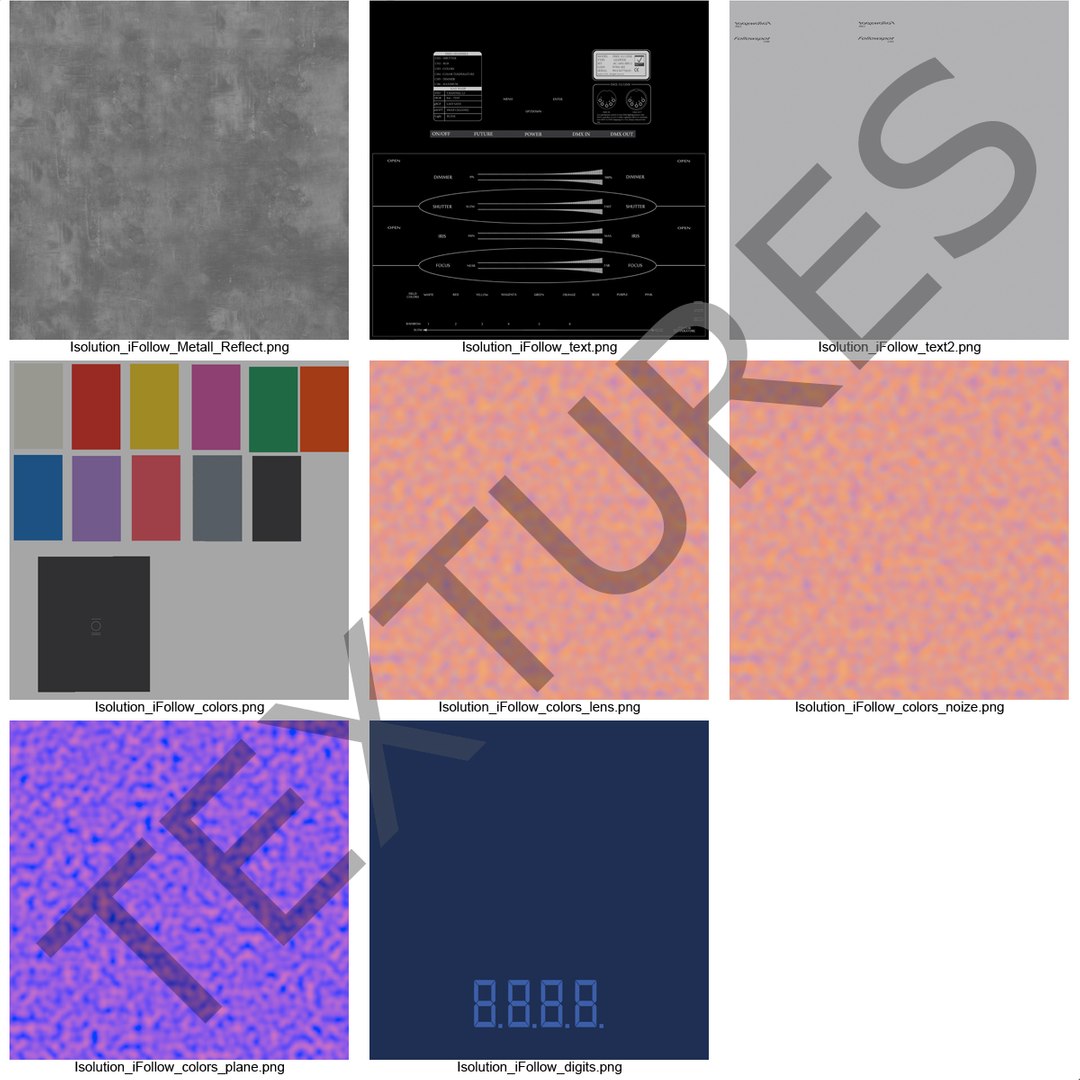
Follow Spot Generic 3d Max
User Guide – Texture Library
Premium AI Image | soft texture
jonathan paton - Max Tools
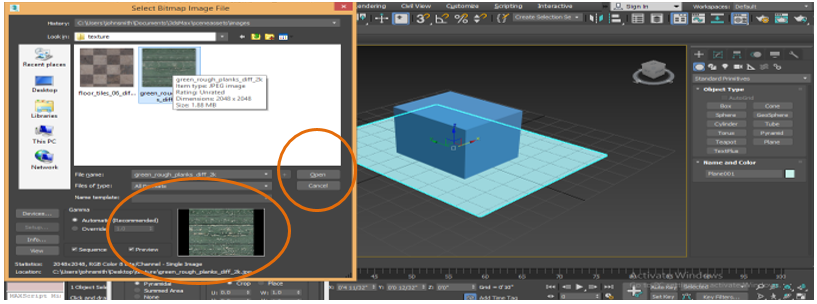
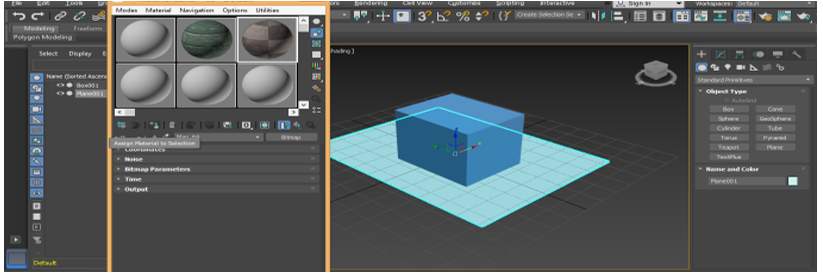
Texture in 3Ds Max | How to Set Units and Apply Texture in 3Ds Max?
Detailed Textures – Art of Luis
CopyTo PRO - copy objects between scenes 3Ds Max
Texture in 3Ds Max | How to Set Units and Apply Texture in 3Ds Max?
White soft fabric texture or background. 24604007 Stock Photo at Vecteezy
Texture in 3Ds Max | How to Set Units and Apply Texture in 3Ds Max?
Basic Texturing in 3ds max
Premium AI Image | soft texture
Optimizing scenes in 3ds Max | Textures part 2/2
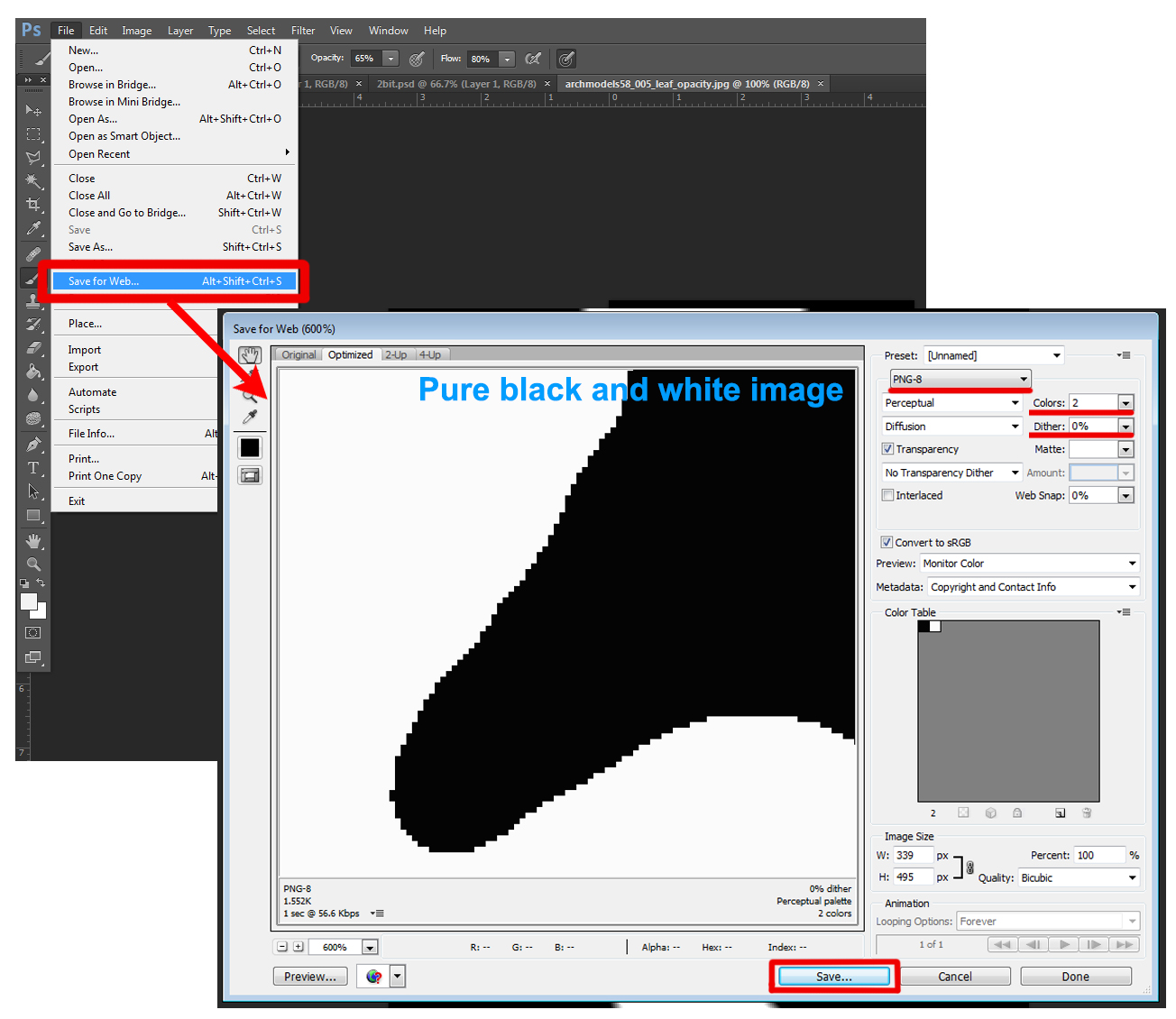
3D1 Salvar texturas
3D1 Salvar texturas
3d max soft selection
Hi, sorry if you’ve already answered this but I... — myshunosun
[3dsmax VC|SA] From Max to Game. - Tutorials - GTAForums
[3dsmax VC|SA] From Max to Game. - Tutorials - GTAForums
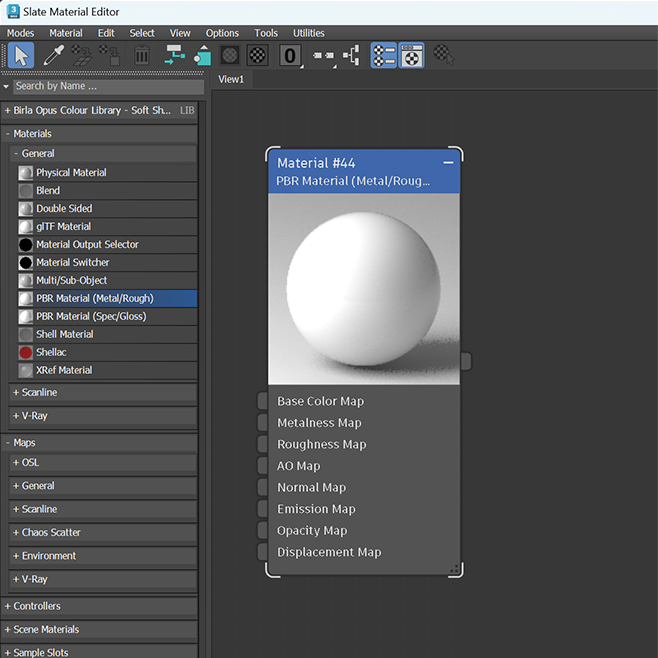
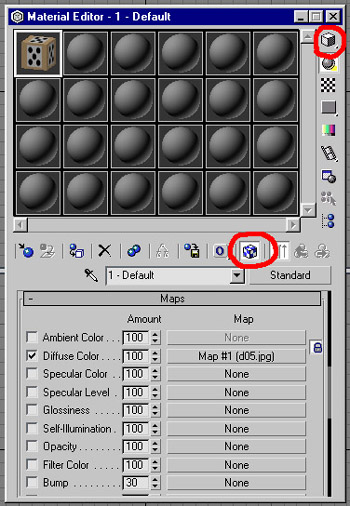
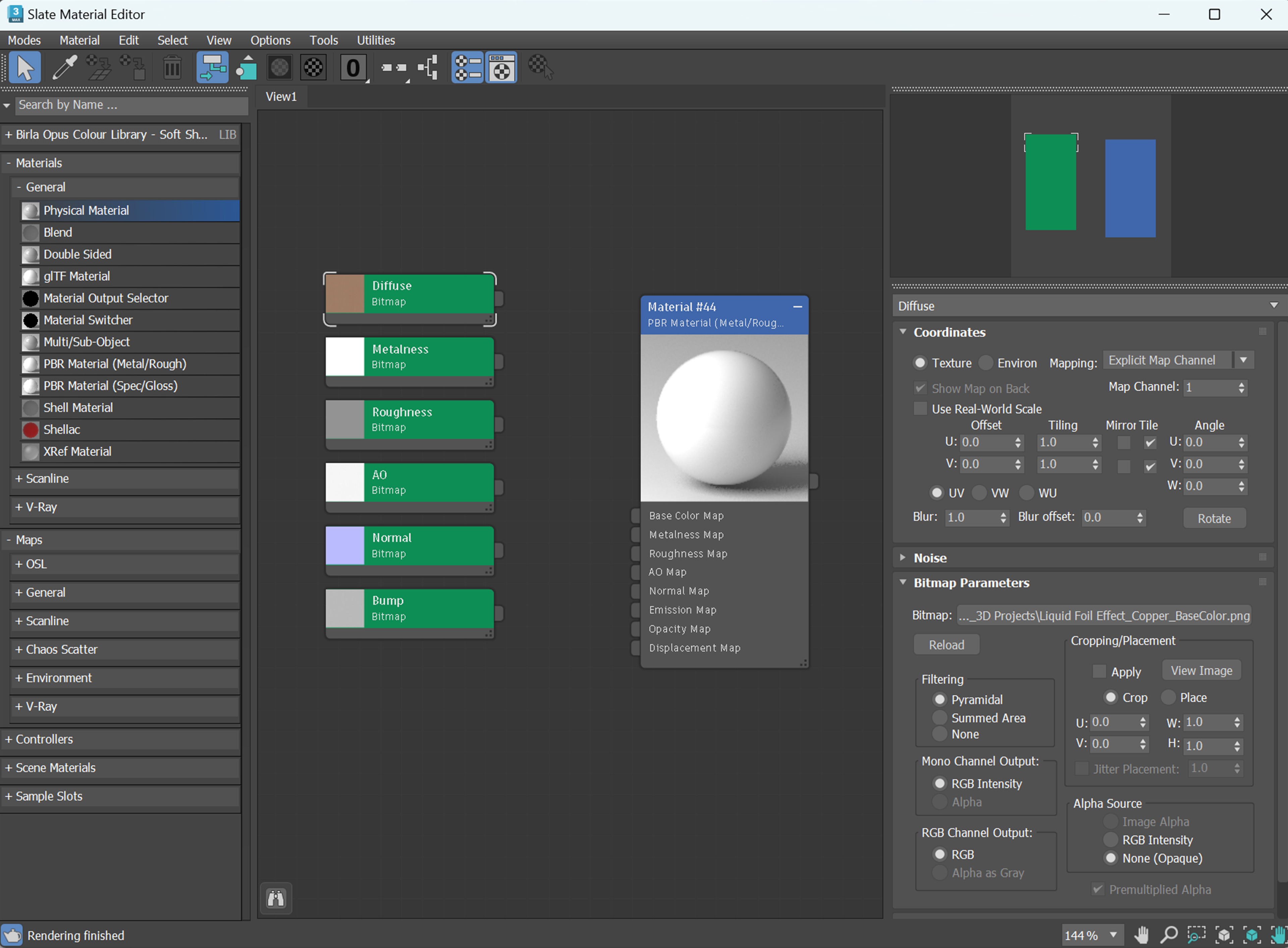
Copying and Pasting Textures

You can also use the images to explain the idea to someone else, and alignment happens in seconds instead of paragraphs.

The Small Details That Matter

Every example rewards a second, closer look, noting the choices that give each example its character.

The images you linger on will shape your understanding most, so choose the closest matches and examine those thoroughly.

The Power of Example Images

Visual search exists because the human brain processes pictures instantly, an image delivers the subject directly with no filter.

That is why a varied collection like this is so effective, whether you need inspiration, confirmation, or a clearer definition of what you want.

Keep Exploring the Collection

Bookmark this collection of Soft Follow Texture Copy In Max examples, because needs change and new examples make old ones more useful.

Over time, you will notice details casual viewers miss, so scroll back up and give the collection another look.