Feature Story

Syncing Iphone With Mac Using Itunes with Tiffany Weber blog

You Searched for Syncing Iphone With Mac Using Itunes — Here It Is

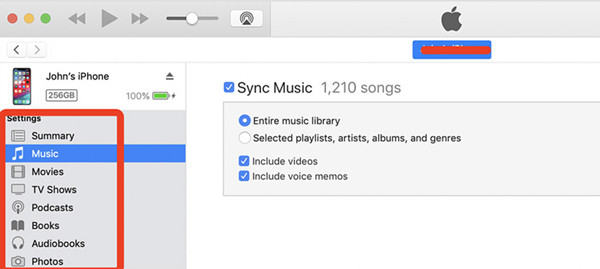
5 Foolproof Methods To Sync Apple Music From Iphone To Mac – ARAMC

You came here for Syncing Iphone With Mac Using Itunes, and everything below is exactly that, shown here as a varied gallery of reference images.
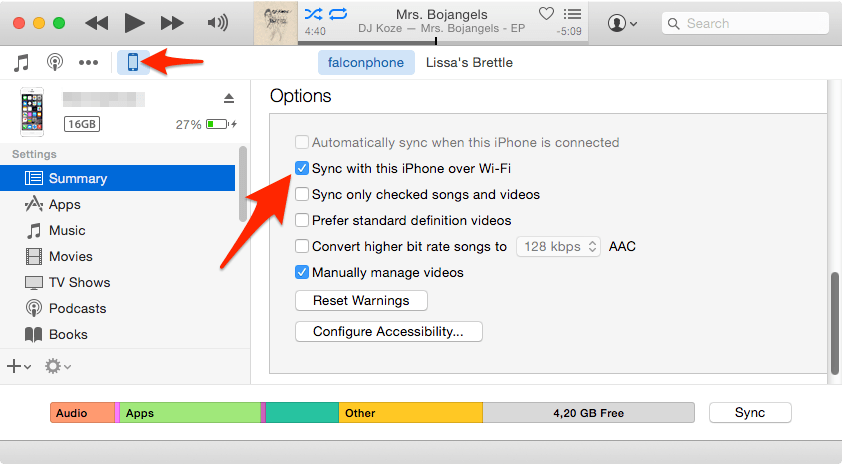
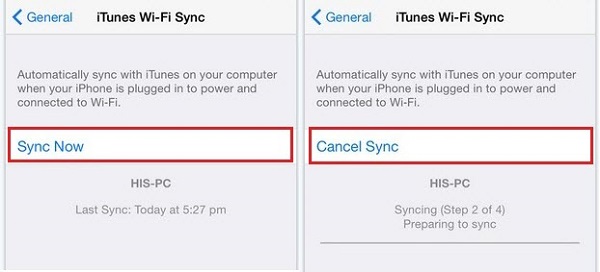
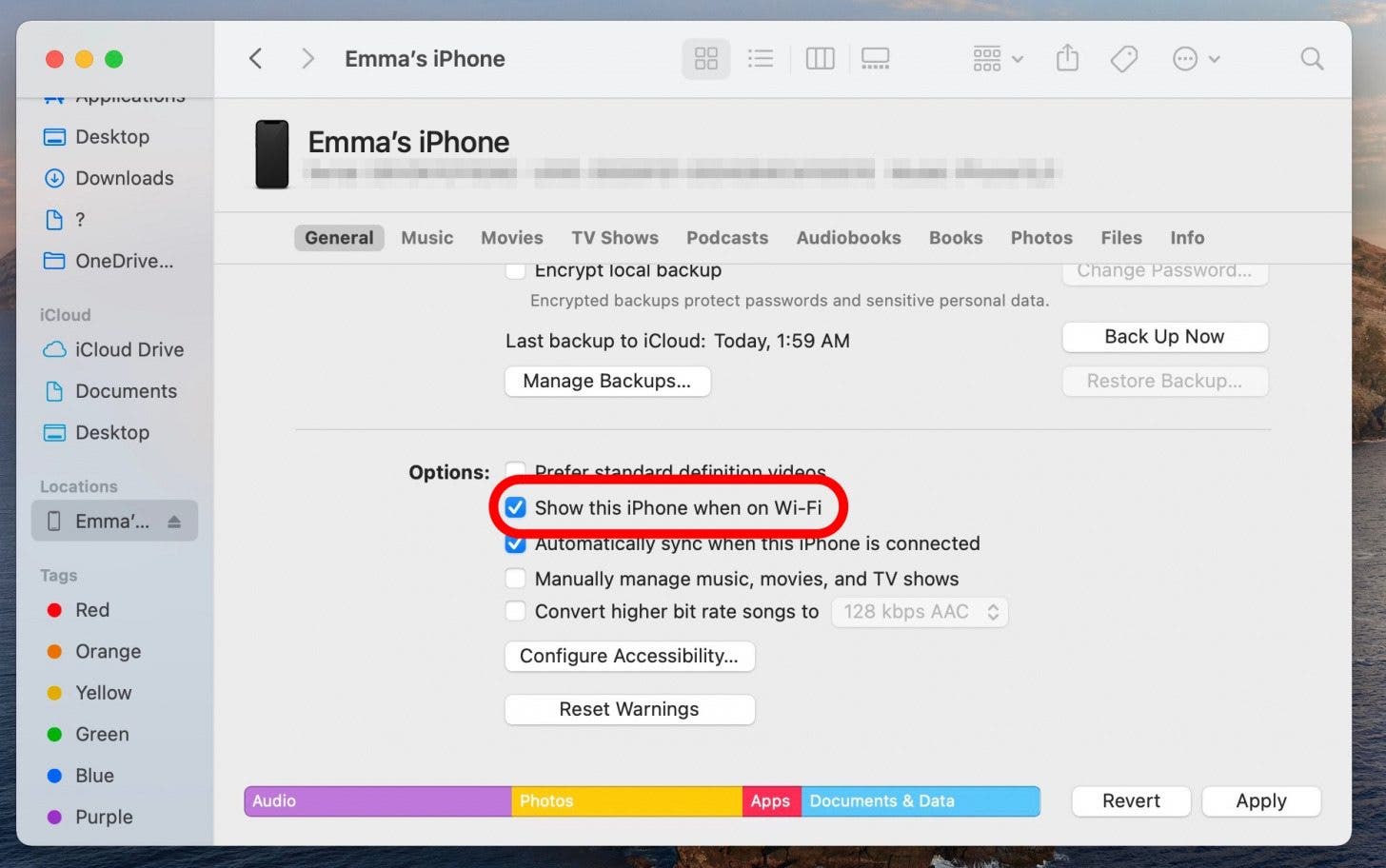
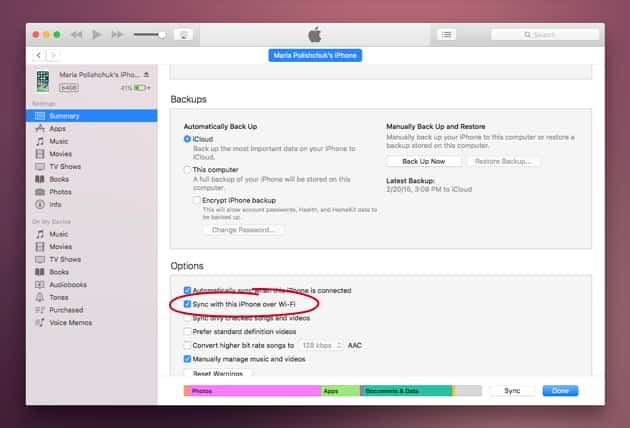
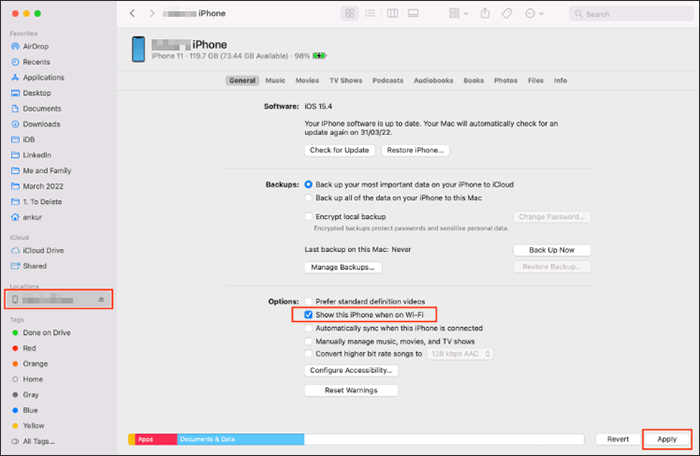
How To Sync Your iPhone With iTunes Wirelessly With Wi-Fi

Text can only take your search so far, and that is exactly why visual references work so well here.

A Visual Collection of Syncing Iphone With Mac Using Itunes

How to Sync an iPhone to Mac: 15 Steps (with Pictures) - wikiHow Tech

Every example image highlights a slightly different version of Syncing Iphone With Mac Using Itunes, so you can compare them side by side as you scroll.

Take your time moving through the collection, since patterns start to appear after just a few examples.
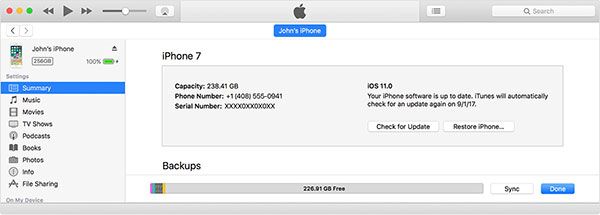
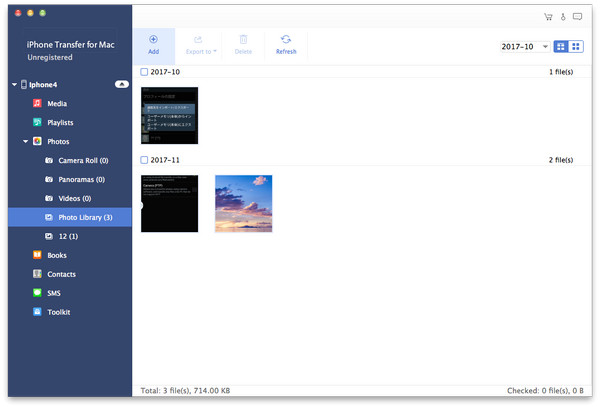
How to Sync iPhone to Mac Losslessly- 5 Reliable Methods

How the Gallery Helps You Understand

Every photo tells you something a description would miss, capturing exactly the kind of details people usually ask about.

Notice which details stay consistent across the pictures, and those repeated features are what make it recognizable.

How to Sync an iPhone to Mac: 15 Steps (with Pictures) - wikiHow Tech

All the Different Looks of Syncing Iphone With Mac Using Itunes

There is a surprising range of styles and interpretations here, some are simple and minimal, others are bold and detailed, which helps you quickly narrow down what you actually want.

Whenever a particular picture stands out, stop and study it, since your natural preference reveals itself faster than you think.
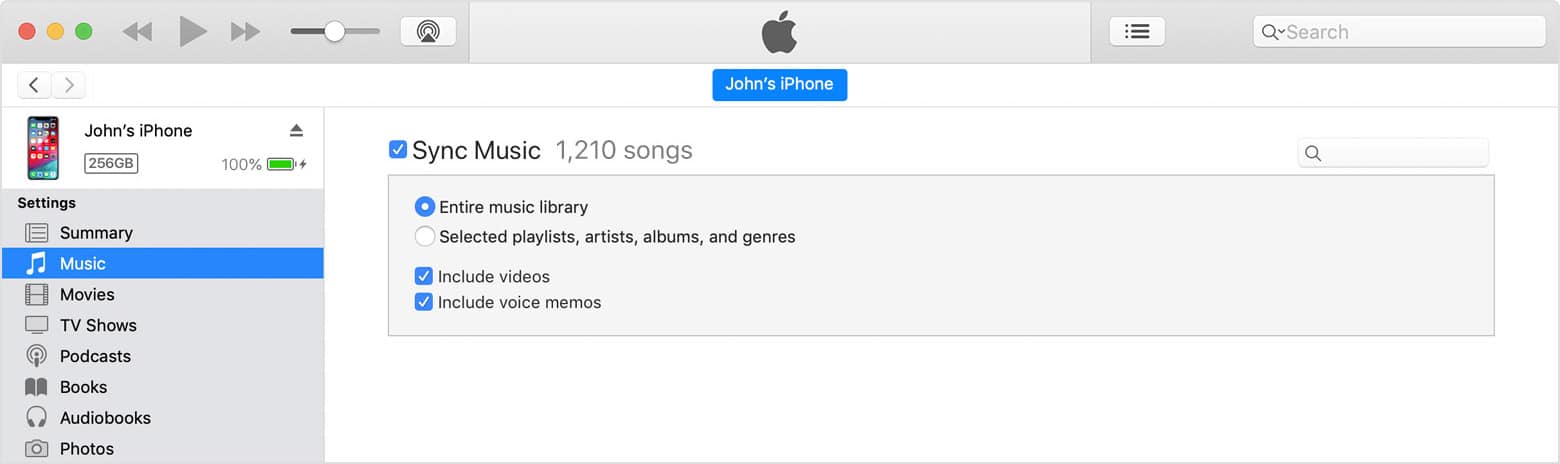
How to Connect iPhone to Mac? - (Step by Step Guide)

Turning Pictures Into Useful Reference

Treat the gallery as a practical tool rather than decoration, comparing your reaction across several examples.

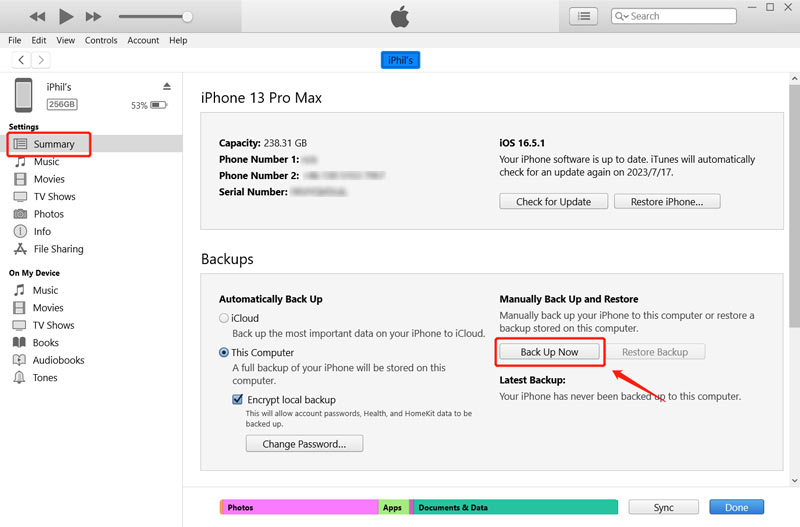
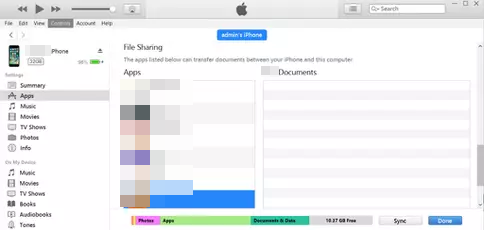
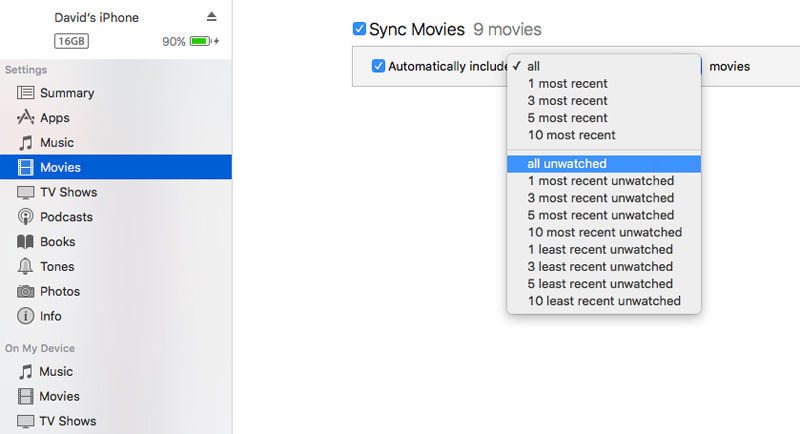
How to sync to iTunes: Complete guide to syncing iPhone/iPad with Mac ...
No Cable? How to Connect iPhone to Mac Wirelessly [4 Ways]
How to Sync iPhone to Mac with & without Cables: 5 Ways
How to Sync iPhone to Mac
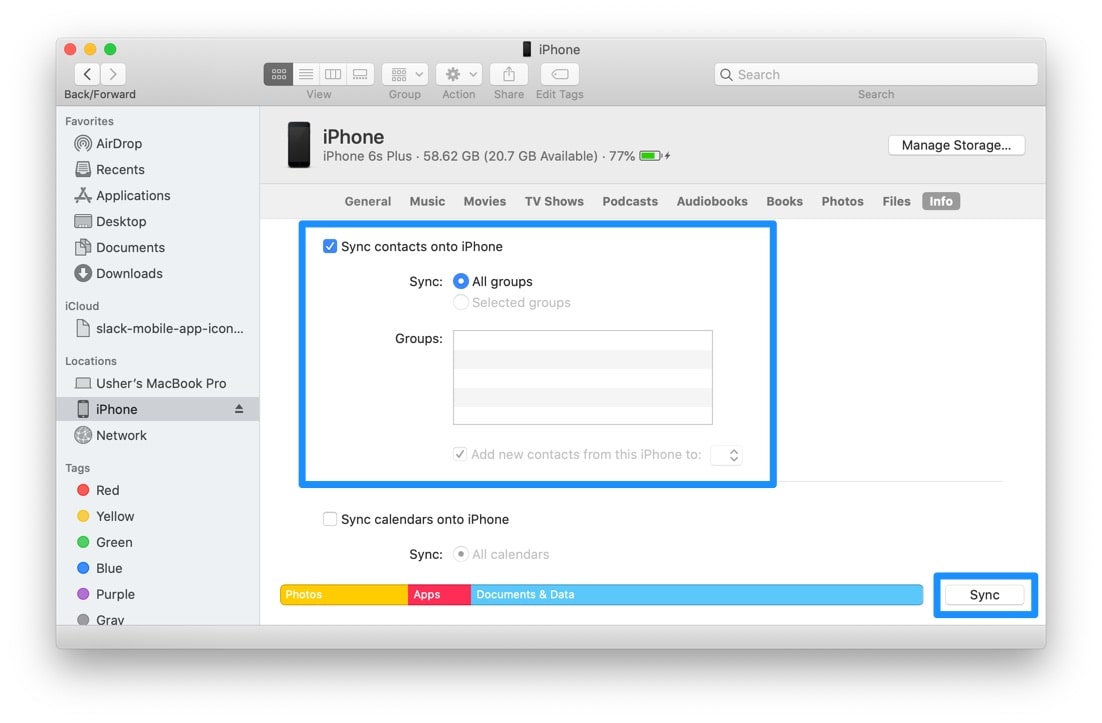
Sync Address Book From Mac To Iphone at Antonio Fore blog
Sync iPhone with PC or Mac: via iTunes, iCloud, Finder
Everything You Should Know About iTunes Wi-Fi Sync Functionality
How to Sync iPhone to Mac
How to Connect iPhone to Mac? (2023 Update)
Easy hacks to sync iTunes to iPhone
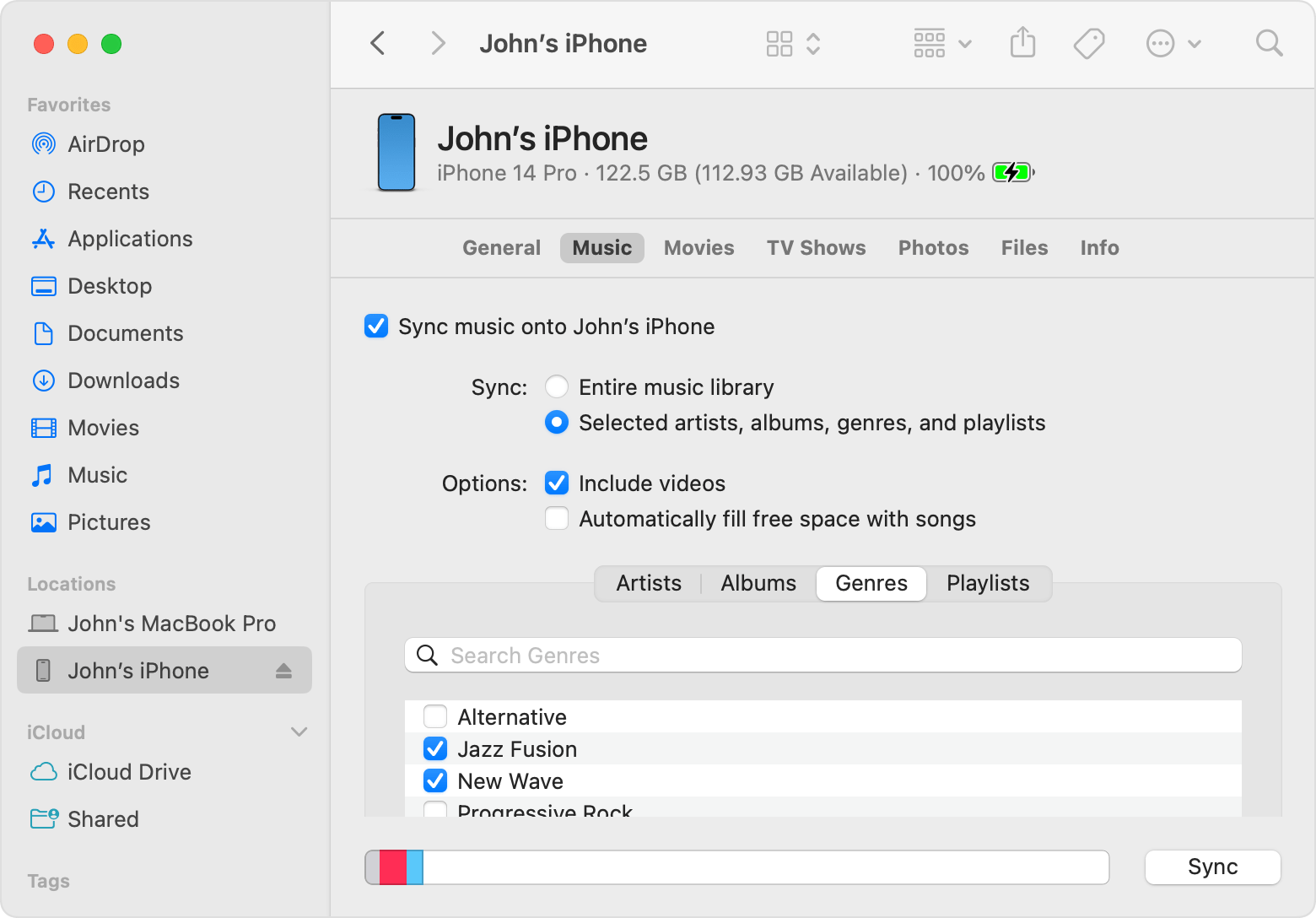
How to sync iPhone with Mac
How to Sync iPhone Messages to Mac, iPad, and New iPhone
How to sync your iPhone and iPad with your Mac | iMore
How to Connect iPhone to Mac? - (Step by Step Guide)
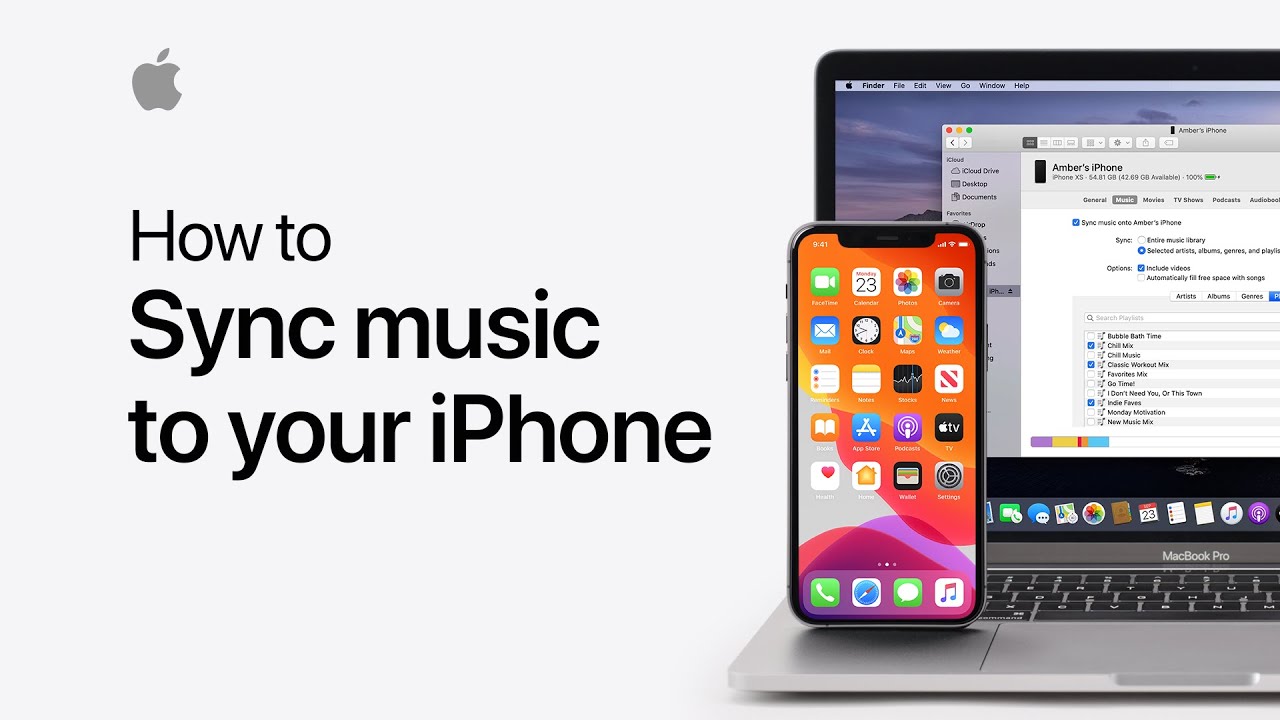
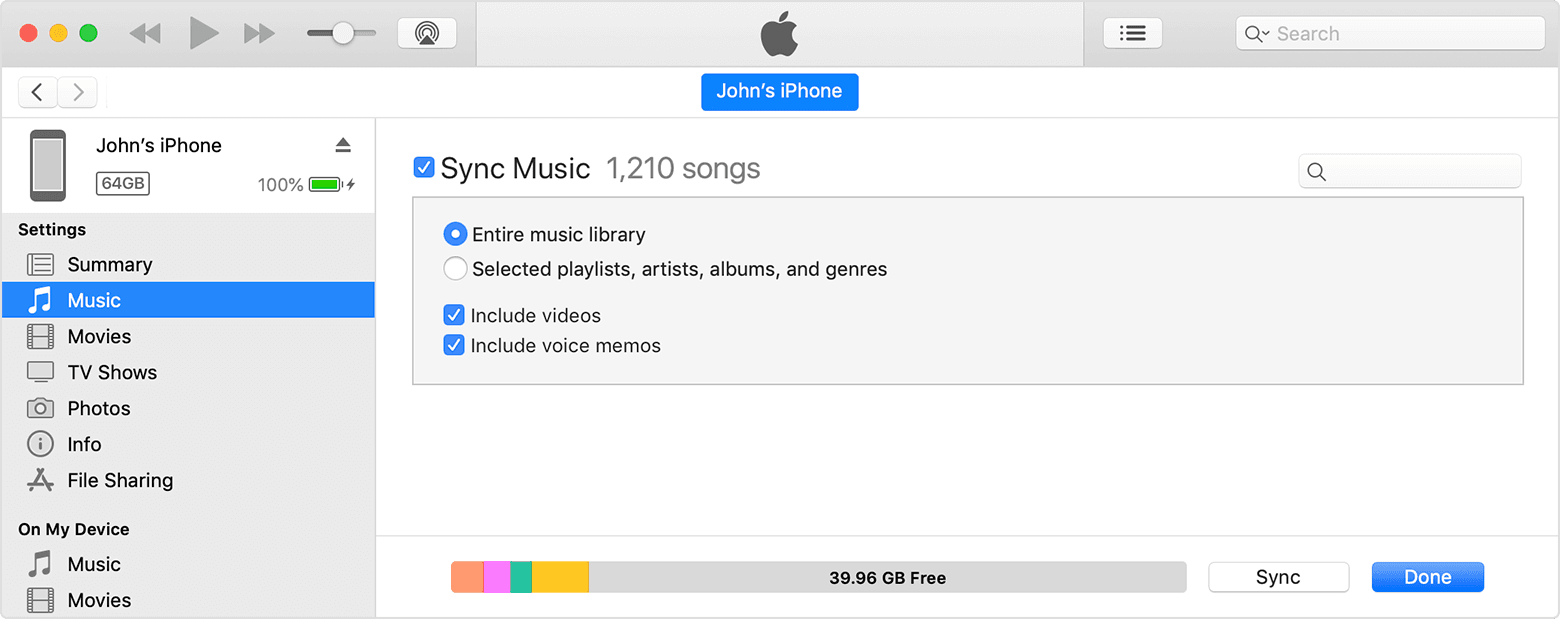
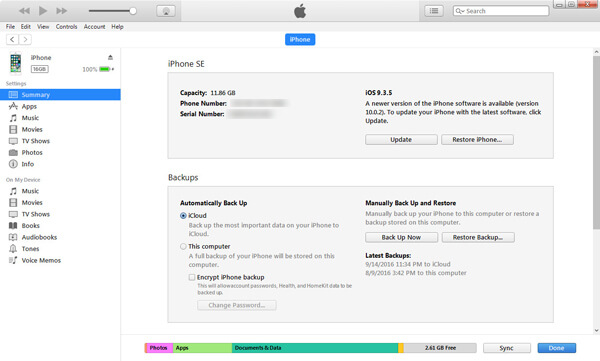
Use iTunes to sync your iPhone, iPad, or iPod with your computer ...
How to Connect iPhone to iTunes in 2026(100% Works)
How to sync your iPhone and iPad with your Mac | iMore
How to Sync iPhone to Mac with & without Cables: 5 Ways
How to sync to iTunes: Complete guide to syncing iPhone/iPad with Mac ...
5 Ways to Sync iPhone to Mac/MacBook [Way 1 Is Optimal]
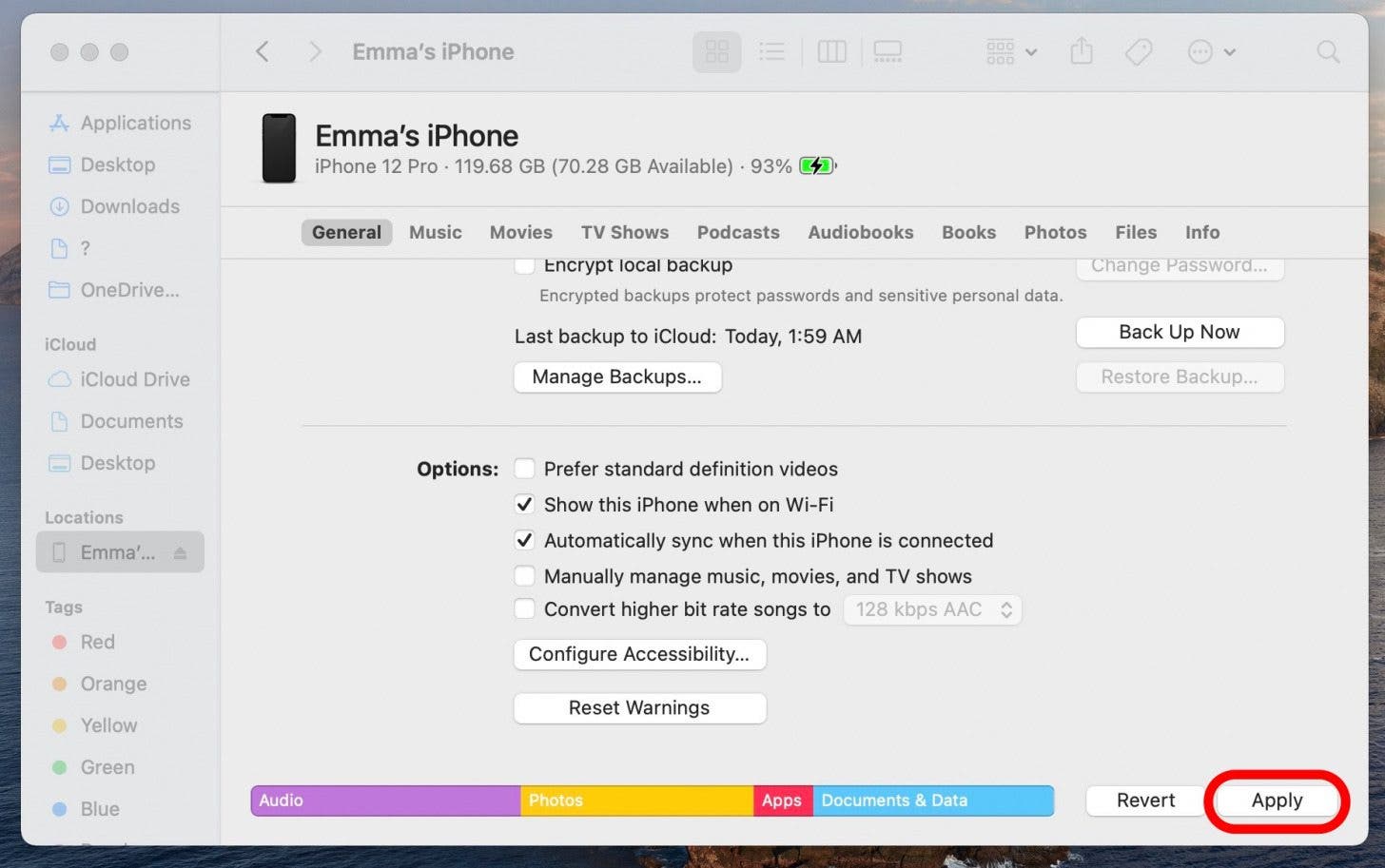
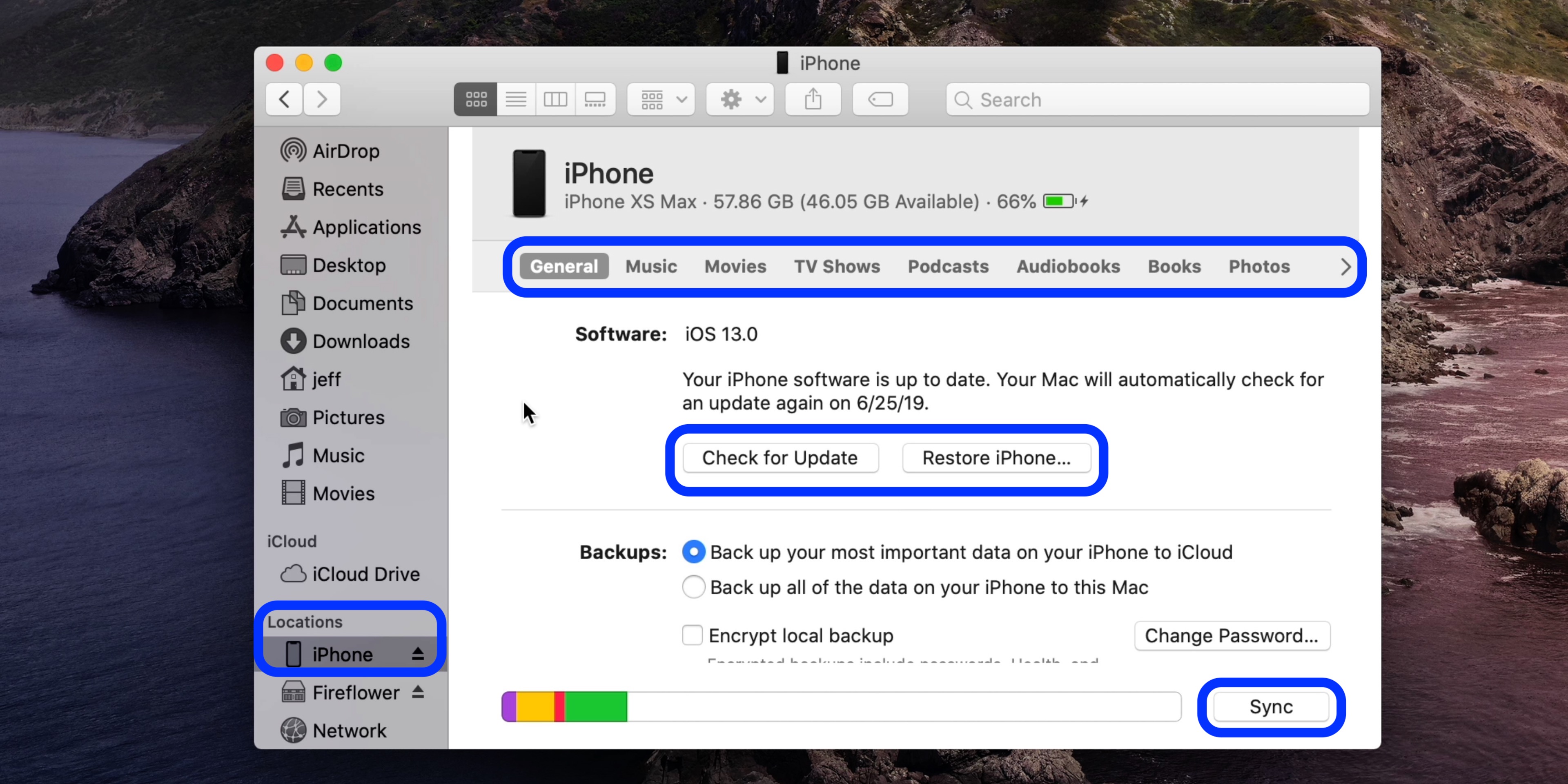
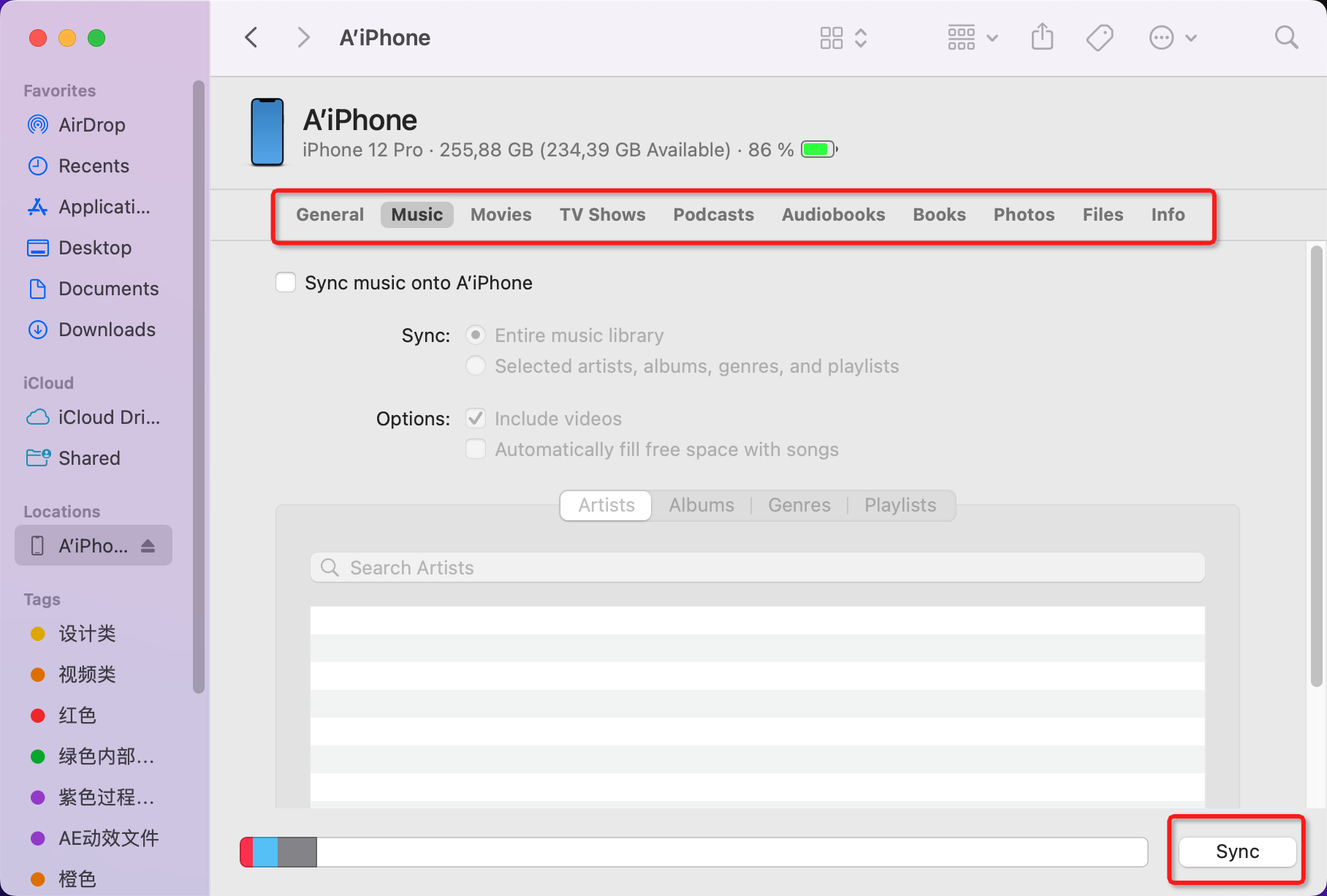
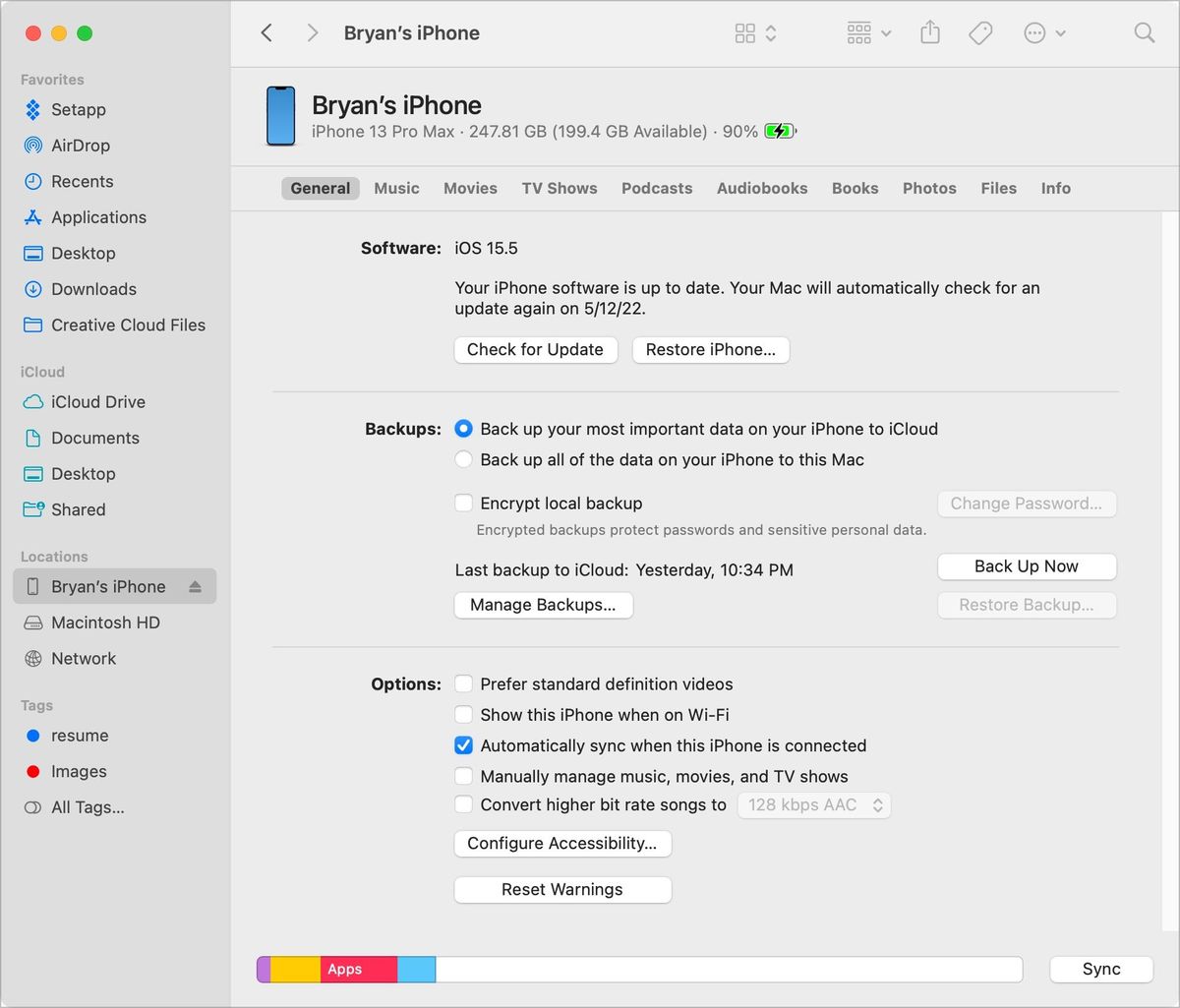
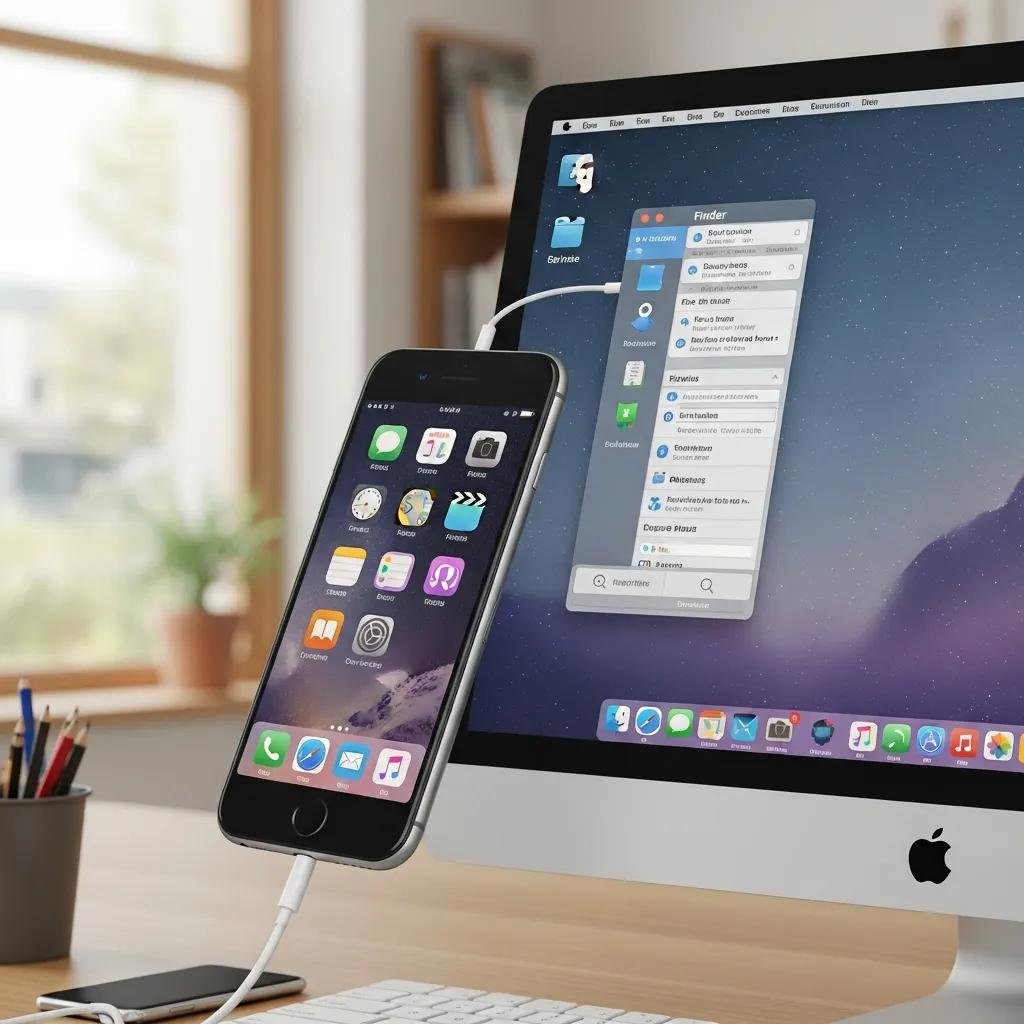
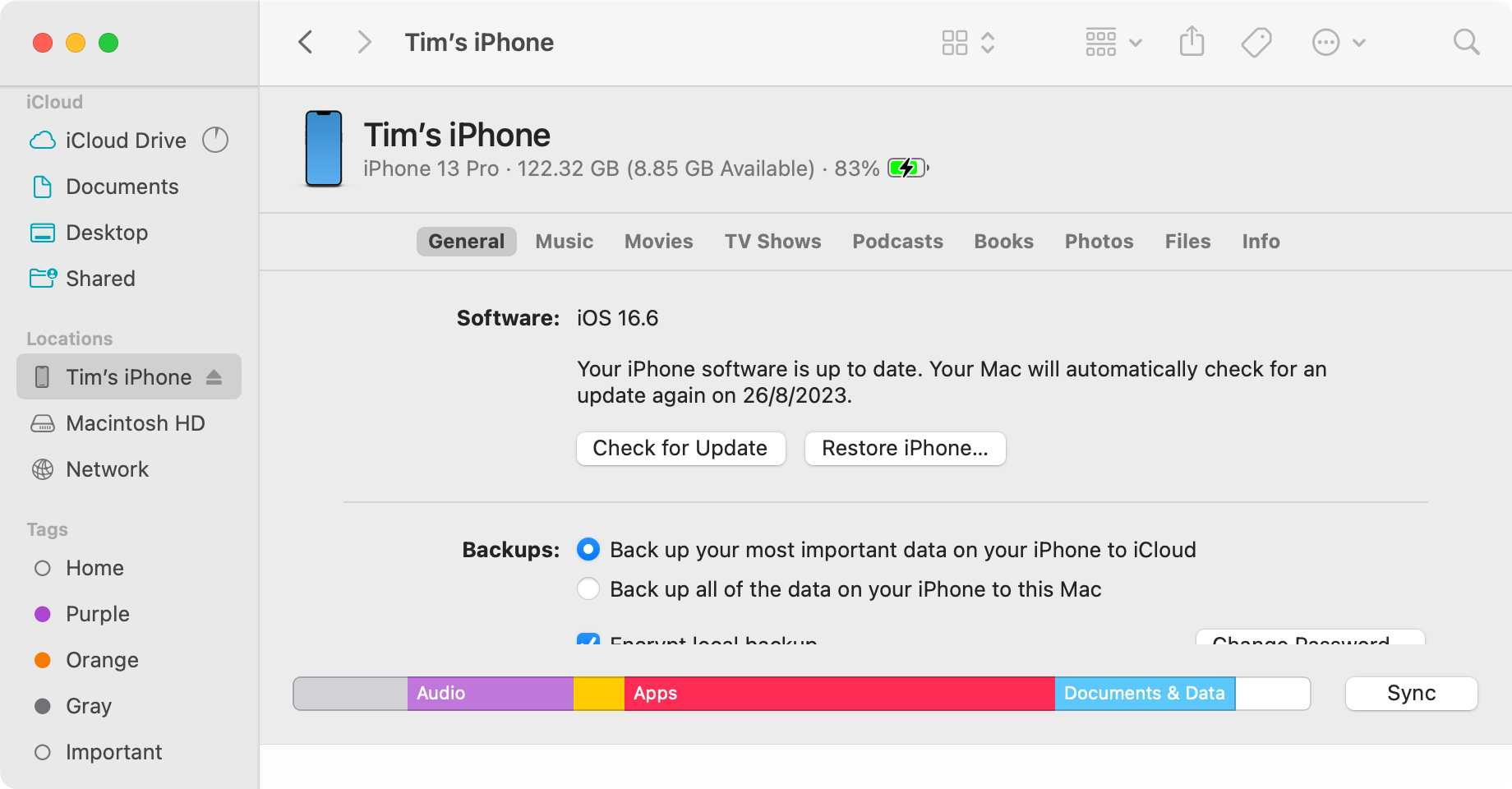
Use the Finder to sync your iPhone, iPad, or iPod touch with your Mac ...
How to Sync iPhone to iTunes via USB or Over Wi-Fi
How to sync to iTunes: Complete guide to syncing iPhone/iPad with Mac ...
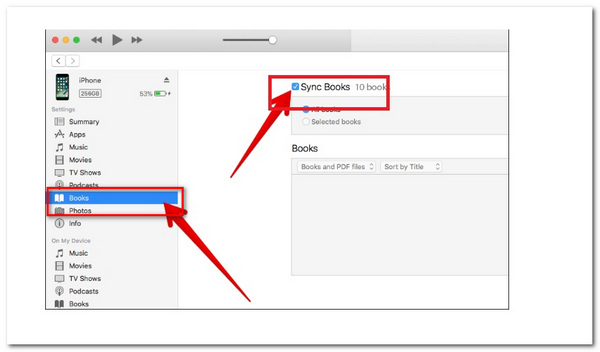
3 Easy Ways to Sync iBooks from Mac to your iPhone
How to Sync iPhone with Mac or Windows PC: Step-by-Step Guide | MC Helper
How to Sync iPhone to Mac Losslessly- 5 Reliable Methods
How to Sync Contacts from Mac to iPhone: 4 Quick Methods
How to Sync iPhone to Mac: What You Need to Know
How to Sync an iPhone to Mac: 15 Steps (with Pictures) - wikiHow Tech

Sometimes the fastest way to communicate is to share the picture itself, and alignment happens in seconds instead of paragraphs.

What to Notice in Each Picture

Slow down and examine fewer images more carefully, paying attention to textures, proportions, colors, and how things are arranged.

Depth beats speed when it comes to visual learning, and let a few carefully chosen references guide your direction.

Why Visual References Work So Well

There is a simple reason image searches are so popular, a real example eliminates the gap between description and reality.

This is precisely why galleries like this one are valuable, whether you need inspiration, confirmation, or a clearer definition of what you want.

Come Back to This Gallery Anytime

Keep this gallery close for whenever the question resurfaces, since every revisit tends to surface details you missed.

Repeated exposure quietly builds real visual understanding, and let the gallery keep doing what it does best.