You Searched for Tips For Protecting Computer Data — Here It Is

You came here for Tips For Protecting Computer Data, and everything below is exactly that, presented through a broad set of image examples you can browse freely.

A description can only go so far before a picture does the job better, and that is exactly why visual references work so well here.
A Visual Collection of Tips For Protecting Computer Data

Each picture captures Tips For Protecting Computer Data from a different angle or context, and you will quickly see how much variety exists.
Scroll slowly and let each image register, since patterns start to appear after just a few examples.

What These Pictures Explain
Every photo tells you something a description would miss, capturing exactly the kind of details people usually ask about.
Watch for the elements that appear again and again, since repetition across images signals what defines it.
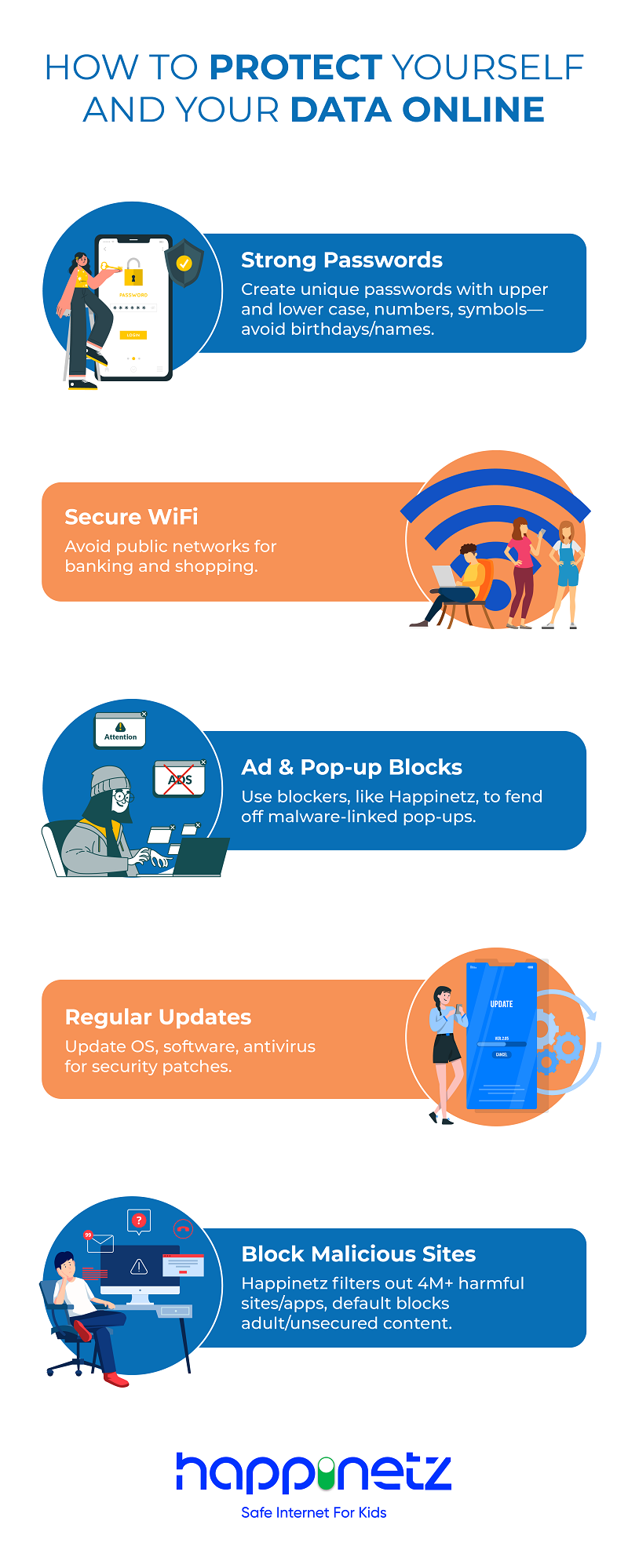
From One Style to Another
No two examples in the gallery look exactly the same, certain images favor a clean look while others go for something richer, and that discovery is exactly what a reference gallery is for.
If one image catches your eye, pause on it and ask why, that reaction is a better guide than any checklist.

How to Use These Examples for Reference
Treat the gallery as a practical tool rather than decoration, such as saving the examples closest to what you need.
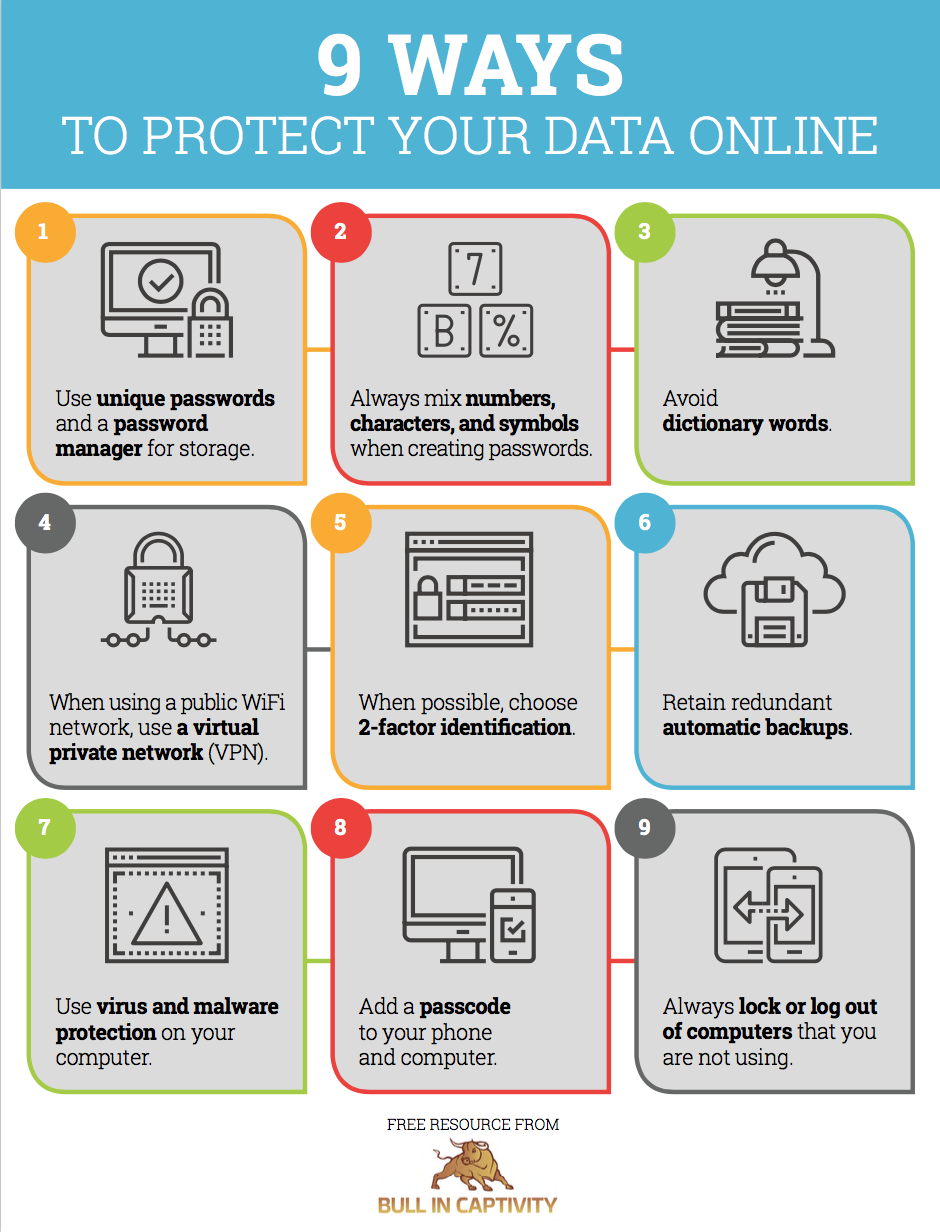





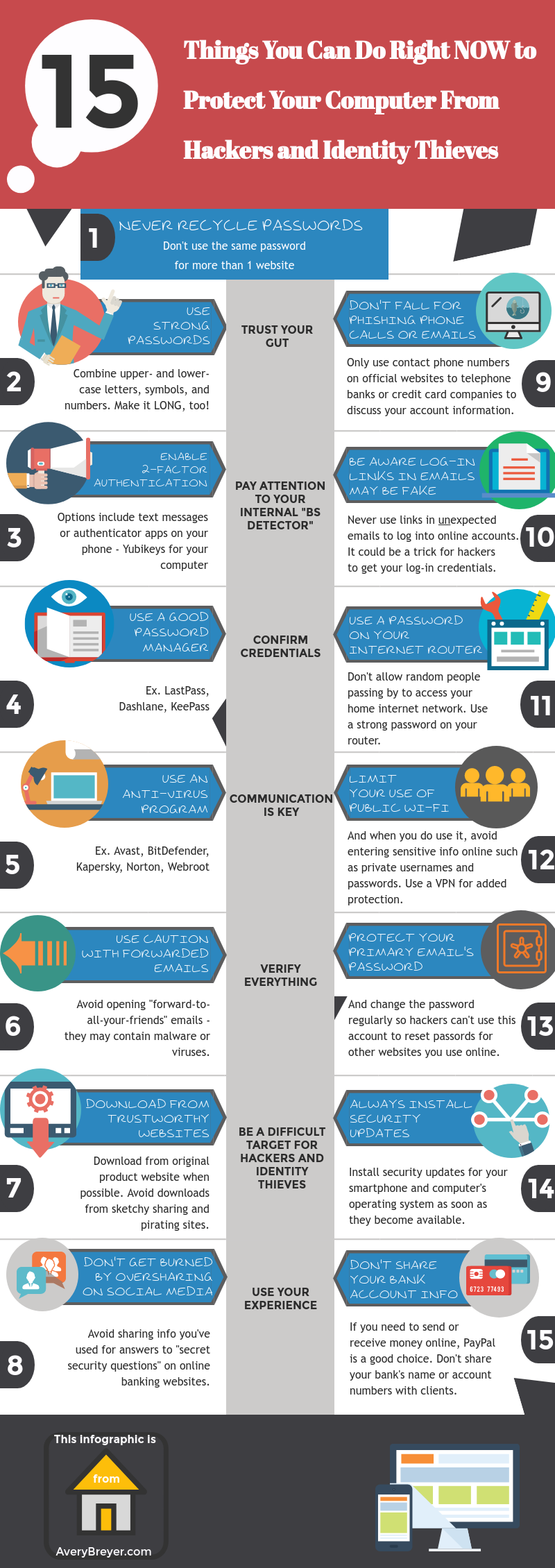






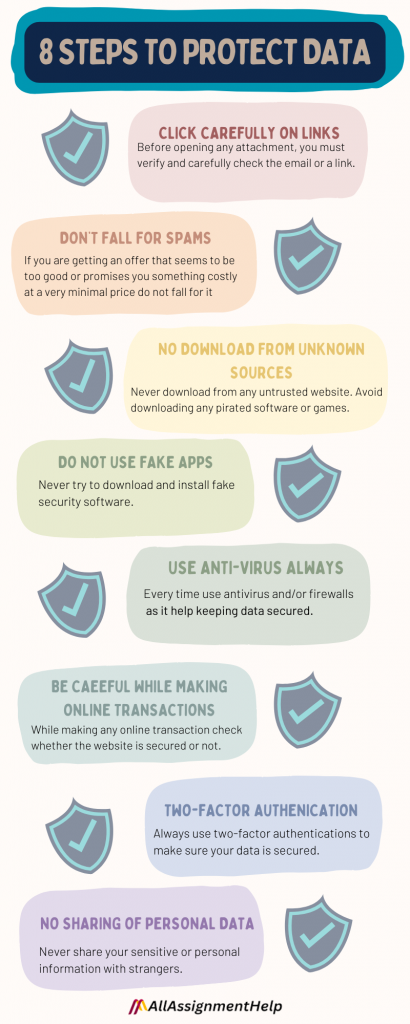
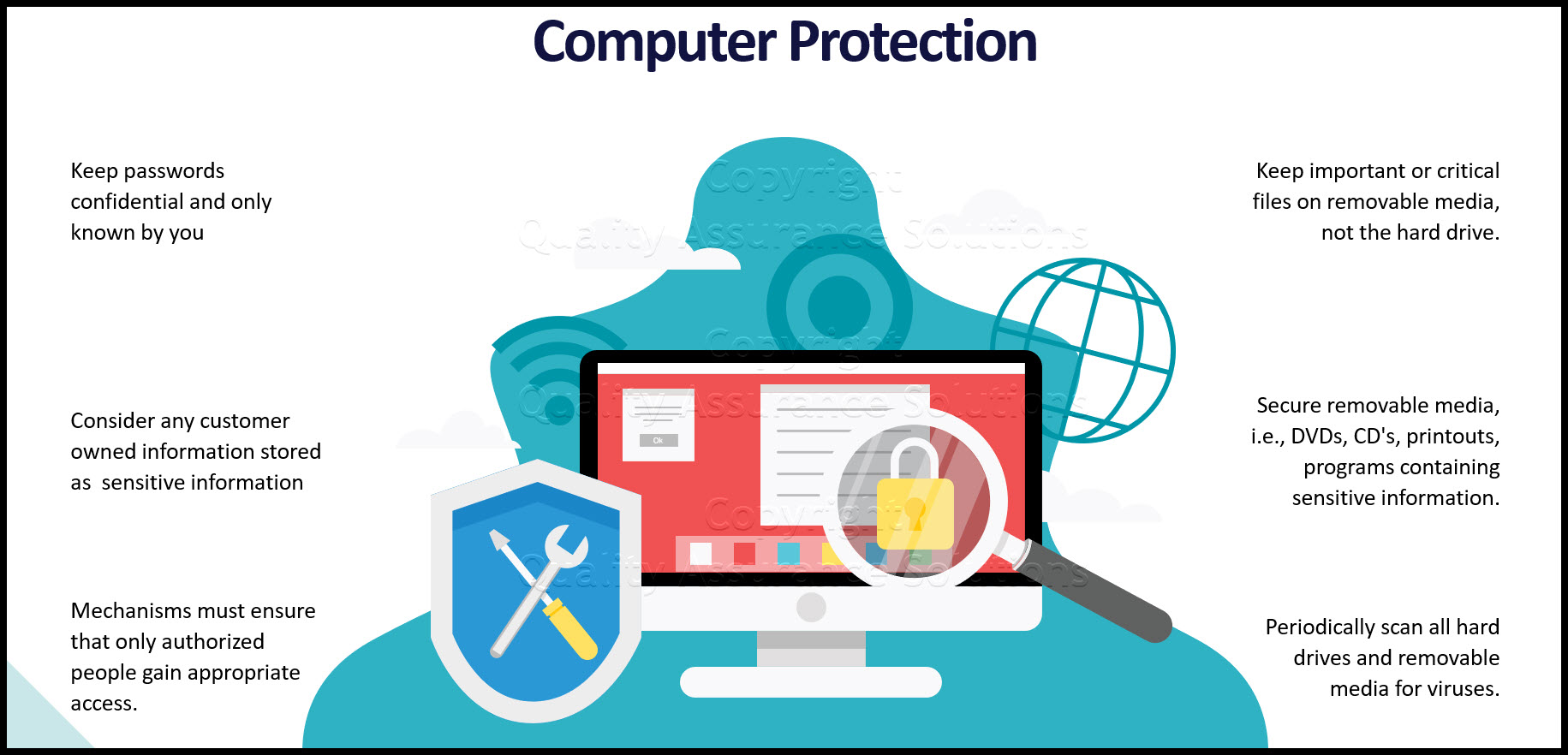






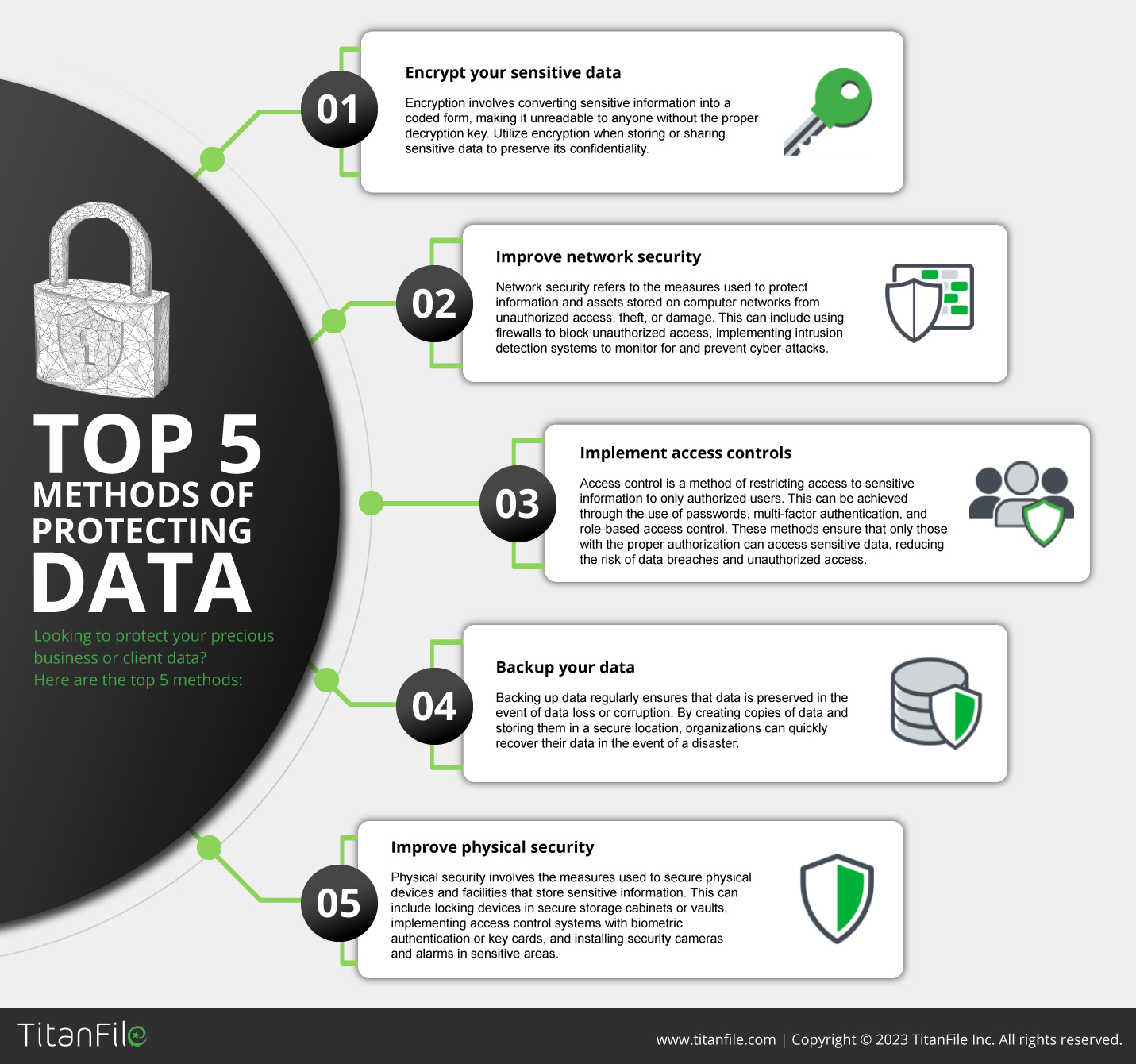





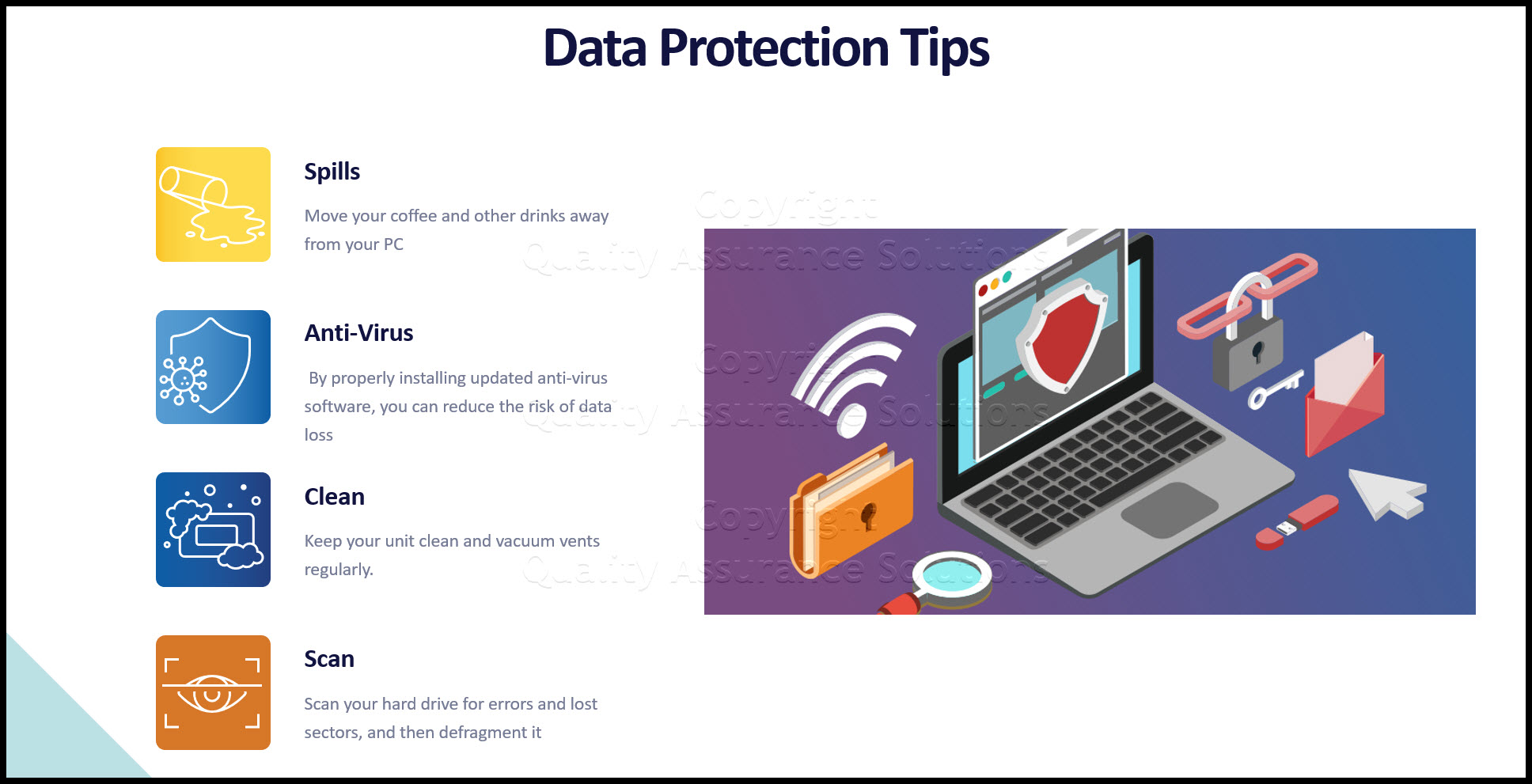
Sometimes the fastest way to communicate is to share the picture itself, and alignment happens in seconds instead of paragraphs.
Closer Looks at the Examples
Every example rewards a second, closer look, looking at how each part relates to the whole.
A closer look at one good image beats skimming twenty, so choose the closest matches and examine those thoroughly.
Pictures Explain Faster Than Words
It is no accident that people search for images first, a visual cuts straight past every possible misunderstanding.
That is the strength of having many examples side by side, whether you need inspiration, confirmation, or a clearer definition of what you want.
The Reference Is Here Whenever You Need It
You can return to this page of Tips For Protecting Computer Data images anytime, as your preferences may shift the second time you look.
The more examples you absorb, the sharper your eye becomes, and each pass through the images adds to what you already know.