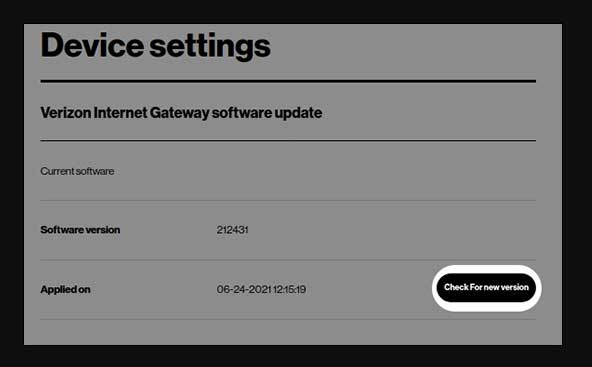
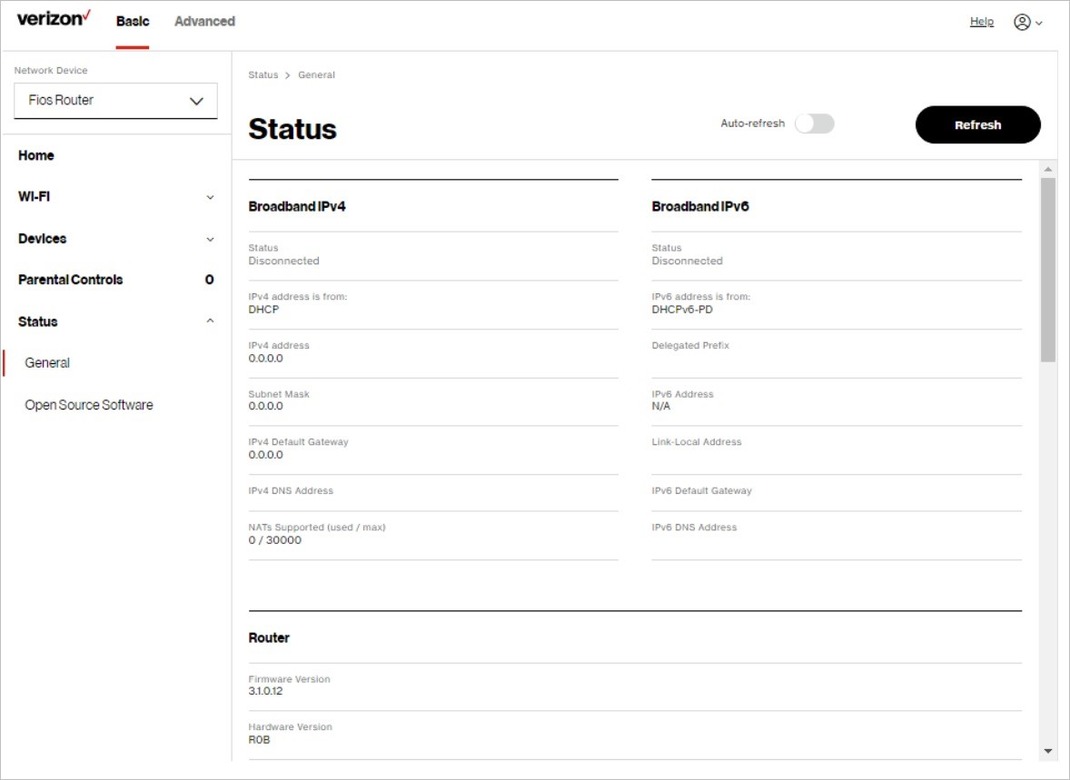
Feature Story

Verizon Fios Router Firmware Update Frequency Of Update Process with Tiffany Weber blog

Verizon Fios Router Firmware Update Frequency Of Update Process: Right Where You Need It

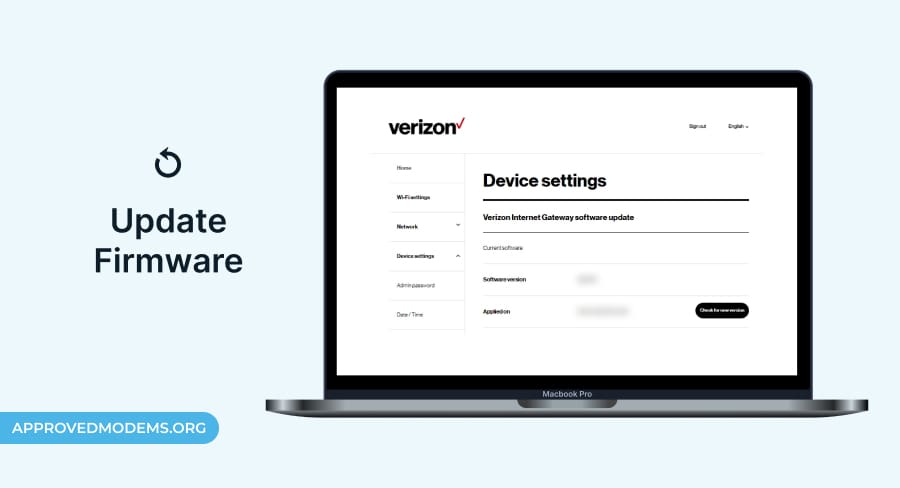
How to Update Firmware on Fios Router G1100 - TekDoze

If you arrived here looking for Verizon Fios Router Firmware Update Frequency Of Update Process, you are in the right place, shown here as a varied gallery of reference images.
How to Reboot Verizon FiOS Router in Quick and Easy Steps

Reading about something is one thing; seeing it is another, so looking at real examples explains far more than any description can.

Example Images of Verizon Fios Router Firmware Update Frequency Of Update Process
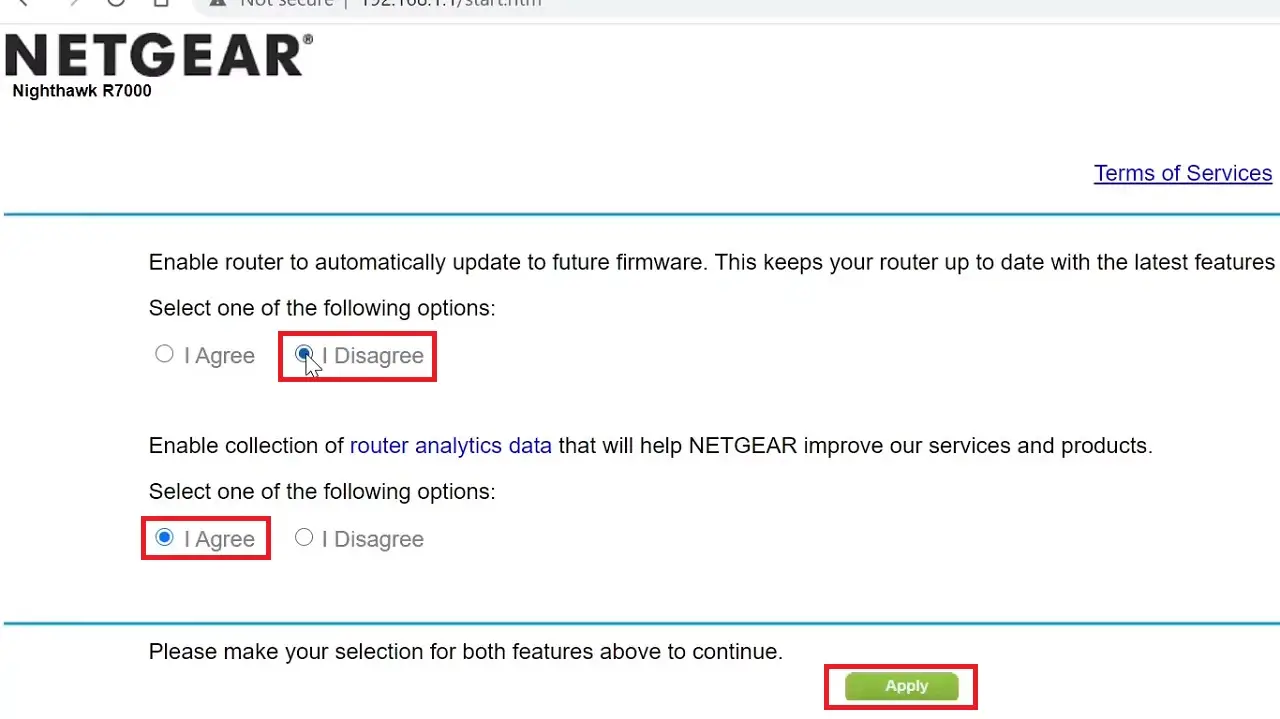
How to Update Firmware on your Router? - Gizmos Zone

Every example image highlights a slightly different version of Verizon Fios Router Firmware Update Frequency Of Update Process, so you can compare them side by side as you scroll.

Take your time moving through the collection, since patterns start to appear after just a few examples.

Verizon Fios G3100 Wifi 6 Router Setup Guide - KevinHowTo - YouTube

What These Pictures Explain

Think of each example as a visual definition, showing details that are hard to put into words.

Notice which details stay consistent across the pictures, since repetition across images signals what defines it.
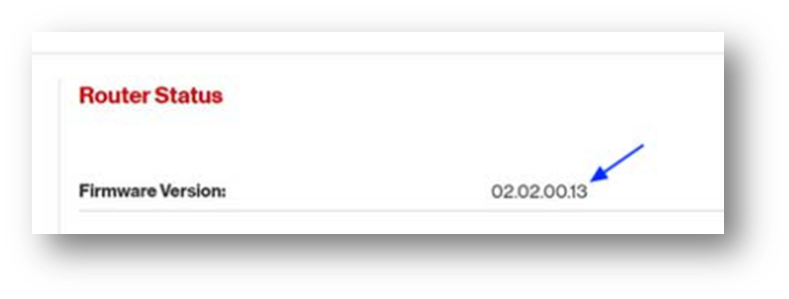
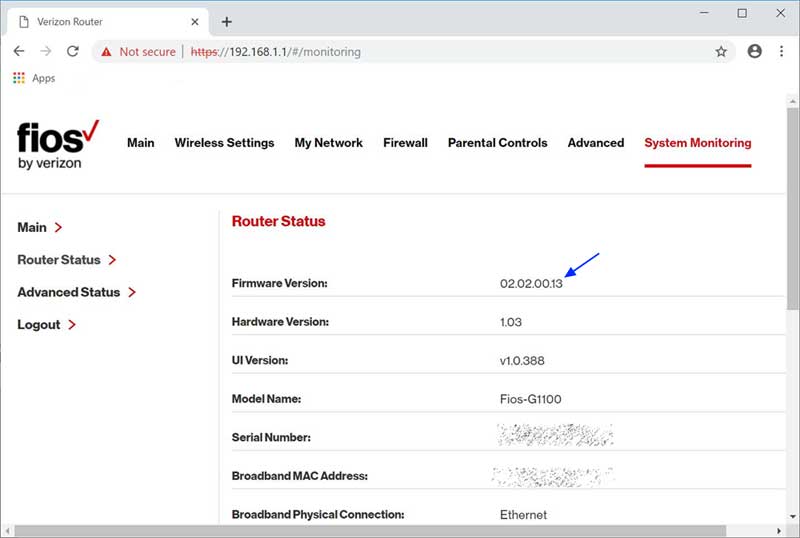
Fios G1100 Firmware
Fios G1100 Firmware

Many Forms and Variations

Variety is the whole point of a reference collection, a few lean traditional while others feel modern, and seeing them together makes your own preference obvious.

If one image catches your eye, pause on it and ask why, since your natural preference reveals itself faster than you think.

How to Check for Firmware Updates on Your Verizon FiOS Device? - DeviceMAG

Turning Pictures Into Useful Reference

Treat the gallery as a practical tool rather than decoration, such as saving the examples closest to what you need.

How to Update Router Firmware: An Easy Step-by-Step Guide
Verizon Releases Firmware System Update 3 for Inseego 8800L Mobile ...
How to Effortlessly Set Up Your Verizon Fios Router
How to Update Router Firmware: An Easy Step-by-Step Guide
Verizon fios 10x better : r/OPTIMUM
How To Update Router Firmware - YouTube
Verizon Fixes Bugs Allowing Full Control of Fios Quantum Router
Verizon Online G2100 Fios-G2100 User Manual P1 P114 rev
How to Update Firmware on Fios Router G1100 - TekDoze
Verizon Fios Wifi Not Working? Find Out The Solution
Yellow Light on Verizon Router: Causes and Fixes [2024] - Consumer Gear ...
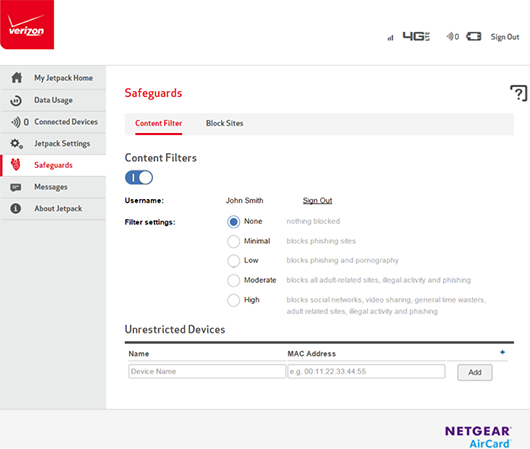
Verizon Jetpack AC791L Firmware Update Increases LTE-Advanced ...
How to Check for Firmware Updates on Your Verizon FiOS Device? - DeviceMAG
How To Fix Verizon Router's Red Light Issue? [Easy Ways]
How to Update Firmware on Fios Router G1100 - TekDoze
How To Reboot Verizon Fios Router - YouTube
How To Fix Verizon FiOS Problem Connecting To Websites | Chris Benard
Verizon Fios Internet Troubleshooting: Ultimate Fix Guide
Verizon Router Blinking White: Causes and Solutions Guide
How To Upgrade Verizon Fios Router – SCOSZD
How To Fix Verizon Router Blinking Red • DataFeature
Router Firmware Update Issues | Verizon Fios Internet Troubleshooting ...
How to Update Router Firmware: An Easy Step-by-Step Guide
Fios G1100 Firmware
Fios G1100 Firmware
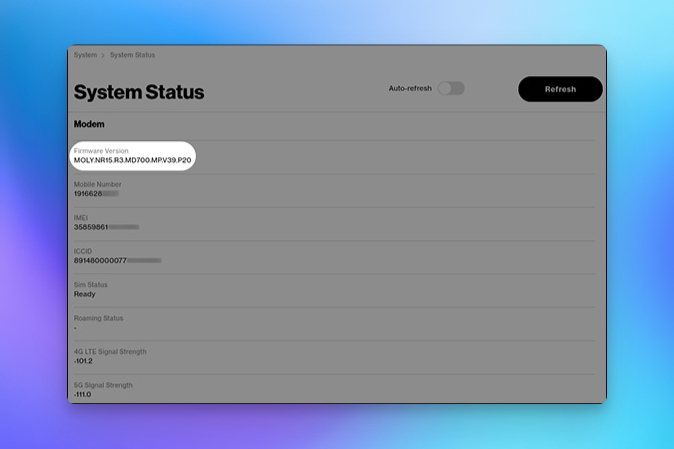
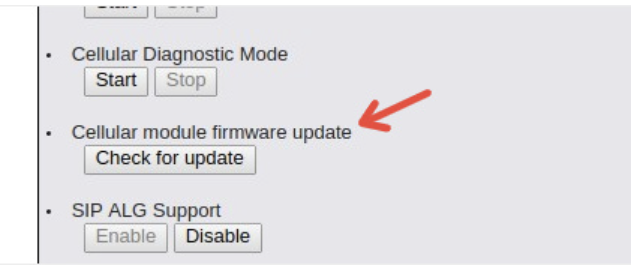
IMPORTANT: Cellular Firmware Update Recommended for Peplink -5GH ...
How do I update the firmware on my Verizon FiOS router? - YouTube
5 Ways to Fix Verizon Fios Router Lights: Red, White, Orange, Red
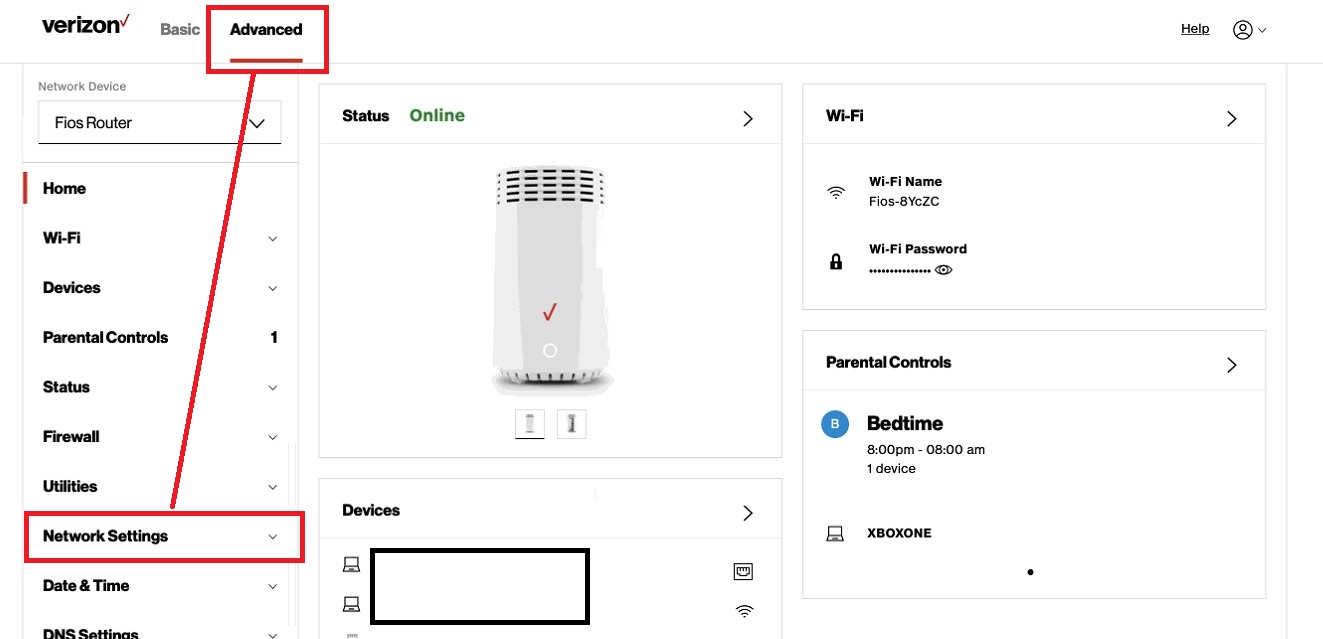
Procedure to Upgrade Verizon FiOS Router and Configure Xbox ...
What Does Verizon Router Yellow Light Mean • DataFeature

Sometimes the fastest way to communicate is to share the picture itself, because pointing to a real example replaces a long and error-prone description.

What to Notice in Each Picture

Slow down and examine fewer images more carefully, noting the choices that give each example its character.

A closer look at one good image beats skimming twenty, so choose the closest matches and examine those thoroughly.

Pictures Explain Faster Than Words

Visual search exists because the human brain processes pictures instantly, a real example eliminates the gap between description and reality.

That is why a varied collection like this is so effective, so whatever brought you here, the images can carry you the rest of the way.

The Reference Is Here Whenever You Need It

Keep this gallery close for whenever the question resurfaces, since every revisit tends to surface details you missed.

Every return visit trains your judgment a little further, and each pass through the images adds to what you already know.