Feature Story

Verizon Fios Router Firmware Update Prompt Of Update Process with Tiffany Weber blog

Looking for Verizon Fios Router Firmware Update Prompt Of Update Process? Here It Is

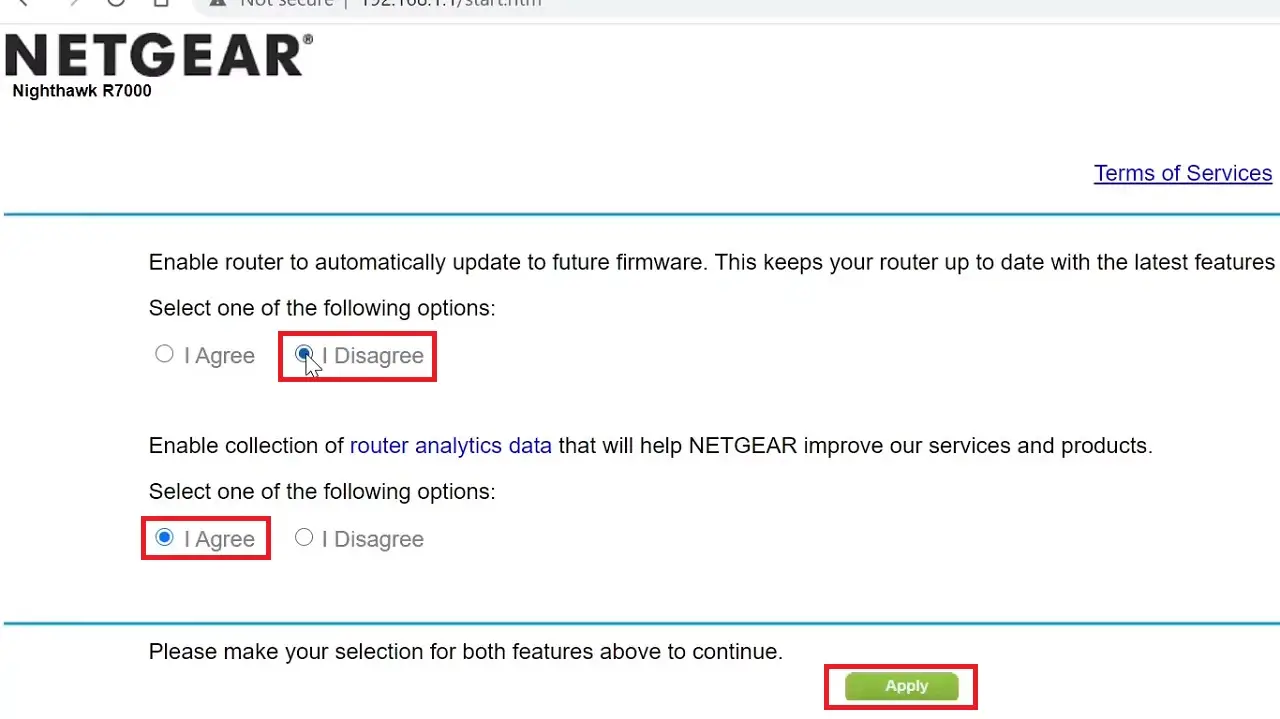
How To Update Router Firmware - YouTube

Since you are searching for Verizon Fios Router Firmware Update Prompt Of Update Process, this page was made for you, with a growing collection of example images collected as visual reference.
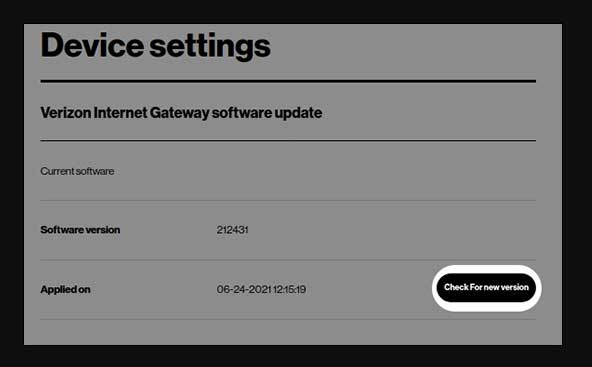
5 Ways to Fix Verizon Fios Router Lights: Red, White, Orange, Red

Text can only take your search so far, which is why browsing through the images is often the fastest way to understand it.

Real Picture Examples for Verizon Fios Router Firmware Update Prompt Of Update Process
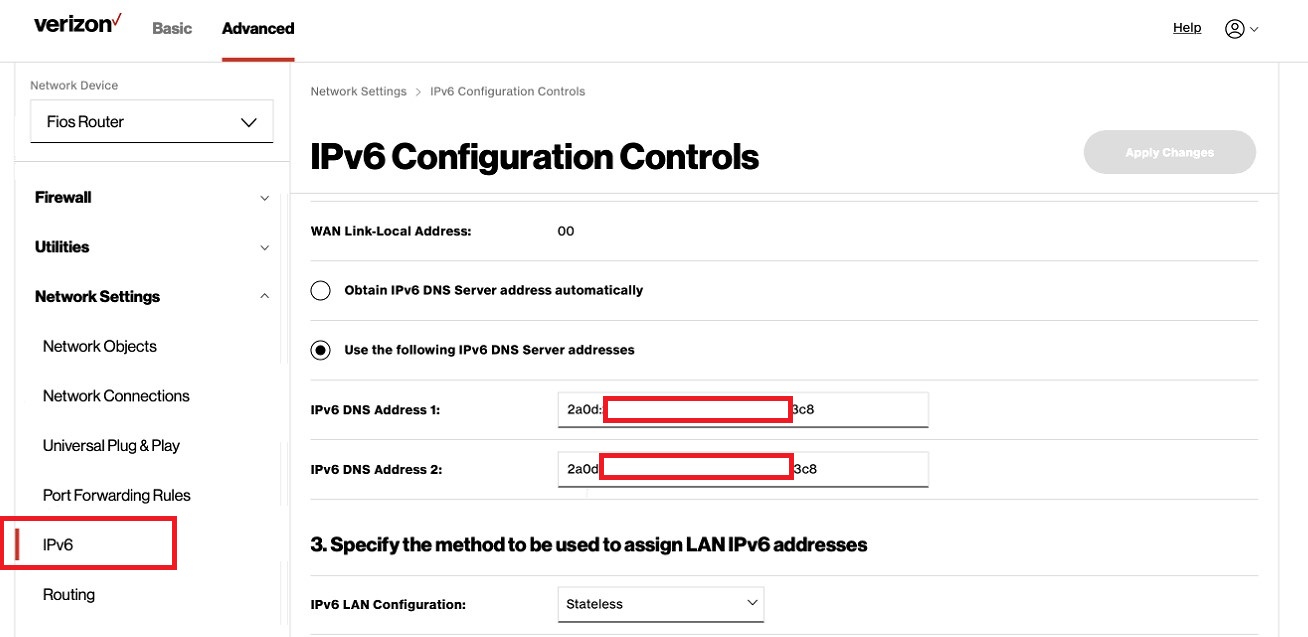
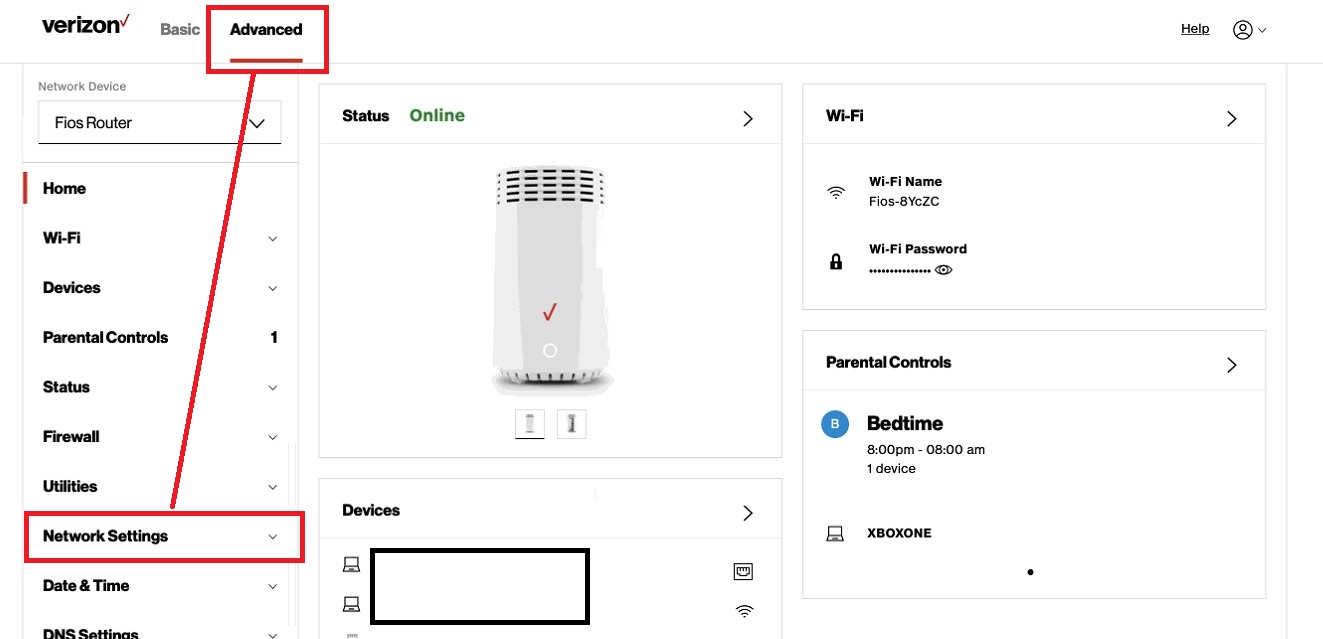
How To Upgrade Verizon Fios Router – SCOSZD

The images below show Verizon Fios Router Firmware Update Prompt Of Update Process in many different forms and settings, giving you a fuller picture than any single example could.

Scroll slowly and let each image register, and familiarity builds faster than you might expect.

How to automatically update the firmware of the Linksys Smart Wi-Fi ...

What These Pictures Explain

Each image works as a small explanation of its own, so you can recognize the qualities worth noticing.

Look at how the same subject changes from image to image, and these shared traits are your best guide.

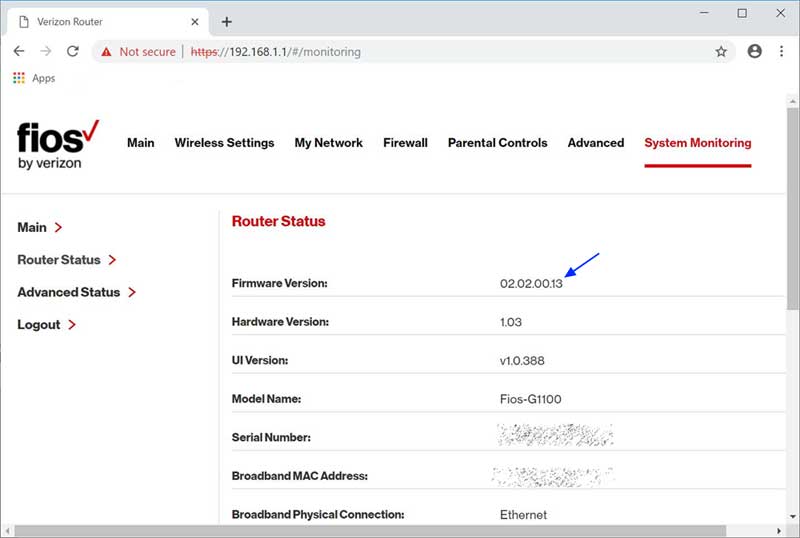
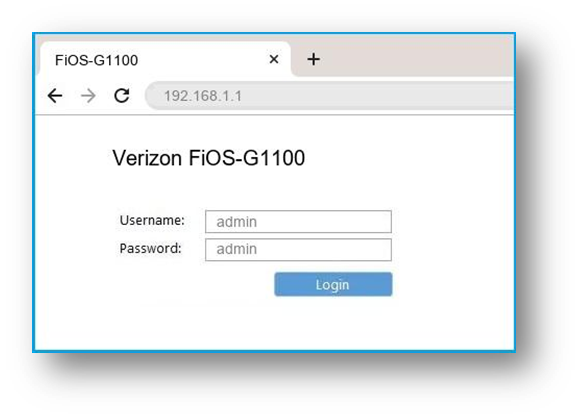
How to Update Firmware on Fios Router G1100 - TekDoze

Different Variations, Different Styles

There is a surprising range of styles and interpretations here, certain images favor a clean look while others go for something richer, which helps you quickly narrow down what you actually want.

Notice which image makes you stop scrolling, and it often matches what you will want in the end.

How to Update Router Firmware: Use These Simple Methods

How to Use These Examples for Reference

These images are meant to be used, not just viewed, like marking the images that match your idea.

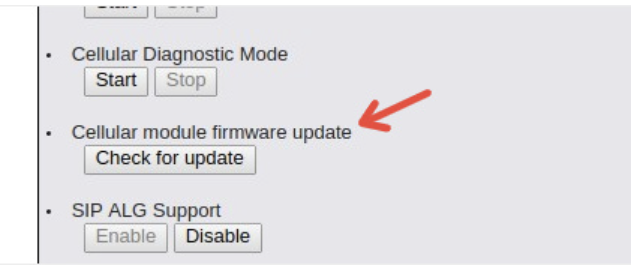
Verizon Fios Service Updates | Tim Peou - YouTube
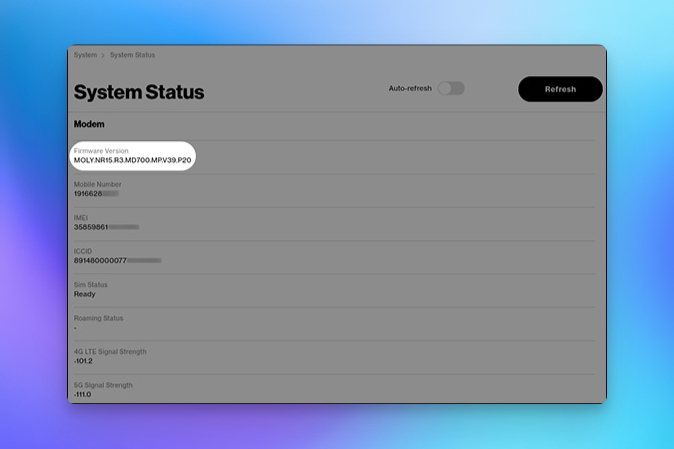
IMPORTANT: Cellular Firmware Update Recommended for Peplink -5GH ...
How To Fix Verizon Fios Router Blinking White – Firmware, Boot Loop ...
How To Reboot Verizon Fios Router - YouTube
How to Update Firmware on your Router? - Gizmos Zone
Verizon Fios Wifi Not Working? Find Out The Solution
How to Update Router Firmware: An Easy Step-by-Step Guide
Verizon Fixes Bugs Allowing Full Control of Fios Quantum Router
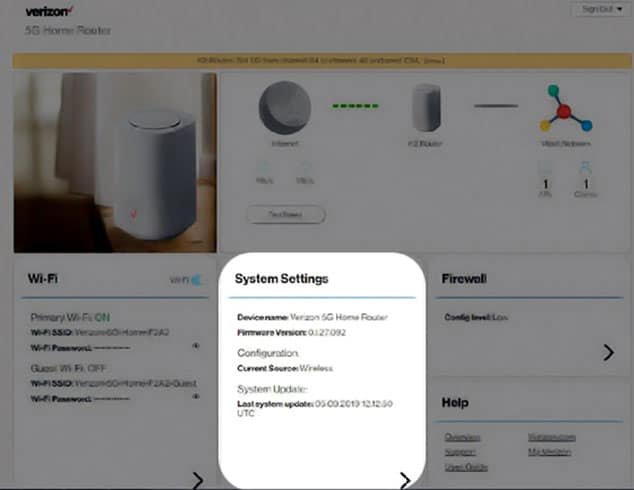
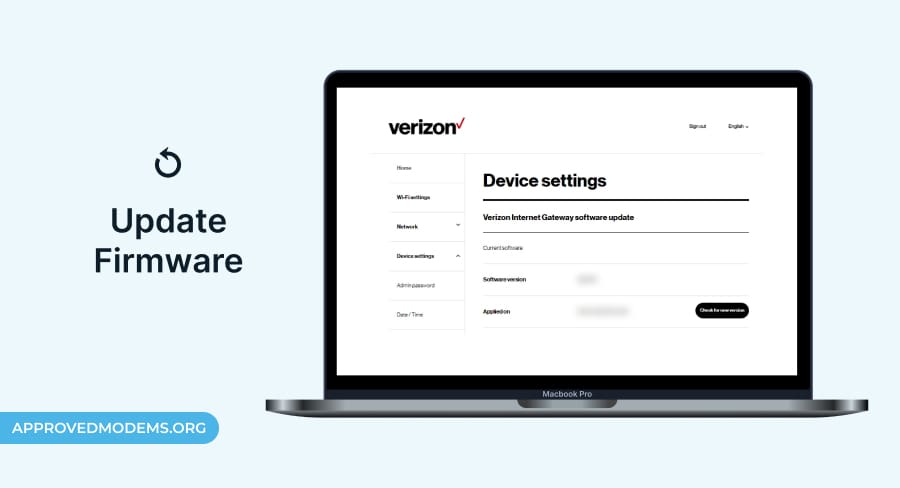
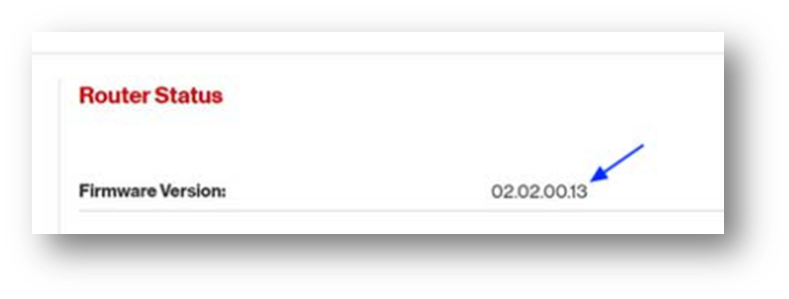
How to Check for Firmware Updates on Your Verizon FiOS Device? - DeviceMAG
How to Effortlessly Set Up Your Verizon Fios Router
How To Use Your Own Router With Verizon Fios
Procedure to Upgrade Verizon FiOS Router and Configure Xbox ...
How to Update Router Firmware: An Easy Step-by-Step Guide
How To Fix Verizon Router Blinking Red • DataFeature
How do I update the firmware on my Verizon FiOS router? - YouTube
How To Fix Verizon Router's Red Light Issue? [Easy Ways]
Fios G1100 Firmware
Fios G1100 Firmware
Verizon Router Blinking White: Causes and Solutions Guide
Verizon Online G2100 Fios-G2100 User Manual P1 P114 rev
Fios G1100 Firmware
Fios G1100 Firmware
What Does Verizon Router Yellow Light Mean • DataFeature
How To Upgrade Verizon Fios Router – SCOSZD
How to Update Router Firmware: An Easy Step-by-Step Guide
Verizon Releases Firmware System Update 3 for Inseego 8800L Mobile ...
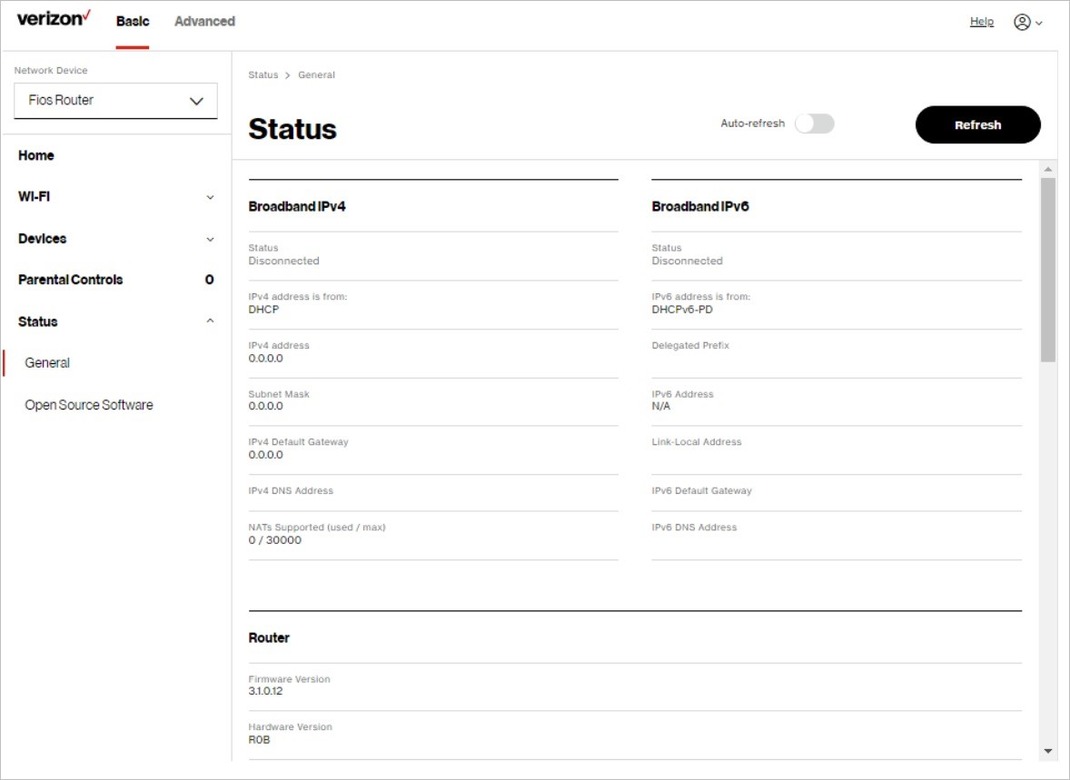
All Screenshots for the Verizon FiOS-G1100
How to Check for Firmware Updates on Your Verizon FiOS Device? - DeviceMAG
How to Reboot Verizon FiOS Router in Quick and Easy Steps
Router Firmware Update Issues | Verizon Fios Internet Troubleshooting ...
How to Update Router Firmware: An Easy Step-by-Step Guide

Pictures remove the guesswork from conversations, because pointing to a real example replaces a long and error-prone description.

Details Worth Zooming In On

Beyond the first impression, each image contains useful details, such as positioning, scale, material feel, and overall balance.

A closer look at one good image beats skimming twenty, and let a few carefully chosen references guide your direction.

Pictures Explain Faster Than Words

Our preference for images is not a trend, it is how understanding works, a picture removes interpretation and shows the thing itself.

That is the strength of having many examples side by side, be it ideas, verification, or simply knowing what to call it.

Keep Exploring the Collection

Keep this gallery close for whenever the question resurfaces, as your preferences may shift the second time you look.

Repeated exposure quietly builds real visual understanding, so treat every revisit as a chance to see something you skipped.